
In 2026, smartphone batteries are smarter, faster, and more durable than ever, but they're still not invincible. Whether you're using the latest iPhone 17 Pro Max or a flagship Android like the Galaxy S25 Ultra, your phone's lithium-ion battery still ages with every charge. The good news? With the right habits, you can dramatically extend its lifespan and keep your device running at peak efficiency for years.
Here's a deep dive into the best, science-backed ways to take care of your iPhone or Android battery. From cutting through outdated myths and focusing on what truly matters today, without further ado, read below to find out more.
1. Avoid Full Discharges, Stay Between 20% and 80%
Gone are the days when "fully draining" your battery was good for calibration. Modern lithium-ion and lithium-polymer batteries actually prefer partial charge cycles. You probably have heard this before, but keeping your charge between 20% and 80% reduces stress on battery cells and prevents long-term degradation.
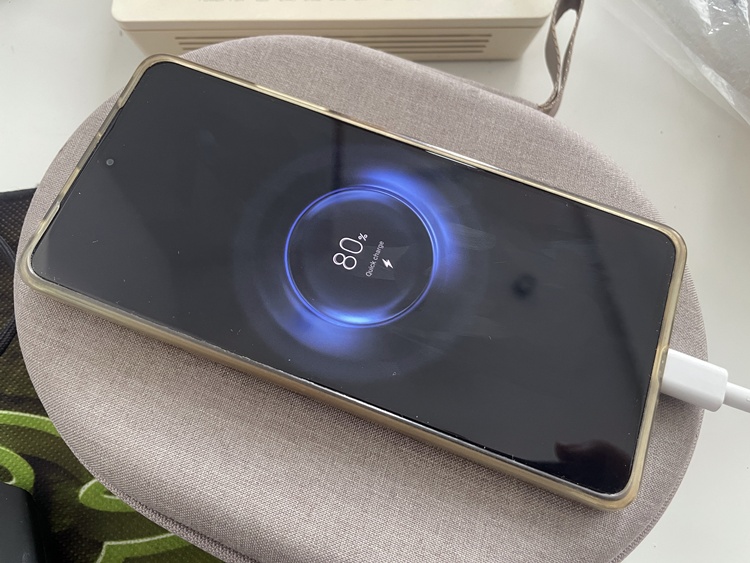
You don't need to keep charging it fully
Thankfully, many phones now help with this automatically. Apple's Optimised Battery Charging and Samsung's Battery Protect stop charging at 80% when you plug in overnight. You need to turn on these features in the Settings. Then you can leave them active, and they will slow down battery ageing intelligently.
2. Use Certified Fast Chargers, But Don't Always Fast Charge
Fast charging is convenient, but it generates more heat, which can age your battery faster. By 2026, most phones manage heat more efficiently, but constant exposure still adds up. If you're charging overnight or at your desk, use a slower charger (like a 10W or 15W adapter). Reserve fast charging for times you actually need a quick top-up.
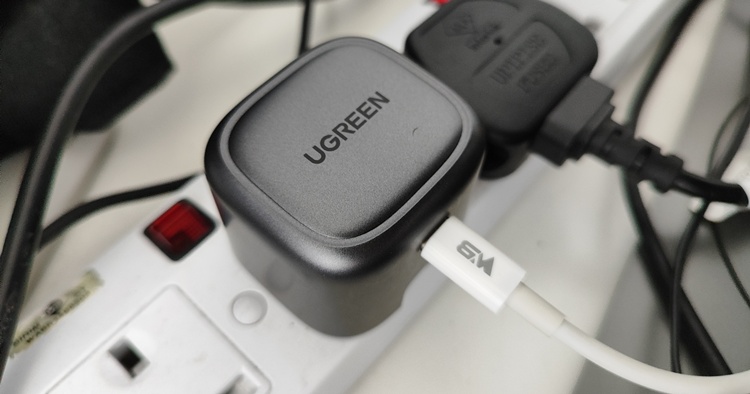
Always get well-known third-party brands
Avoid cheap cables or adapters. Always stick with MFi-certified (for iPhones) or reputable USB-IF certified chargers. Counterfeit accessories can cause unstable voltage or even damage your device's charging circuitry, so don't think that simply buying any unknown brand Type-C charger is fine just because it's cheaper. It's also safer to buy original charging cables.
3. Keep It Cool, Heat Is Still the Silent Killer
Even with better thermal management, heat remains a battery's enemy number one. Excess heat accelerates chemical ageing inside your battery cells. That said, avoid leaving your phone:
- On a car dashboard under the sun
- On wireless chargers overnight (especially in hot rooms)
- In tight pockets during long gaming or 4K recording sessions
Many of the situations mentioned above have already resulted in phone batteries exploding or catching fire. If your phone feels hot, give it a break and let it cool down first. Performance throttling is a safety measure, not an annoyance.
4. Overnight Charging Isn't Bad, If Smart Charging Is On
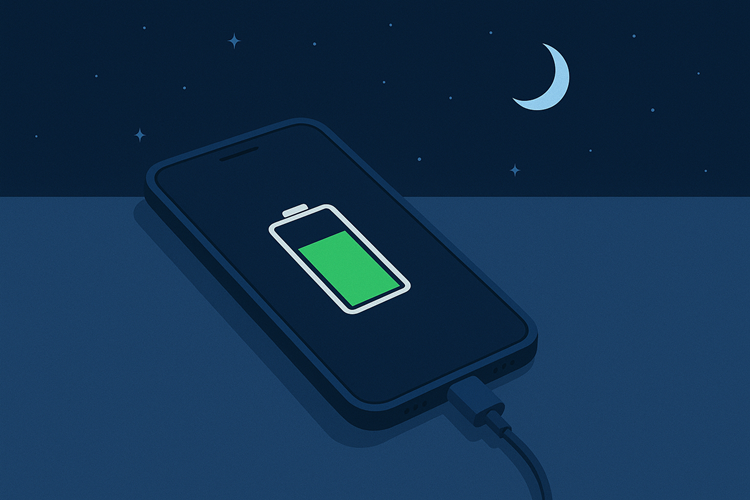
There is a popular common myth that is still floating around: That overnight charging "kills your battery." Not anymore! We have come a long way, and the tech has improved tremendously.
For your information, both iOS and Android have adaptive algorithms that pause charging at around 80% and resume right before you wake up, minimising voltage stress. Just make sure the phone is in a well-ventilated area while charging overnight, and not under your pillow or blanket.
5. Don't Obsess Over 100% Health Readings
Battery health readings (like iPhone's "Battery Health & Charging" or Android's "Device Care") are useful, but not gospel. A battery at 90% health can still perform nearly as well as one at 100%.
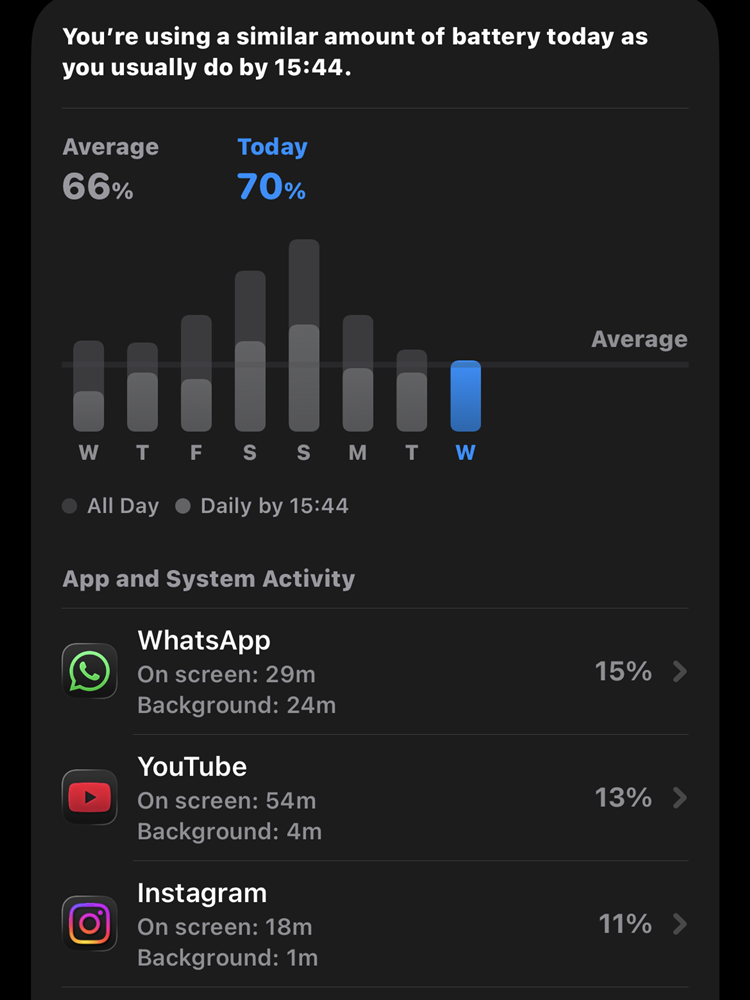
Don't get too obsessed with the battery health readings
What you should do is focus on real-world endurance, such as how long your phone lasts through the day, rather than chasing perfect percentages. If your phone drops below 80% capacity and it's affecting usage, then you may have to consider getting a replacement battery.
6. Use Adaptive Power Modes
Both Android and iOS have refined adaptive power features. Maybe some of you don't really believe in it, but Apple's Low Power Mode and Android's Adaptive Battery learn your usage habits to limit background drain and reduce CPU load when necessary. Keeping these on can make a real difference, especially on older devices.
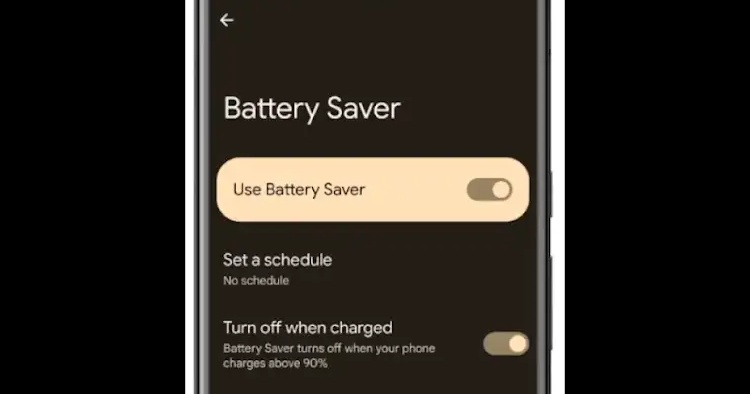
Battery saver or Low Power mode (iPhone) is more useful than you think
7. Keep Software Updated

Always make sure your phone's software is up to date
Battery efficiency is increasingly managed by software, not just hardware. Apple and Google regularly push updates that improve background task handling and charging logic. Skipping updates can mean missing out on better battery optimisation, so it's always best to stay current.
Final Thoughts: Smart Habits, Smarter Batteries
Battery care is less about strict rituals and more about balance and awareness. To recap, today's iPhones and Androids are built to protect themselves, but your daily habits still matter. Keep it cool, avoid extremes, and trust the built-in smart charging systems.
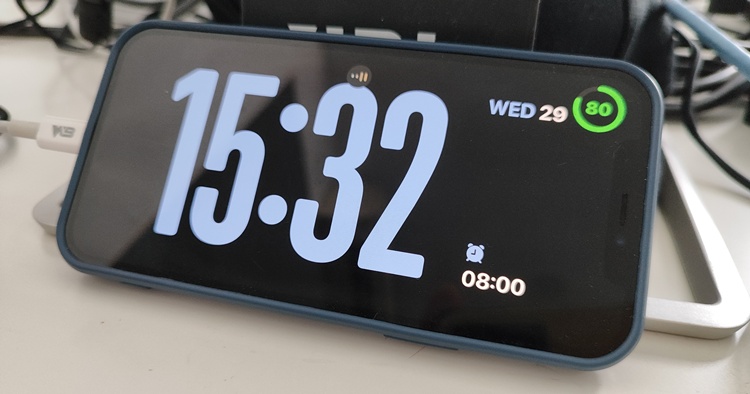
Charge smartly
A phone that's treated well won't just last longer, it'll feel faster, run cooler, and stay more reliable well into its third or even fourth year. Treat it with care, and it'll return the favour. Stay tuned for more tech articles like this, only at TechNave.com.



COMMENTS