
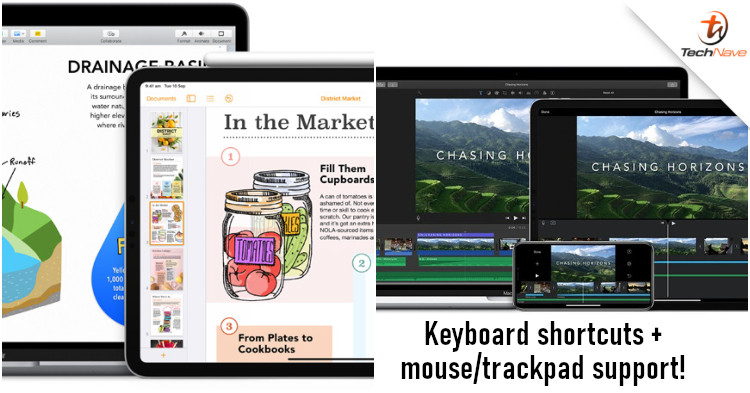
If you use iWork and iMovie a lot, you should be able to appreciate the latest changes to the apps. As you may know, Apple added the support for mouse, trackpad, and Magic Keyboard recently. But it's not just general usage that is now supported as productivity apps for both iOS and iPadOS will have extra functionalities.
Now that Apple has support for pointers on its smaller devices, the obvious thing to do is move on improving the apps on iOS and iPadOS. In particular, iWork now supports the use of a mouse and keyboard across its various apps. This includes keyboard shortcuts for PNG, BMP, GIF and TIFF images. For example, you'll be able to use a keyboard and mouse with Numbers, which should make spreadsheets easier to work with.
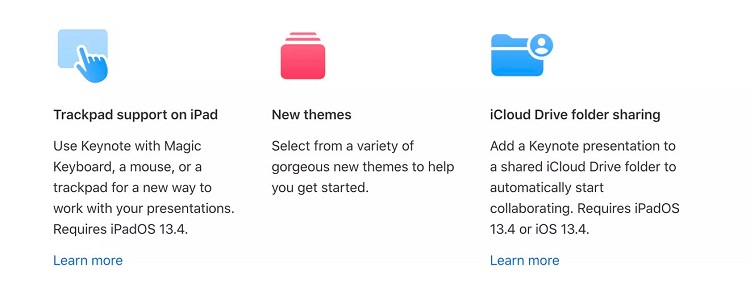
As for iMovie, you will now have shortcuts for five inspector modes of Action, Speed adjustments, Volume, Tiles, and Filters. According to the app page, you would also have keyboard shortcuts to quickly rotate a video 90-degrees clockwise or anti-clockwise. There were other new features not related to the use of a mouse and keyboard as well, such as a 'Download All' button for downloading all soundtracks in one go.
For sure, access to keyboard shortcuts, as well as mice and trackpads will make life easier when using productivity apps. Having said that, have you been able to experience the changes for yourself? Let us know how it's going for you on our Facebook page and stay tuned to TechNave.com for more news.



COMMENTS