
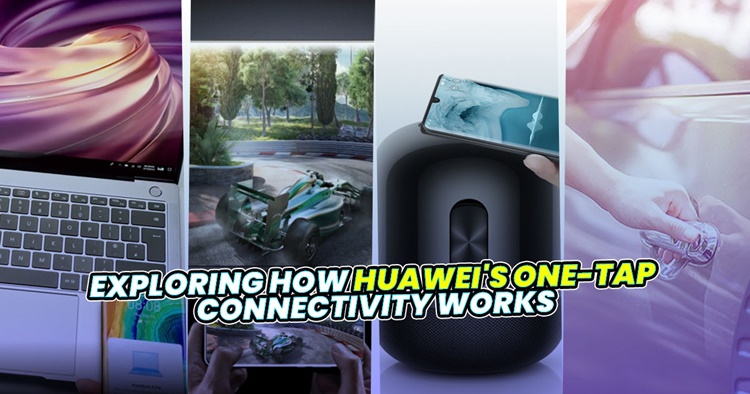
As our lives get more digital by the day, it doesn't take a rocket scientist to see that we are relying more on devices for work, play and socialising. It can be for transferring files between our phones and computer (which can be a hassle sometimes) or trying to connect multiple devices at one go. Also, it's not uncommon to misplace our car keys somewhere in the house as well. But what does this have to do with Huawei's One Tap Connectivity?
Well, as we rely upon more devices, some brands have integrated an ecosystem that connects all their devices together seamlessly. In Huawei's case, they have just started their Huawei Together 2020 campaign with Huawei Share technology that allows consumers to live the smart life in any scenario. From the office to home or when you're on-the-go, the One-Tap feature helps you in transferring files, audio sharing, network connection, and screen projection. So in this article, we will be exploring how Huawei's One-Tap Connectivity works.
Multi-Screen Collaboration
When it comes to transferring media files between your phone and a computer, we believe that most are probably still using a cable for that. There's totally nothing wrong with that, but what if you're on a trip or travelling? Now that could be a problem, but the Huawei Share feature can solve it seamlessly.
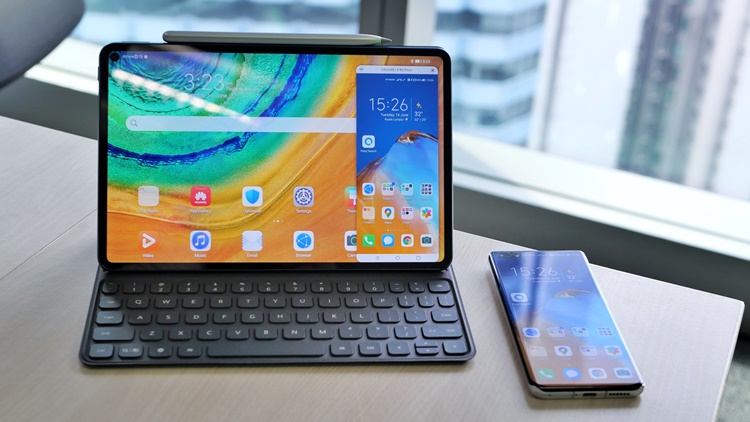
MultiScreen Collaboration
Designed for Huawei devices, Huawei Share uses the NFC on your Huawei smartphone to let you "tap" on a Huawei Matebook's Share tag on the lower right corner of the keyboard to connect instantly. For your information, as long as your smartphone is running on EMUI version 10.0 (or later), Multi-Screen Collaboration is always ready. Besides transferring media files, it also enables the laptop's keyboard and mouse to serve as the phone's extra "peripheral" tool.
For example, with a single tap, messages can be transferred across devices. Your phone interface will also be displayed on the laptop screen panel, so with that, you can just drag a document from your phone to your PC with the mouse to edit it on the spot (only supported in EMUI 10.1 and later versions).
One-Tap Audio Sharing and Network Connection
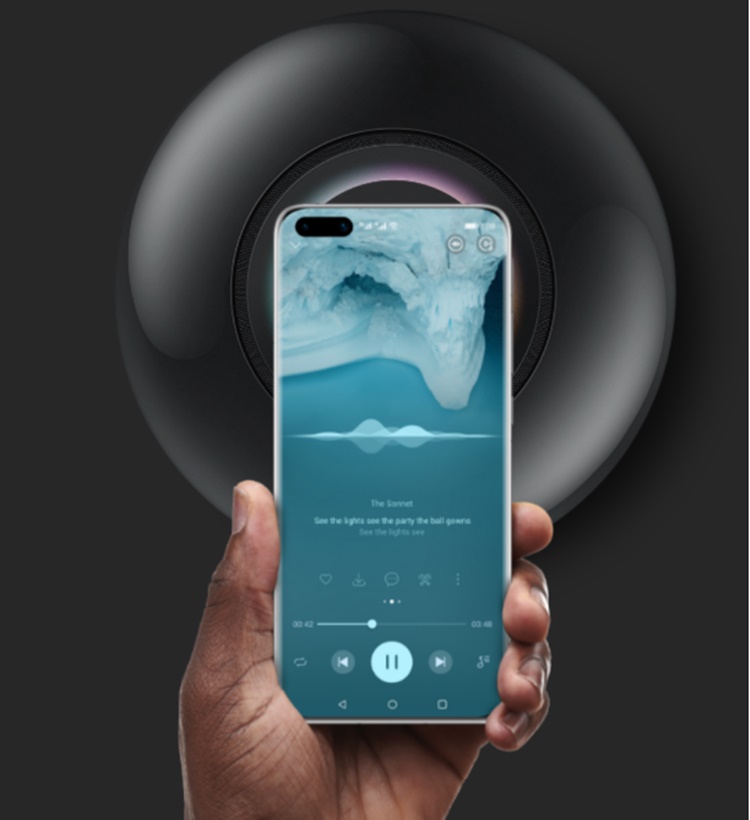
Huawei Share your songs on Huawei Music with the Sound X speaker
If you happen to have a Huawei Sound X speaker with you, you can also use your Huawei phone to "tap" on the device and the two will sync up instantaneously. Called One-Tap Audio Sharing, the Sound X speaker will play your song right away from where you last stopped. If you don't want to use your phone to pause the song, just use your hands to cover the top of the speaker and it will stop. It's that convenient.
If you have friends coming over and want to get connected to your WiFi, they can also use the One-Tap Network Connection to connect without you sharing the password at all. Similarly to other Huawei devices, all they have to do is tap their phones on the NFC area on the lower right corner of the Huawei WiFi AX3 router and they are all good to go. It's also worth mentioning that they can tap their phones on the remote control to project their phone onto a Huawei Vision TV but it's not available in Malaysia yet.
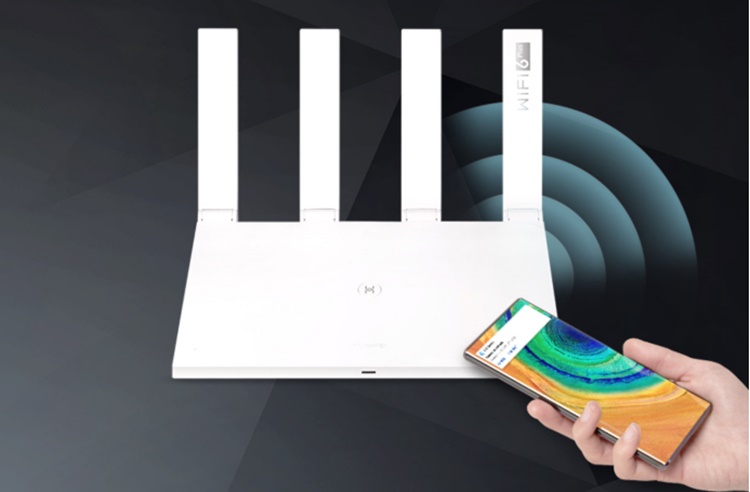
Connect instantly to a Huawei WiFi AX3 router
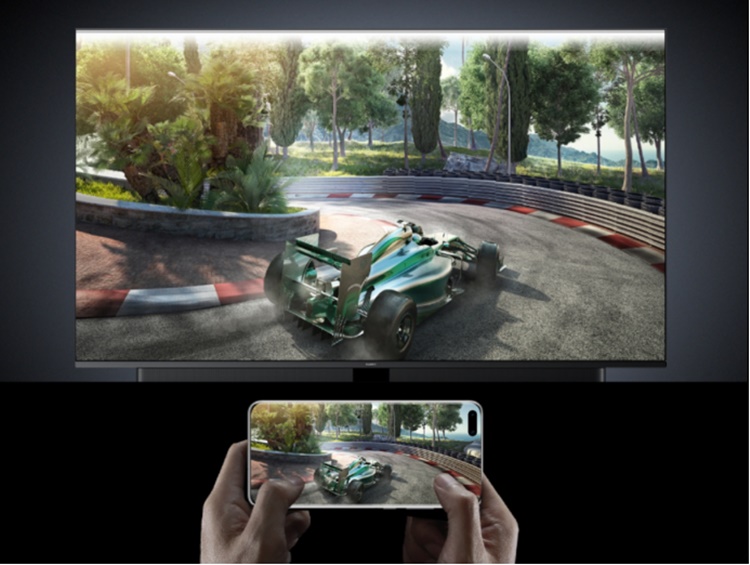
Huawei Share on the big screen
Use Huawei Share on your car

Unlock with NFC
Finally, you can also unlock your car with your phone! With Huawei Share, you can unlock it by getting close or even from afar. This is definitely convenience on another level but take note that it's not widely available yet. At the moment, only the Audi A4 to A8, Q8, and e-tron are compatible.
Honourable Mention - Petal Search
Before we end, there's also Petal Search on the Huawei smartphones and it's a new search engine. Its role is to help you search content, news, as well as apps that have yet to be added to the AppGallery. With that said, Petal Search will direct you to third-party app stores to download the app you are looking for.
To start using Petal Search, all you have to do is add the Petal Search widget on the phone's homepage and you can start searching for your favourite apps, then download and install them. The feature will display the most relevant results according to your search, by highlighting what you can download from the Huawei AppGallery, install via an official link, utilise the web version, or install from a third-party store.
All these interesting Huawei Share features are just the beginning for Huawei. The company will continue to provide more attractive functions and features with various advanced technologies to facilitate their consumers' lives. For more information on other products about the Huawei ecosystem that can potentially change your lifestyle, you can visit the HUAWEI Together 2020 website. Who knows, your life could also become easier with Just One Tap Connectivity via Huawei Share.




COMMENTS