
Google Cloud recently launched Gemini CLI, a new open-source AI command-line interface tool aimed at developers who prefer working inside their terminal. Available now in preview, Gemini CLI is free to use with a personal Google account and offers access to Gemini 2.5 Pro with up to 1,000 model requests per day.
A Gemini AI Command Line Interface
For many developers, the terminal or command line interface remains the go-to workspace for coding and automation. With Gemini CLI, Google is integrating generative AI capabilities directly into this environment. Once installed, users can access a local Gemini agent that supports a wide range of features beyond just writing code.
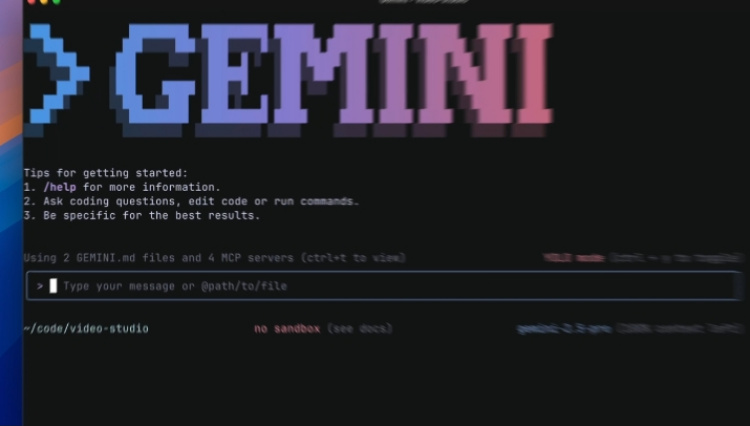
Gemini CLI supports tasks like file operations, debugging, automation, and even content generation using natural language prompts. Integrated with Google’s Gemini Code Assist it offers a generous free usage limit—up to 60 requests per minute and 1,000 per day.
Users who require more control or are running production-level projects can also use Google AI Studio or Vertex AI with usage-based billing. Alternatively, Standard and Enterprise subscriptions for Gemini Code Assist are available for organisations that need more robust deployment options.
Gemini CLI Features at a Glance:
- Free to use with a personal Google account (includes access to Gemini 2.5 Pro)
- Up to 60 model requests per minute and 1,000 requests per day
- Fully open source (Apache 2.0 license)
- Integrated with Gemini Code Assist for seamless use across terminal and VS Code
- Support for natural language coding, debugging, and task automation
- Ability to run scripts non-interactively with Gemini responses
- Uses Model Context Protocol (MCP) for extensions and advanced prompts
- Custom instructions via GEMINI.md for personal or team settings
- Search grounding with Google Search for real-time web data
- Designed to be secure, extensible, and personalisable
Would you switch to an AI-powered CLI for coding and research? Let us know what you think in the comments below and stay tuned to TechNave.com






COMMENTS