
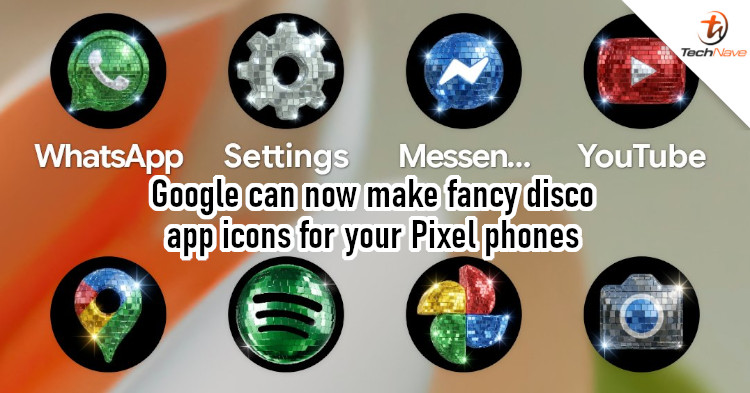
Many users treat their phones like fashion accessories. They add phone cases, optional accessories, and even spruce up the user interface. In the third category, you can add wallpapers or change the icons. For Google, disco-style icons seemed to be a good idea.
Disco Demolition Night
Last week, Google's Sameer Samat started playing around with the idea of disco icons for Android phones. At a glance, this post could have been a random joke by Google's President of Android Ecosystem. After all, it was post-Google I/O 2026, and Google's developers must still be in party mode. However, Samat later confirmed that disco icons were now available on Pixel devices.
Your wish is our command. Disco icons available on Pixel as of today.
— Sameer Samat (@ssamat) May 22, 2026
... Are y'all sure you still want this ?? @DurvidImel @RaceJohnson https://t.co/S9dwLZRtHl pic.twitter.com/nvevL7fTSb
Interestingly, the topic first came up when Race Johnson, co-founder of the AI photo editor app Pixly, made disco icons for several popular apps. This caught Samat's attention and led to the subsequent tweet of the new disco icons for Pixel phones. According to Artem Russakovskil (Founder of Android Police), the new icon pack is actually a new preset in the Pixel Launcher. It essentially generates different icon styles based on selected themes using AI.
To create this particular disco version:
- Long-press on your home screen to access the Pixel Launcher
- Go to "Wallpaper & style"
- Select Icons, followed by the Create option
- Select the disco style and voila!
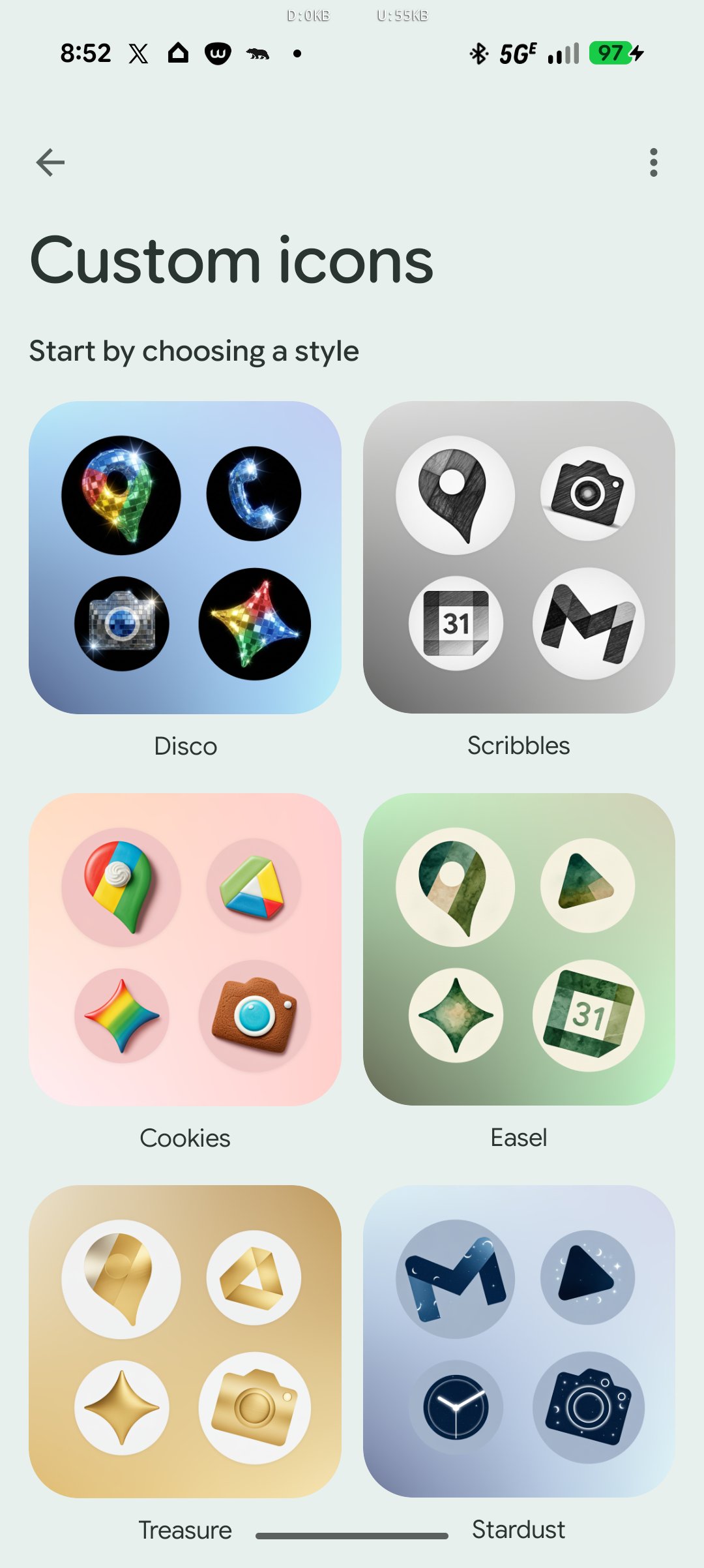
The disco bling aesthetic might not be what the modern clubbing scene prefers, but folks born in the late 70s to 80s will likely appreciate the nostalgic look. How about you? Do let us know what app icon styles you use in the comments below. And as usual, stay tuned to TechNave for more news like this.

COMMENTS