
The Gemini roll-out continues as Google recently and officially announced Gemini in Chrome for Malaysia. Located in the top right corner under “Ask Gemini”, this opens up the Gemini Prompt window on the right of the currently opened tab. This allows it to read the information on Chrome and works across tabs.
Just like the Gemini app but from inside the browser
Features and functions work more or less the same as other Gemini prompts, such as using it to plan trips based on the open tabs, summarizing videos which are in the browser windows and so forth. It is currently rolling out to Chrome on desktop and iOS, as Gemini is already technically available on Android devices by engaging Gemini Live (long press on the power button).
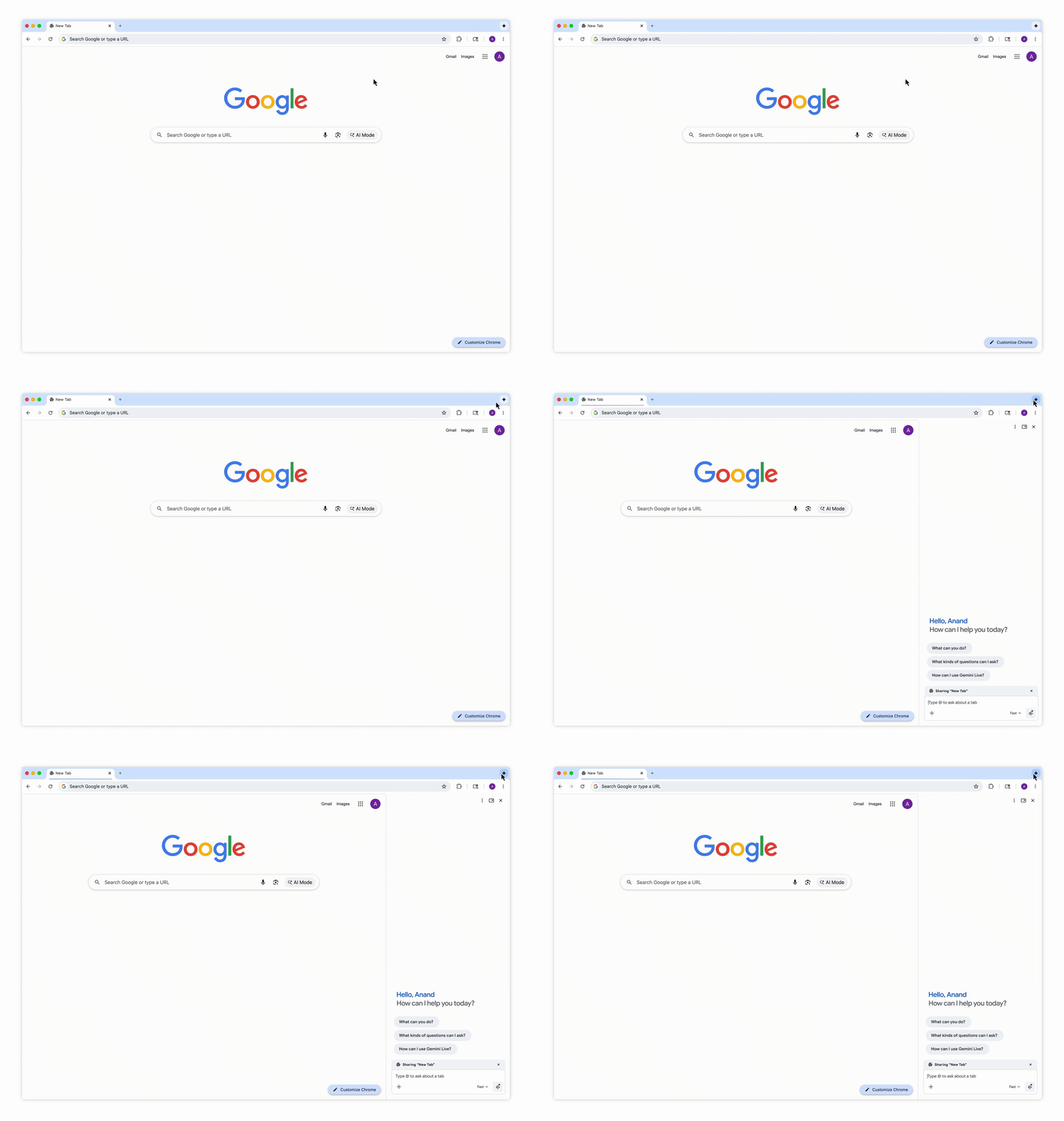
Nano Banana image generation also works from the Gemini prompt side window in the Chrome browser. Gemini also works with your workspace such as Gmail, Maps, Calendar, YouTube and more. To us, it seems more like a way for PC and iOS users to access Gemini, but what do you think? If you had Gemini in your browser, would you still use CoPilot or ChatGPT? Share your thoughts in the comments below and stay tuned to TechNave.com




COMMENTS