
Recently, Google integrated Gemini directly into Chrome. With this Gemini in Chrome feature, you can access Gemini directly from the web browser without having to open a dedicated tab like they do now. So, what should you know about it?
A more unified and direct support
For your information, Gemini can provide a summary of the content of a website or YouTube video right from a mini window. Gemini can also make recommendations based on all the tabs open in Chrome. For example, you might be searching for a vacation spot, Gemini will provide recommendations and recommendations based on the tabs open and the instructions given.
Moreover, Gemini's AI agent feature can also make purchases on behalf of the user based on the prompts given. It can also automatically change words if it detects that they have leaked onto the web. A process that used to take a few minutes can now be done automatically with the press of a Gemini button.
What’s more?
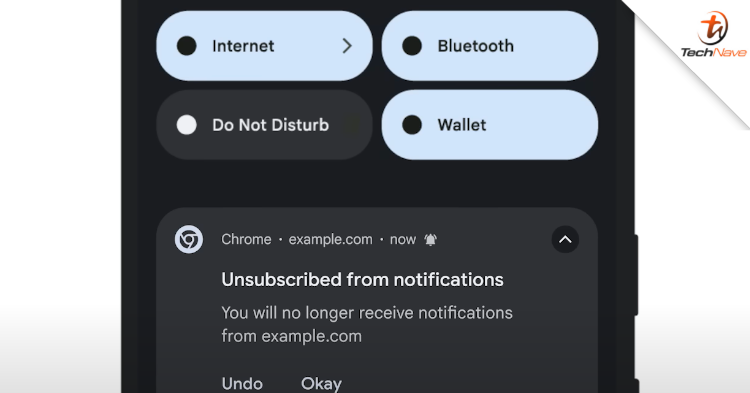
Additionally, AI Mode can also be accessed directly from the Chrome search box. At the same time, Gemini in Chrome can also help find previously visited sites. Finally, it can detect and block malicious websites, scams, unnecessary site notifications and block access that should not be granted.
Notably, Gemini in Chrome is enabled for desktop Chrome users in the United States who set the browser to English only at this time, before it will be expanded to other countries.
Did this news catch your attention? Stay tuned for more news like this at TechNave!



COMMENTS