
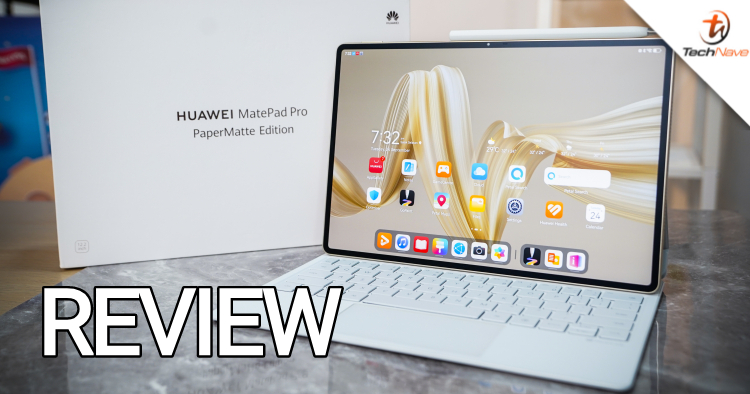
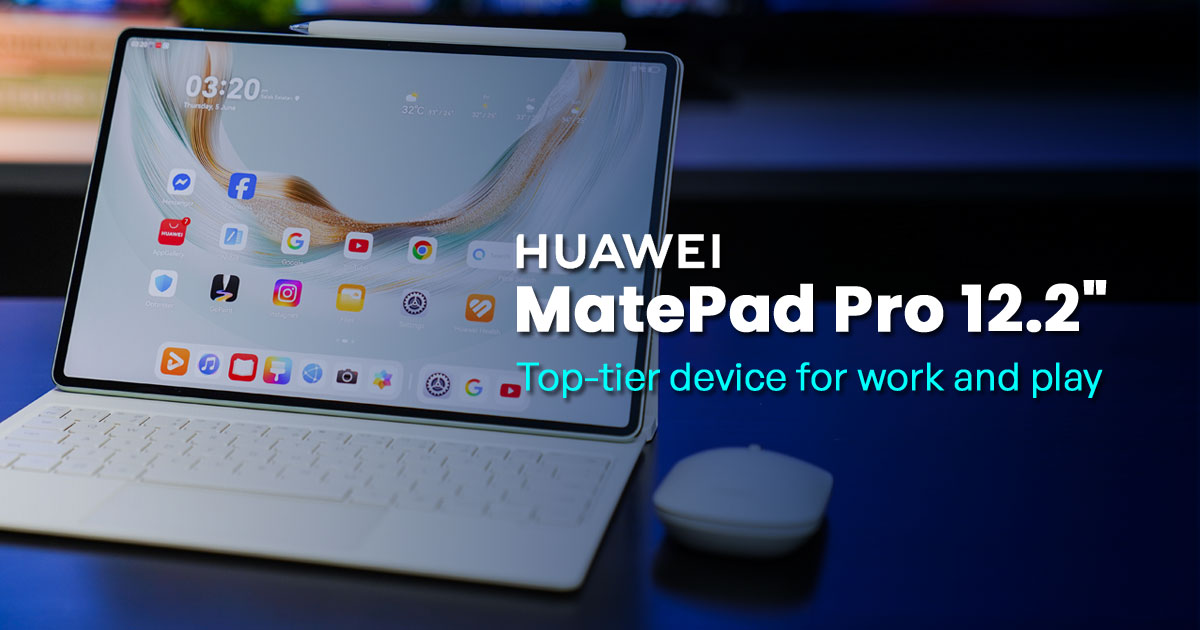
As more and more powerful tablets have been announced, many users looking to replace their laptops with lighter and more portable devices are looking towards tablets. One such tablet aimed squarely at premium users is the Huawei MatePad Pro 12.2-inch.
Priced for RM4599, the Huawei MatePad Pro 12.2-inch features a 12.2-inch Tandem OLED PaperMatte display that not only guarantees reduced glare and reflection but also seems to be very fingerprint resistant. How does it fare as a laptop replacement device? Read on and find out in our review.
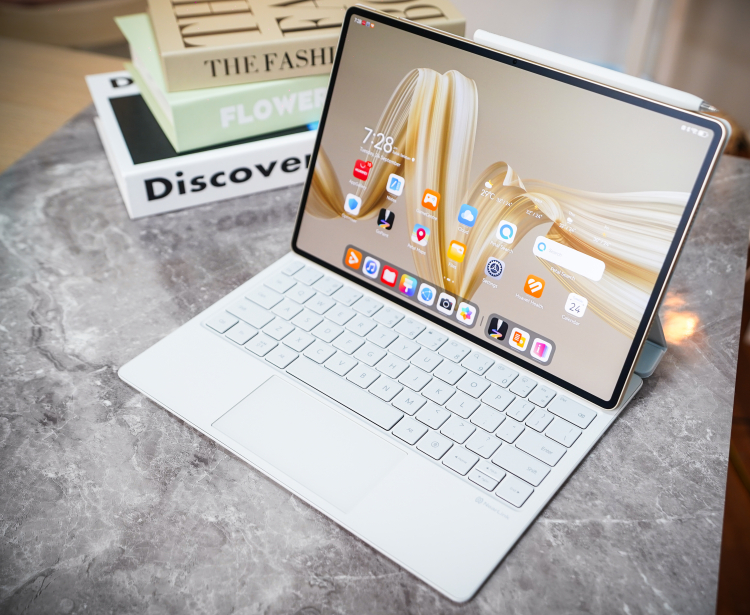
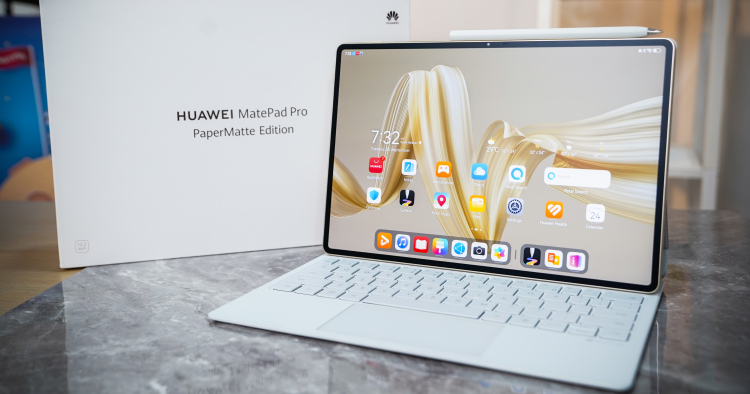
The Huawei MatePad Pro 12.2 comes with a Glide Keyboard and M Pencil (3rd Gen) stylus for now
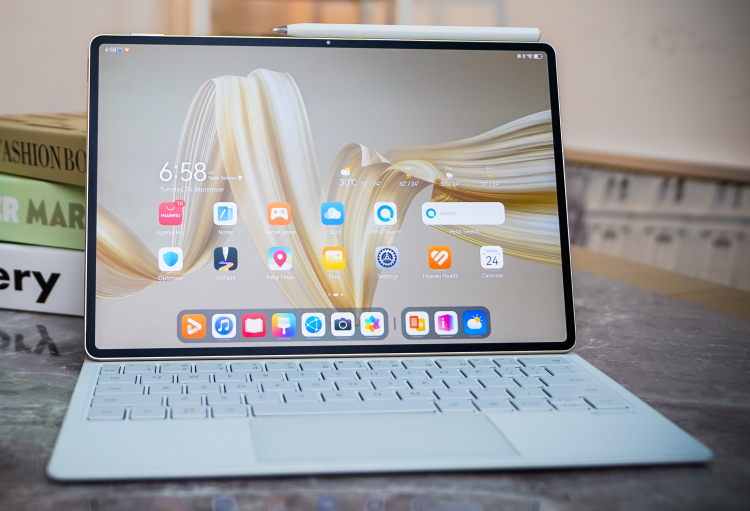
The M Pencil (3rd Gen) stylus actually charges wirelessly there
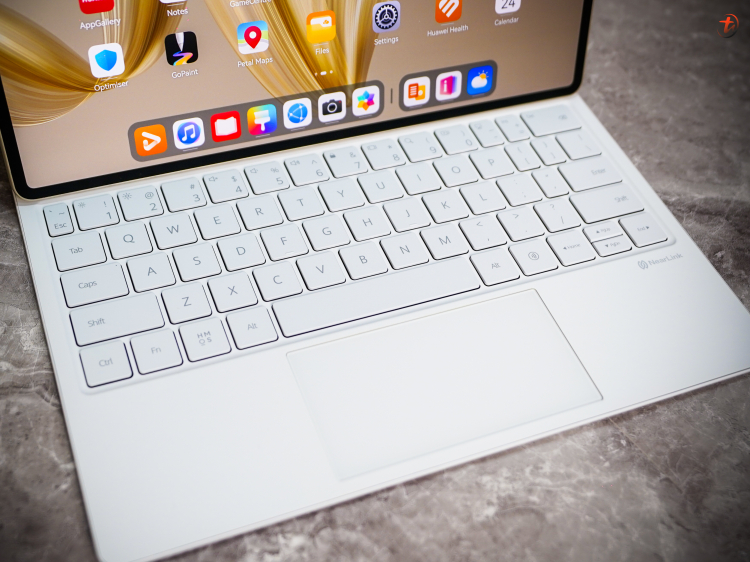
The Glide Keyboard has responsive yet quiet chiclet keys complete with a touchpad
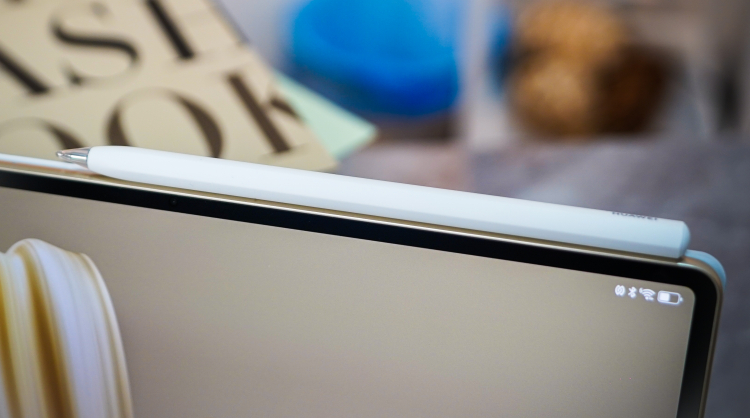
The M Pencil (3rd Gen) supports more than 10000 pressure sensitivity levels
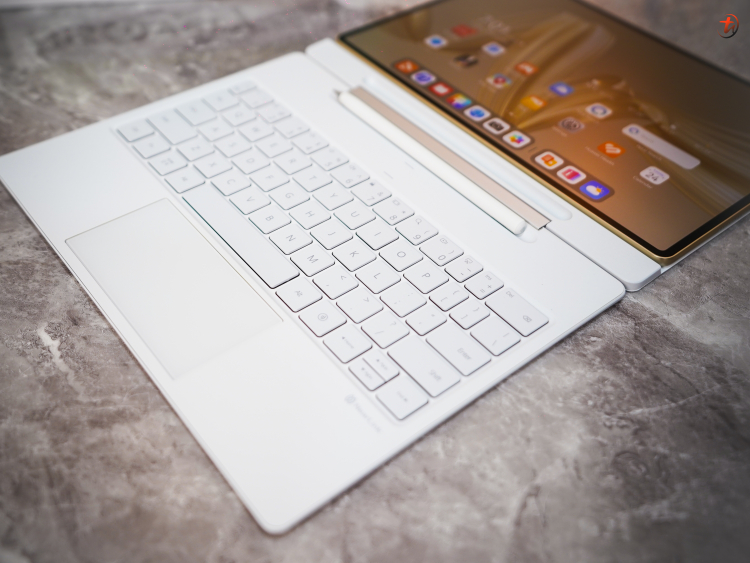
What sets the Huawei Glide Keyboard apart is the hinge which allows for a secure laptop mode complete with a compartment for the M Pencil stylus
With the Huawei Glide Keyboard, the tablet remains very thin and portable. The hinge's design also lets you adjust the screen angle securely as well. The rounded square chiclet keys are quiet yet responsive, and there's also an M Pencil (3rd Gen) stylus compartment and touchpad with a Nearlink area for easy transfers.
The keyboard doesn't appear to require any pogo pin connections. But there are very strong magnets keeping it in place, which sort of explains the 420g weight of the keyboard. It's also one of the main reasons why we couldn't open the tablet one-handed.
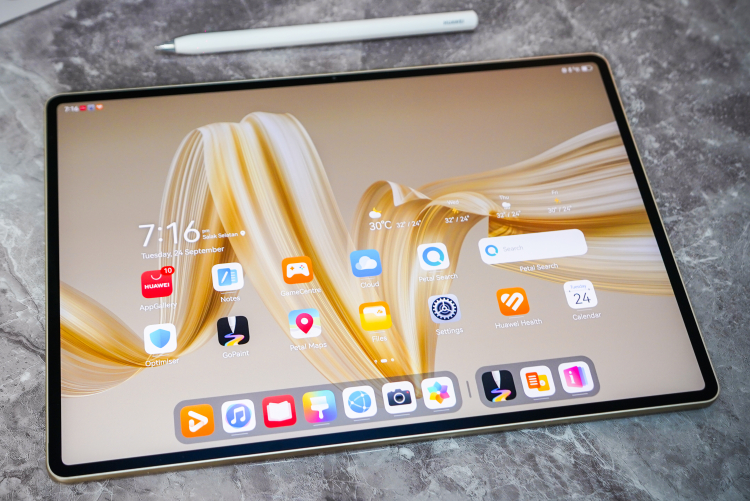
The 12.2-inch Tandem OLED PaperMatte display is matte and therefore fingerprint proof with super thin bezels and a 16MP front camera
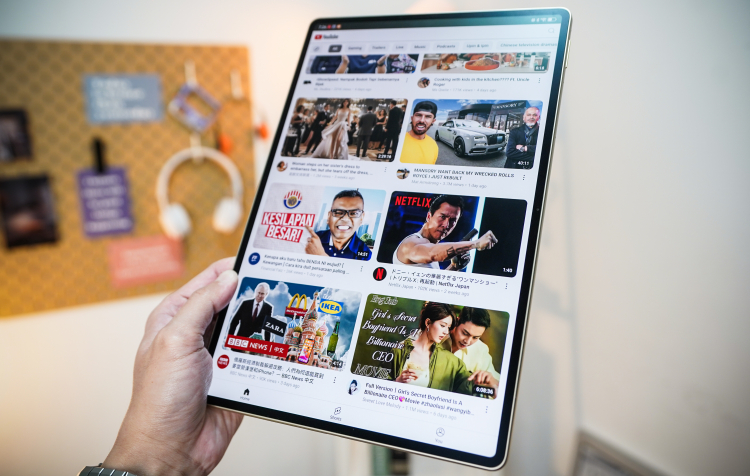
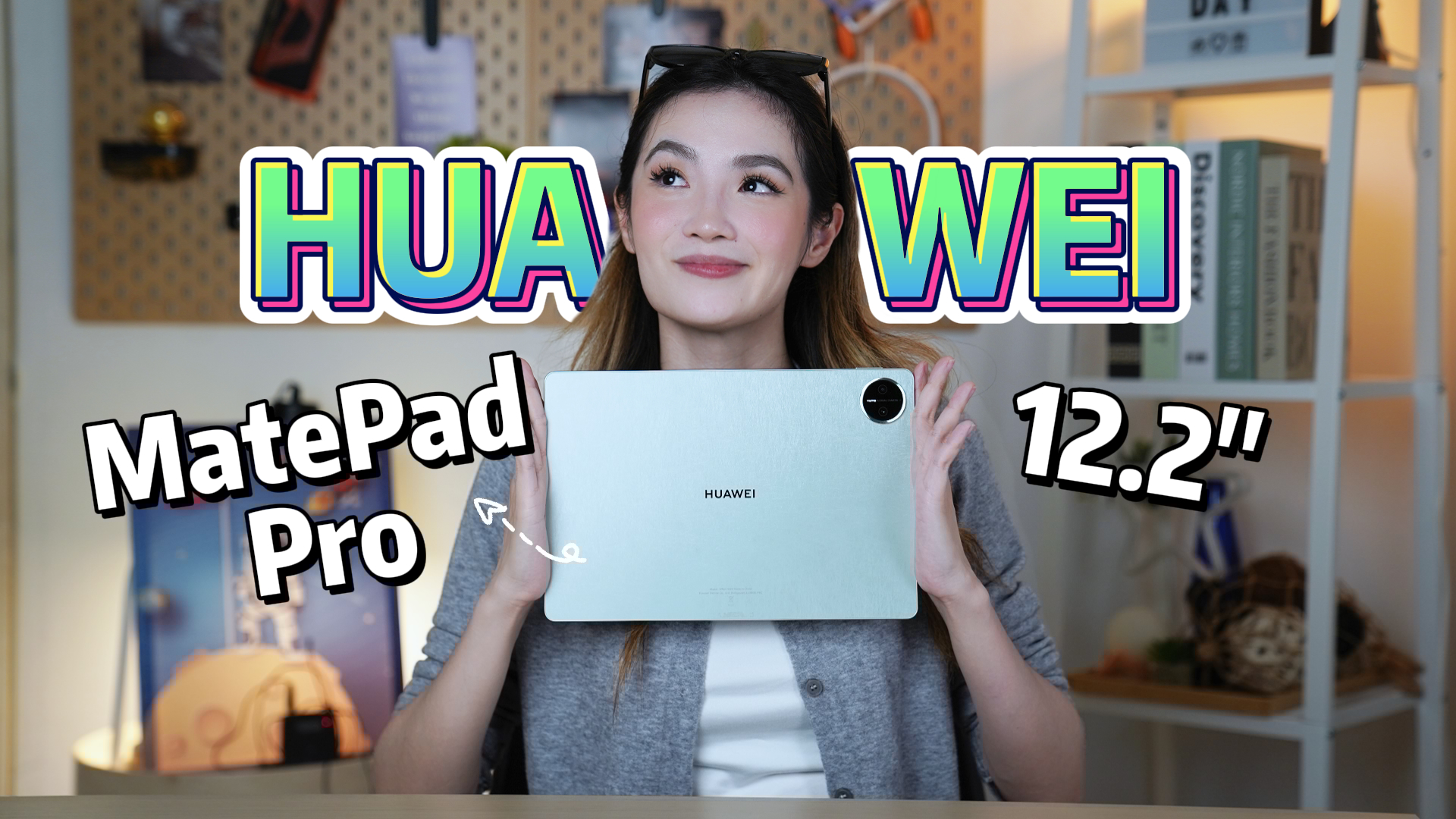
At 508g, the Huawei MatePad Pro 12.2 is relatively light for it's size
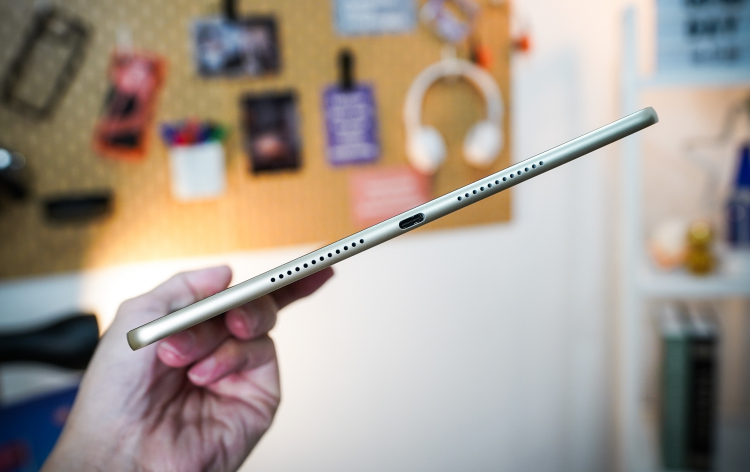
The rounded metal chassis feels tough yet premium but is only 5.5mm thin
The Huawei MatePad Pro 12.2 tablet itself looks very premium with a 5.5mm thin chassis, slightly rounded metal sides, rounded corners and gold highlights. On the back, there's a slightly raised camera hump for the 13MP + 8MP dual rear cameras and the tablet itself is quite light at just 508g.
Asides from the camera hump, the whole back panel is covered by a shimmery Golden Silk pattern that is matte, so it doesn't leave fingerprints. A Huawei logo is in the centre, while the surface both looks and feels premium to the touch. On the front, the bezels are super thin, but somehow Huawei managed to put in a landscape 16MP front camera with no notch at all.
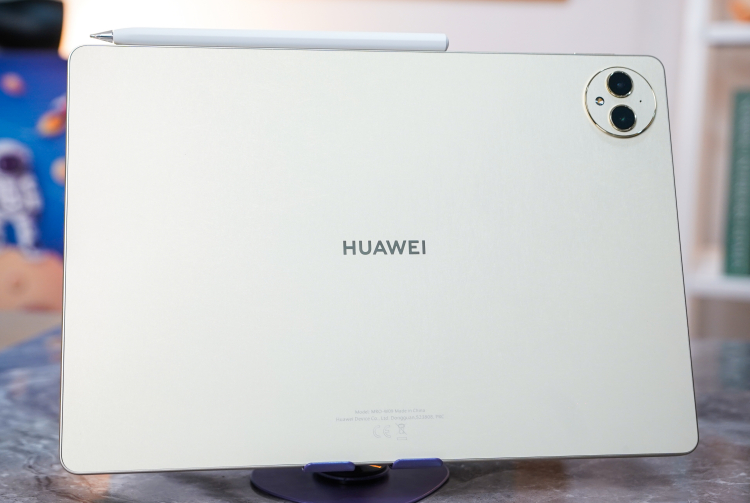
You might not see it here but the back has a Golden Silk pattern that is also matte and therefore anti-fingerprint
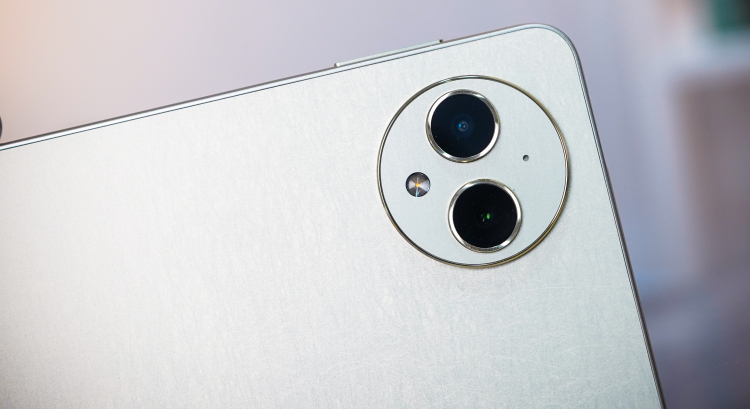
There's a slight camera hump for the 13MP + 8MP dual rear cameras
The 12.2-inch Tandem OLED PaperMatte display remains the highlight of the tablet with a screen that is both non-reflective and more or less fingerprint-proof. In addition, it offers up to 2800 x1840 pixels (2K) resolution and a 144Hz refresh rate. It can also reach up to 2000 nits brightness, so you can use it in direct sunlight with no issues.
On the top and bottom of the tablet are four speakers, which are seriously loud and clear. On max volume, you can expect them to fill the room and then some, while the 4 microphones easily pick up voice as well. On the side of the tablet, there's the power and integrated fingerprint sensor, along with the volume rocker and the single USB Type-C port.
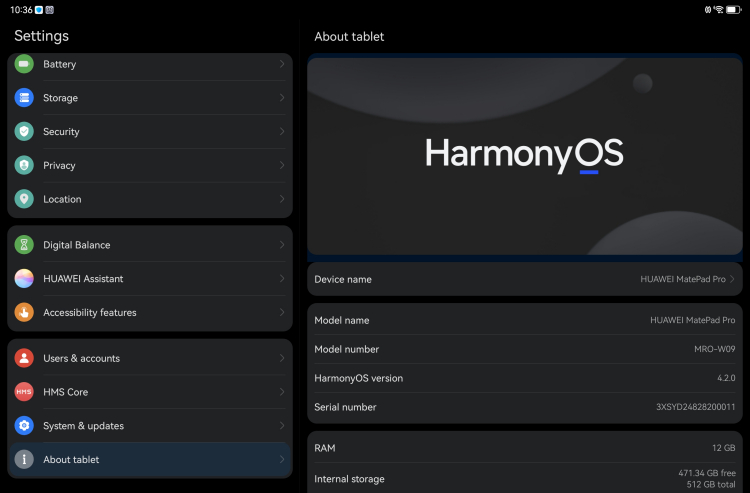
The tablet is powered by HarmonyOS 4.2
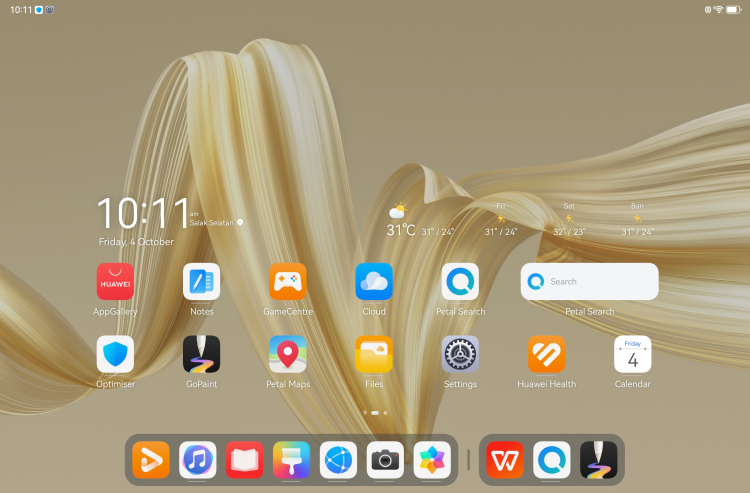
The HarmonyOS UI feels like a cross between iOS and Android
Turning on the tablet, you'll find that the Huawei MatePad Pro 12.2 is powered by HarmonyOS 4.2, which has a mixture of Apple iOS and Android-like interface UI. If you're used to swipes and gestures, then it should be quite intuitive. Also, the menus are clear and classy. It does work better with Huawei devices with features like Super Device and so forth though.
Like most other Huawei devices, there are a lot of bloatware suggestion shortcuts that you can delete but have to do so individually. However, there are also some fairly useful apps like the Huawei Notepad (which we used to write this review), GoPaint, WPS Office and Petal Search.
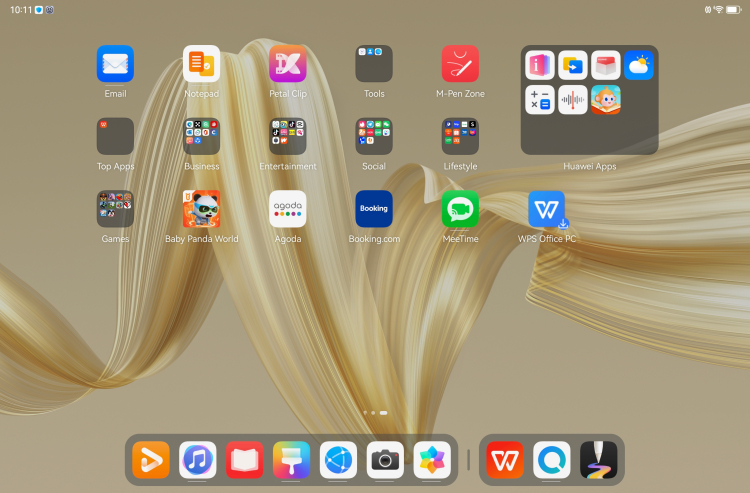
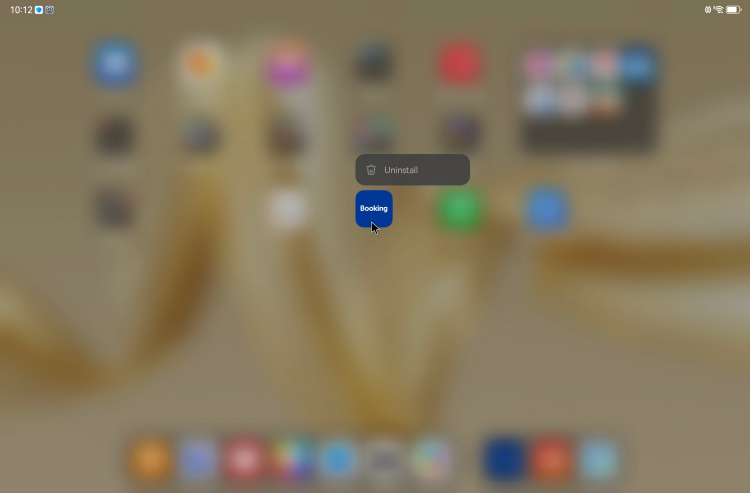
While there's a lot of extra app suggestions (bloatware) you can uninstall or delete most of them
Again, as usual with Huawei products, there's no Google Play store. But the Huawei AppGallery usually has what you need as well. If it doesn't, it will redirect you to trusted APK portals like APKPure.
One other Huawei app worthy of mention is the GoPaint app, which works with the M Pencil (3rd Gen) stylus that came with the tablet for review. The M Pencil (3rd Gen) can support over 10000 pressure sensing levels and works well for both sketching and handwriting. The M Pencil (3rd Gen) stylus was really smooth and responsive and should be appreciated by most artists.

Our artist really liked the Huawei M Pencil (3rd Gen) with Huawei's own GoPaint app
AI features for the Huawei MatePad Pro 12.2 mostly center around the Huawei Assistant Celia. Due to time limitations, we didn't get to try everything. But the AI Touch does bring up whatever you're touching and holding with 2 fingers in a search (usually for how much it costs). There's also a smart remove function built into the photos gallery app.
Performance-wise, the Huawei MatePad Pro 12.2's Kirin 9000s chipset is fast and responsive with a zippy and smooth interface. We experienced virtually no lags, but the autocorrect can get a little irritating. Battery performance is excellent and can easily last almost 3 days on a single charge. Charging is also fast, going from 20% to 100% in just 40 minutes, thanks to the bundled 100W GAN charger.
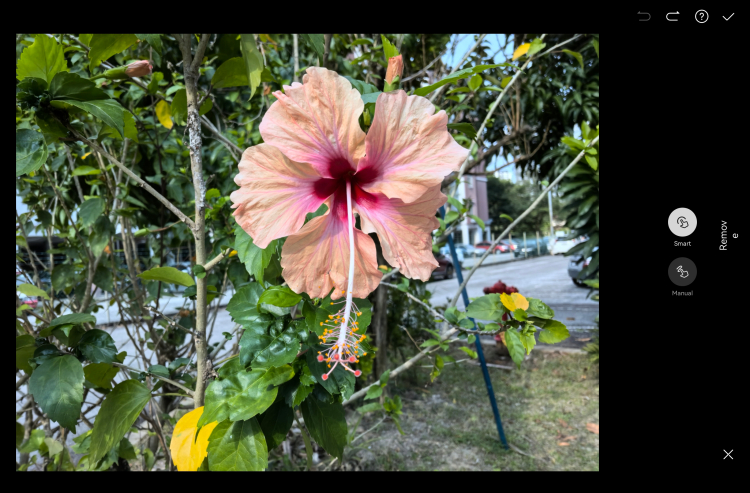
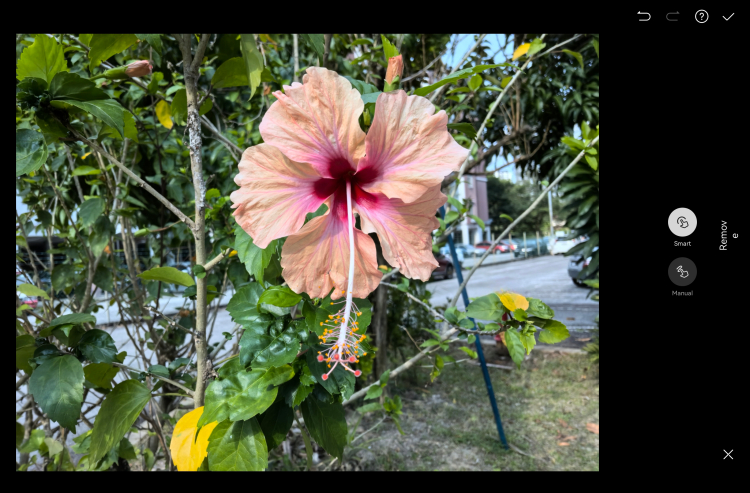
The AI based smart remove easily gets rid of unwanted objects in the photo. Can you guess what we removed?
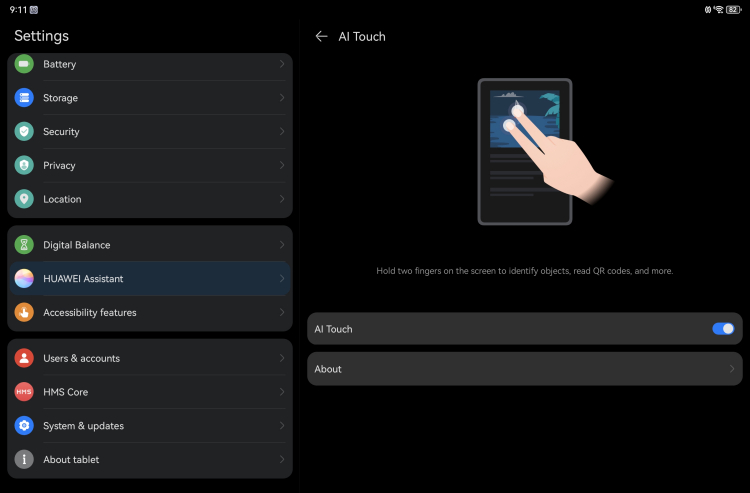
A bit like Circle-to-Search, AI Touch searches when you touch and hold 2 fingers to the screen
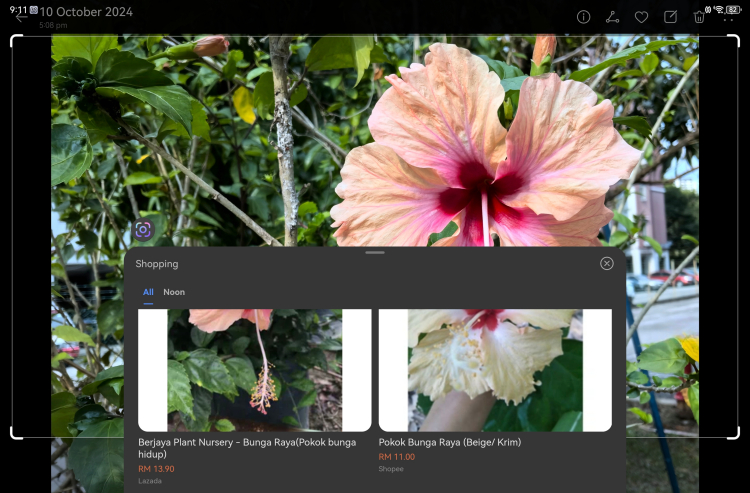
But usually the results are about where to buy them
Watching movies on the Huawei MatePad Pro 12.2 is very satisfying, especially if you're in a location where you can turn on the speakers full blast. The colours on the screen were vibrant and the details were crystal clear.
While we wouldn't recommend using a tablet for taking photos, the 13MP + 8MP dual rear cameras on the Huawei MatePad Pro 12.2 are quite capable. Photos had a lot of detail with vibrant colours. But even though it does have 10x zoom, it's digital zoom so zoom shots can get rather pixelated.
The rear cameras should be able to handle most document shots with ease though. But, as usual with such tablet cameras, they don't do well in low-light conditions, as photos end up having a good deal of noise without enough light. The 16MP front camera, on the other hand, works surprisingly well, so it should be able to handle most online meetings with no real issues.
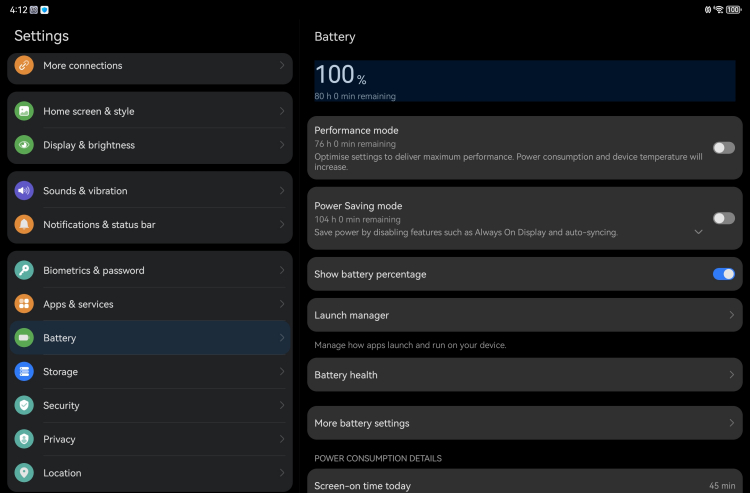
Battery life for the Huawei MatePad Pro 12.2 is easily 3 days and a bit more on normal usage
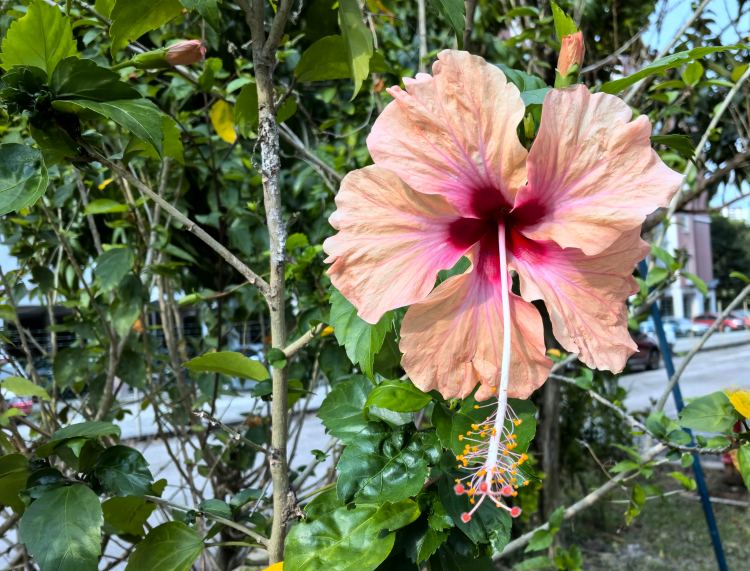
The dual rear cameras are clearly capable enough for daytime photography

With enough patience and steady hands, you can capture pretty detailed shots

The 16MP front camera captures selfies just fine
Overall, the Huawei MatePad Pro 12.2 is an excellent premium tablet if you're looking for a portable yet powerful laptop replacement device. While you may have to learn the nuances of the HarmonyOS 4.2 interface, you would have to do the same if you wanted to pick up an Android tablet instead. The HarmonyOS 4.2 interface is mostly intuitive and gesture-based, so it shouldn't take too long to pick up.
We really enjoyed the fact that you have almost all you need to do work right out of the box, thanks to the various useful Huawei apps like Huawei Notepad and GoPaint. The apps themselves were also pretty polished and you can even delete most extra app suggestions if you want. However, I would have liked it more if I could turn off the autocorrect a bit easier.
While the price tag is a bit high at RM4599, it does come with a whole bunch of freebies like the Huawei Glide Keyboard, which would normally be RM899 and the M Pencil (3rd Gen), normally sold separately for RM699. There's also a free Huawei mouse and Huawei Sound Joy speaker. But we expect these freebies to be limited both in stock and only available for a certain period, so if you're interested, it's best not to wait too long.
Other premium tablet contenders in this price range include the Samsung Galaxy Tab S10+ for the same price range and similar features, but Huawei's MatePad tablets tend to offer longer battery life. The Huawei MatePad Pro 12.2 is also ideal if you're already heavily invested in a Huawei ecosystem (Huawei phone, Huawei Smart TV, etc.). But it should work fine with other devices as well.
What do you think? Would you be interested in the Huawei MatePad Pro 12.2? Let us know in the comments below and stay tuned to TechNave.com for more tech news and reviews.
Tech specs and features
Here are the tech specs and features for the Huawei MatePad Pro 12.2 tablet:
- Kirin 9000S (7nm) chipset
- 12GB RAM + 256GB / 512GB storage
- 12.2-inch Tandem OLED PaperMatte display(144Hz, 2800 x1840 pixel resolution, 274 ppi, 1.07 billion colours, Probably wide colour gamut, 2000 nits brightness, 2000000:1 contrast ratio)
- 13MP (f/1.8, AF) + 8MP (wide-angle, f/2.2, FF) dual rear cameras | 16MP front camera
- 182.53mm x 271.25 mm x 5.5mm | 508g
- 10100 mAh battery (Huawei SuperCharge up to 20 V/5A, dual cell 5050 mAh battery)
- Supports 2.4Ghz, 5Ghz WiFi, Bluetooth 5.2, Nearlink, 1x USB 3.1 Gen 1 USB Type-C Port,
- Features: Fingerprint sensor, 4x microphones, 4x Huawei Sound speakers, 1x Huawei Glide Keyboard, 1x Huawei SuperCharge Adaptor, 1x USB Type-C Cable, Huawei M Pencil 3rd Gen (over 10,000 pressure sensing levels)
- Available in Premium Gold
- HarmonyOS 4.2
Pros and Cons
Pros: Portable, Premium build, Plenty of features, Long battery life, fast charging, Fingerprint-proof
Cons: Pricey and Huawei AppGallery-centric, irritating autocorrect
Summary: A long-lasting premium tablet to replace your laptop for the Huawei fan



COMMENTS