

Maybank is now implementing a new security process to reset the MAE app PIN, aimed at better protecting user accounts. This process involves both individual users and sole proprietors. So, what should you know about it?
You will only have 48 hours for verification
For your information, if a user needs to reset their PIN, their identity must be verified either by scanning their MyKad or passport and taking a selfie via the MAE app. Alternatively, users can generate a temporary M2U PIN at any Maybank ATM and use it within 48 hours to complete the verification in the app.
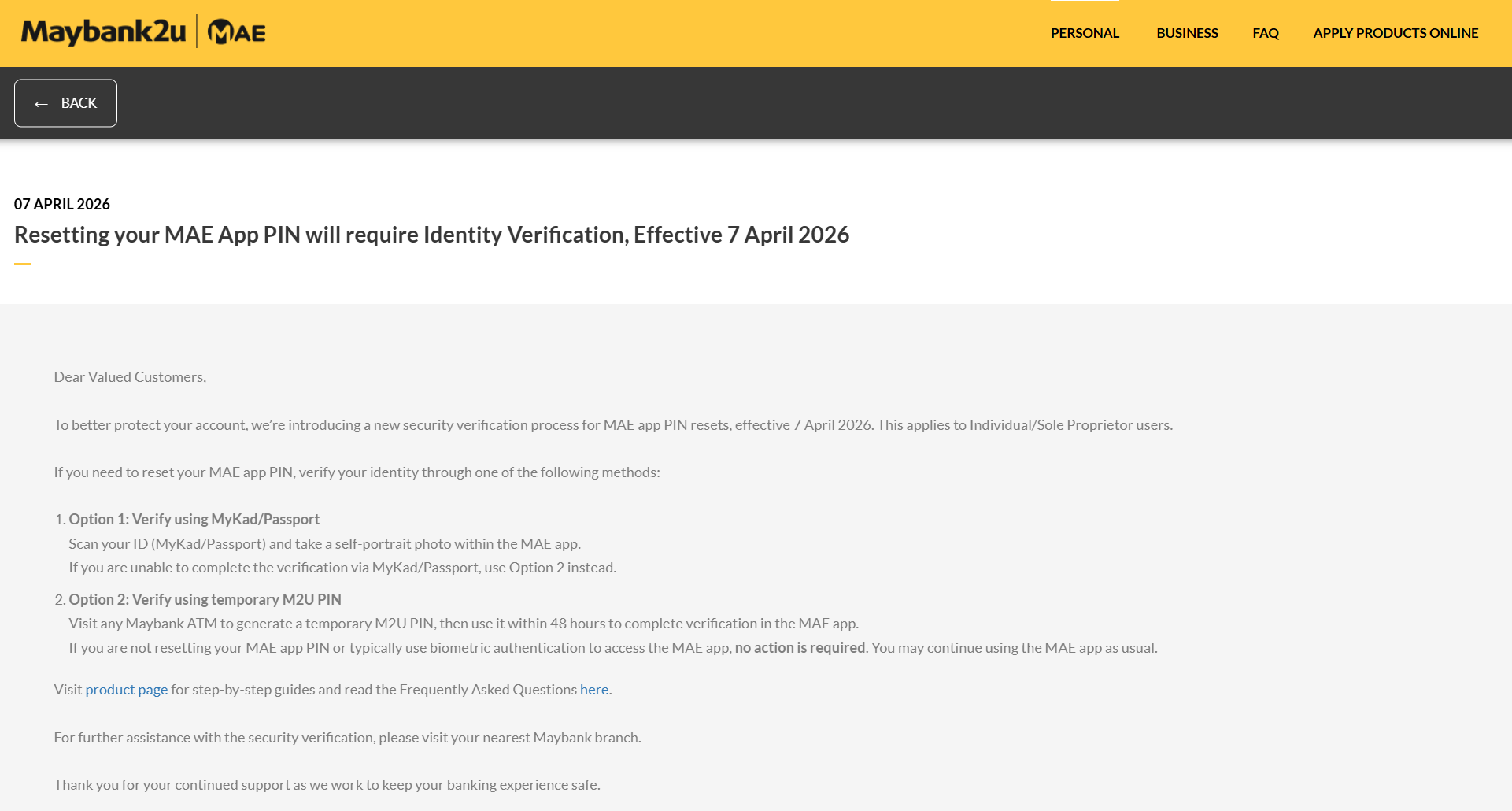
Additionally, if users do not reset their PIN or normally use biometric authentication to log in to the MAE app, no action is required. They can continue to use the app as usual without any disruption. Therefore, this new security process not only ensures the protection of customer accounts but also ensures a more user-friendly digital banking experience
Stay tuned to TechNave.com for more updates like this.




COMMENTS