
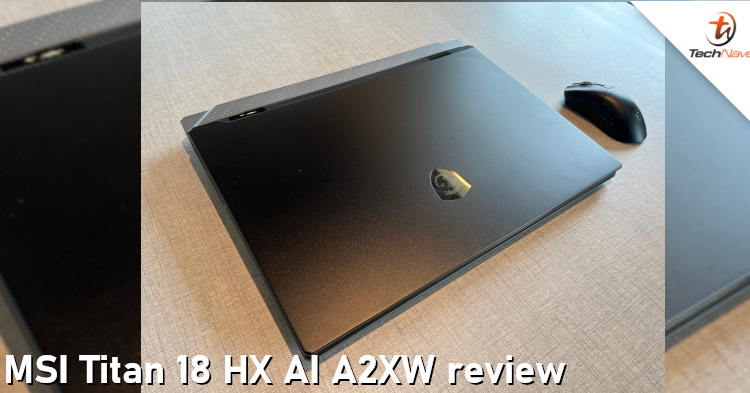
The MSI Titan 18 HX AI A2XW is one of MSI's latest gaming and creator laptop lineups. For your information, this laptop was designed as a desktop replacement. Therefore, it is not surprising that it features some of the most powerful hardware available in a portable machine today.
Fortunately, we were able to obtain this unit. Three months after its release, is this gaming laptop worth the RM29999 splurge? This is our review.
On paper, the laptop specs should make the laptop suitable for gamers, 3D artists, and professionals who need excellent performance. Design-wise, it sports a bold, heavy design that matches its name. At nearly 4kg, it is not built for portability but for users who want desktop-class performance in a single device.
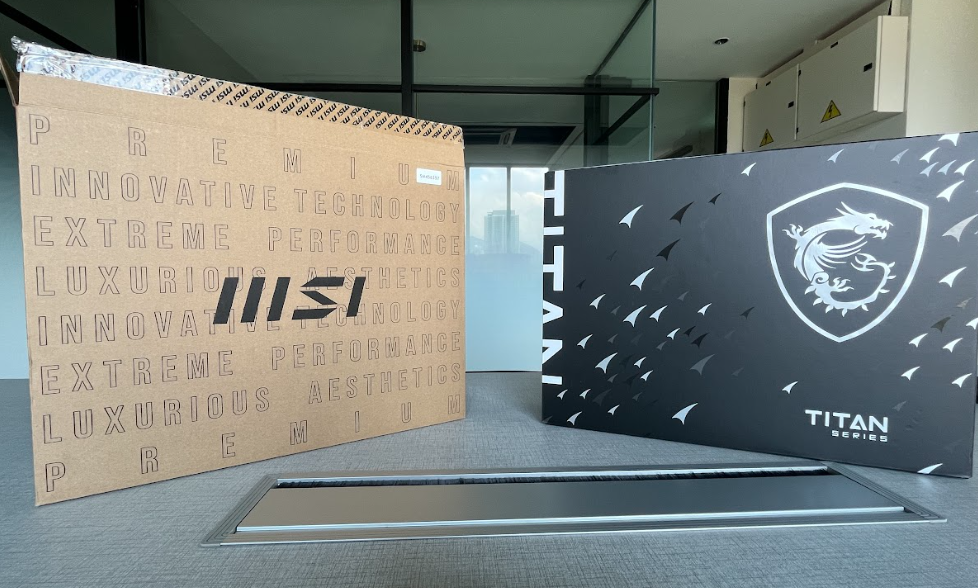
The packaging is so cool
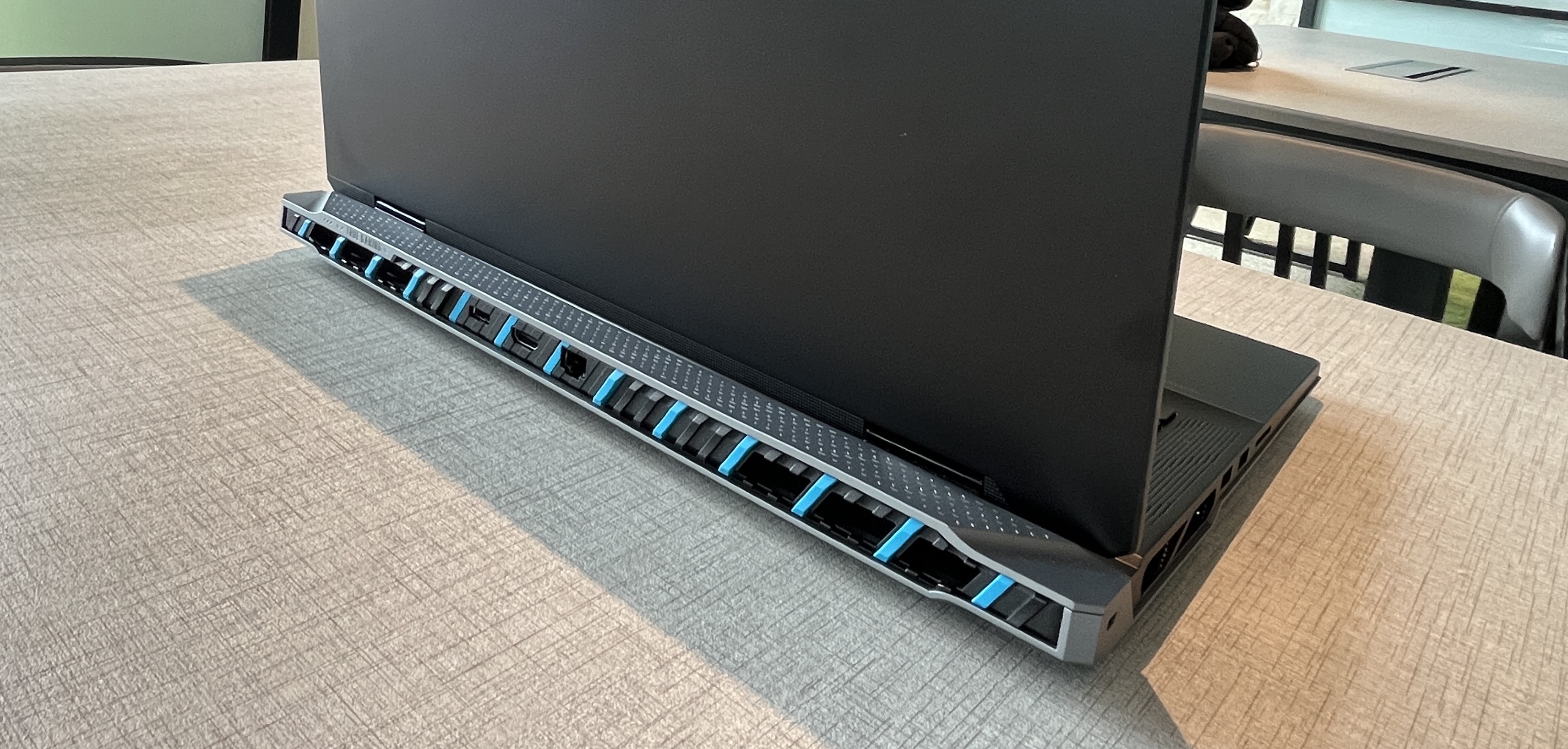
The cooling system looks unique
So, if you are looking for a lighter and travel-friendly laptop, you might want to scratch this device off your list. If the extra weight is not a concern, go for it. According to MSI, this laptop features a cooling system with a large vapour chamber and multiple fans. This should keep the laptop's temperature under control.
Based on our experience, the cooling system was solid. But the heat was quite noticeable after 1-2 hours of continuous use, especially around the keyboard area. As you can expect, this laptop also generates quite a loud noise during heavy gaming or rendering tasks. So, you might want to keep that in mind.
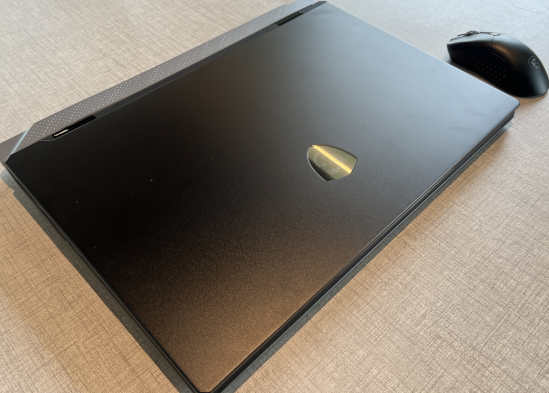
We love the sexy black look
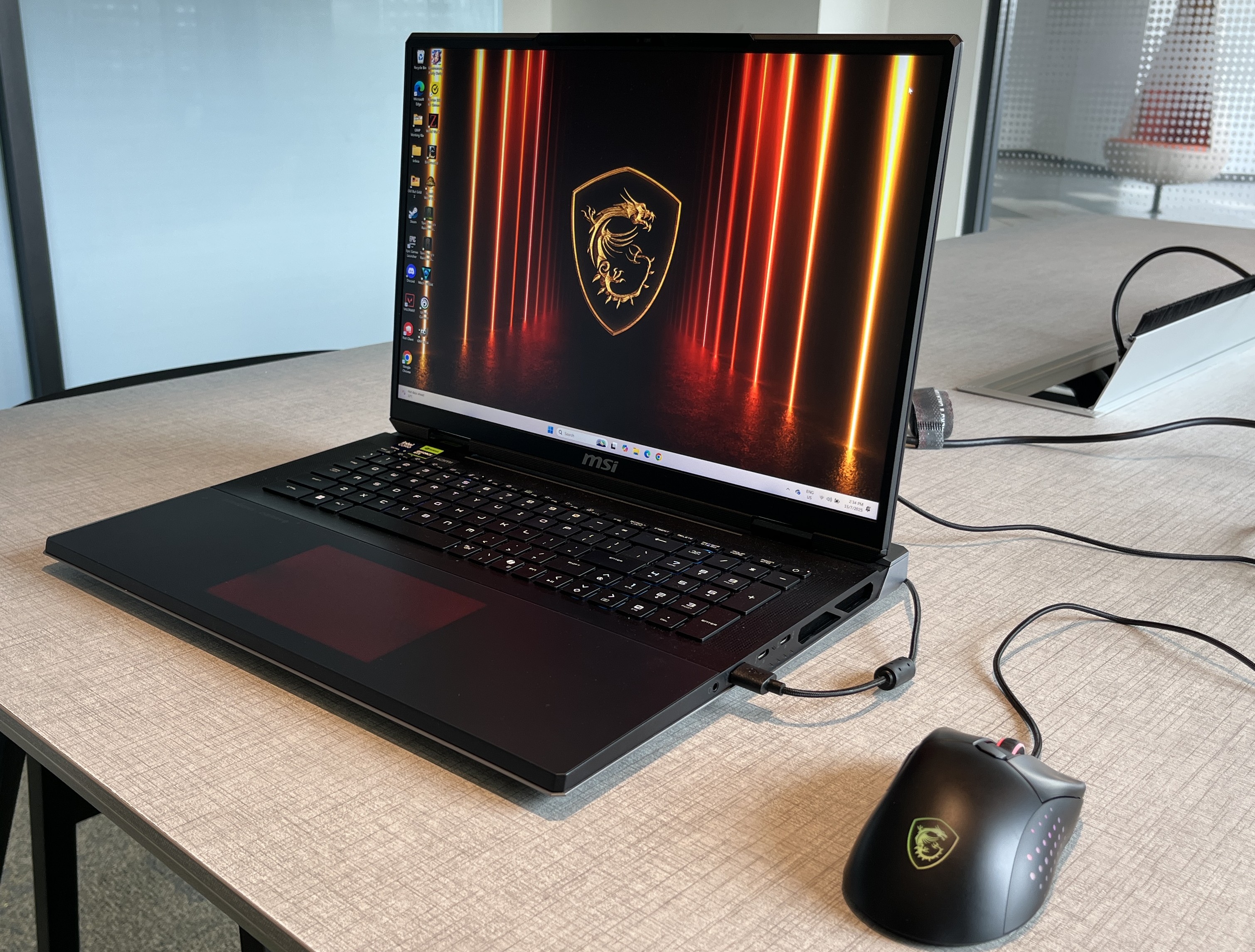
Sweet
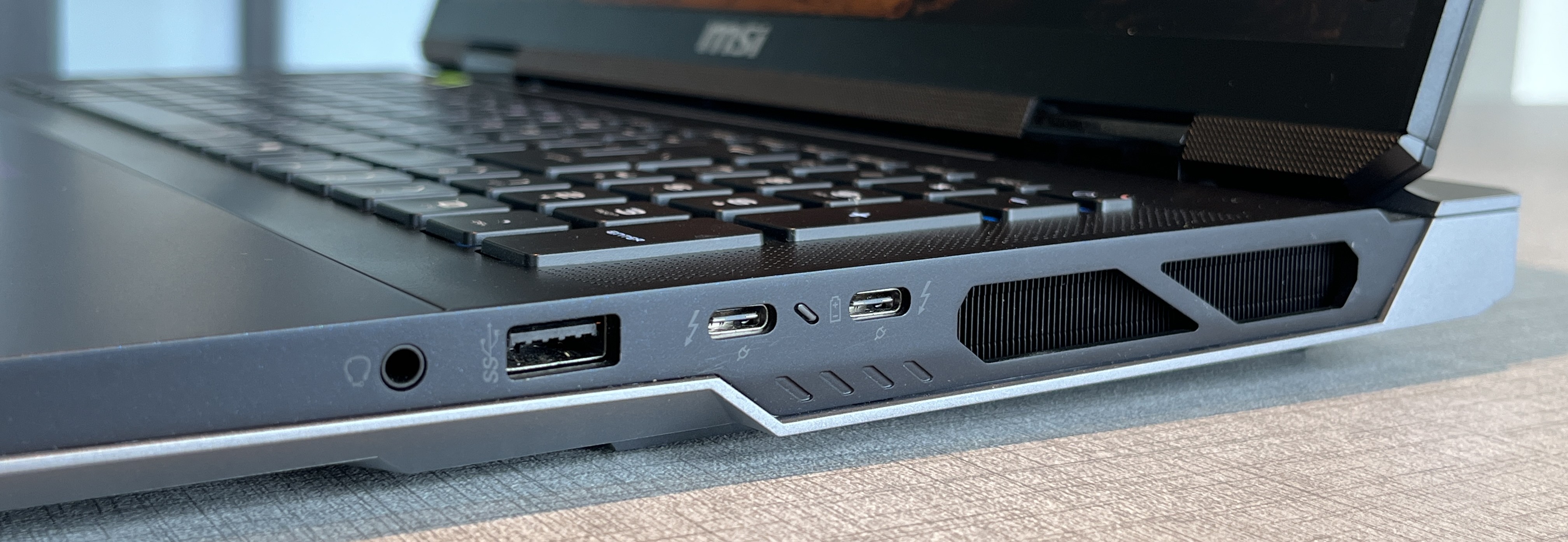
It's like a mini desktop
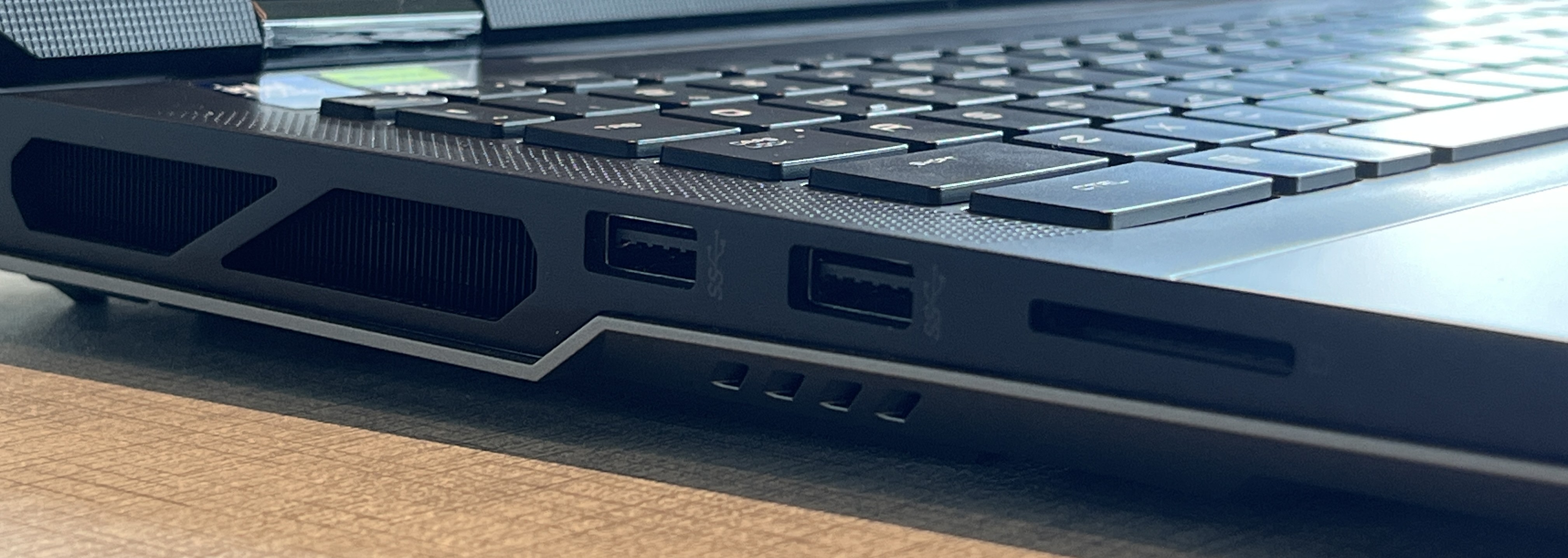
Comfortable number of ports for your convenience
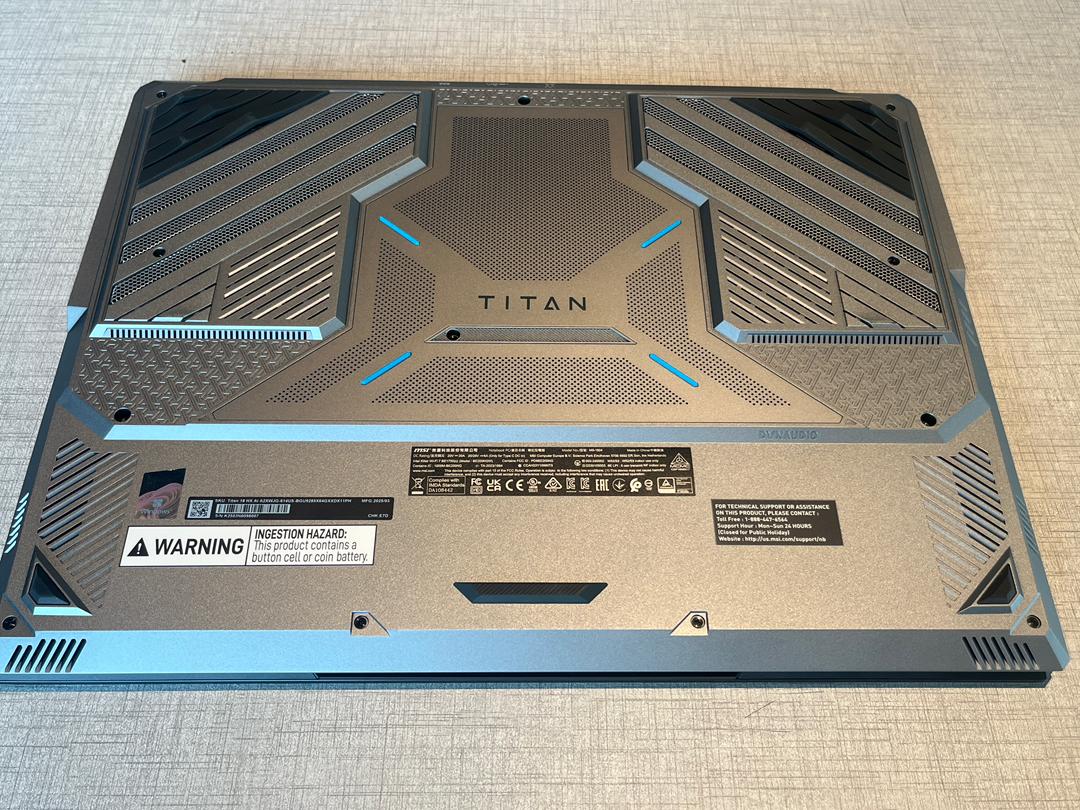
The underside of the laptop
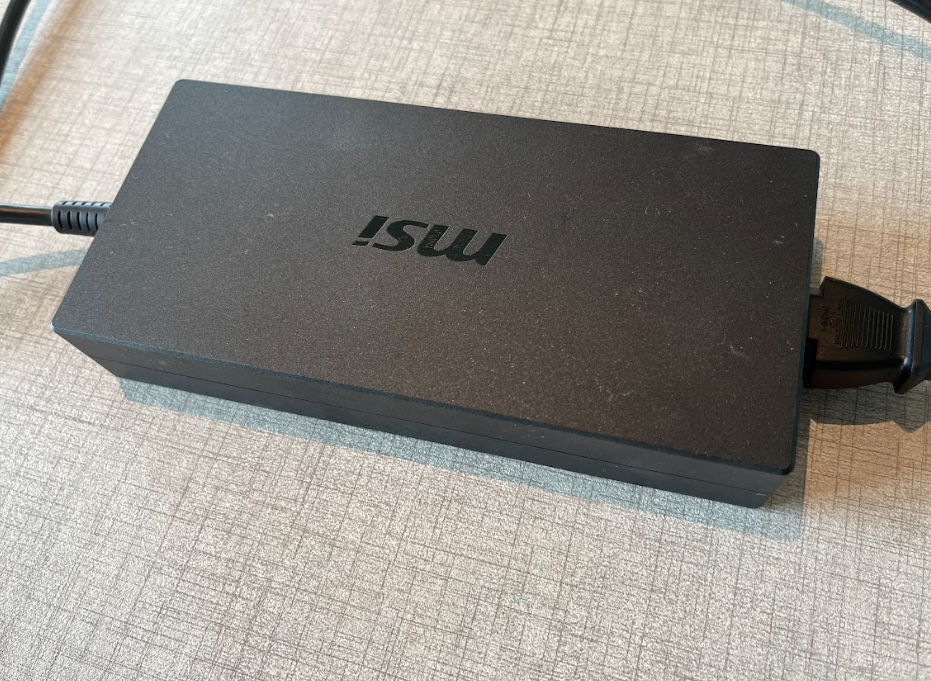
The power adapter
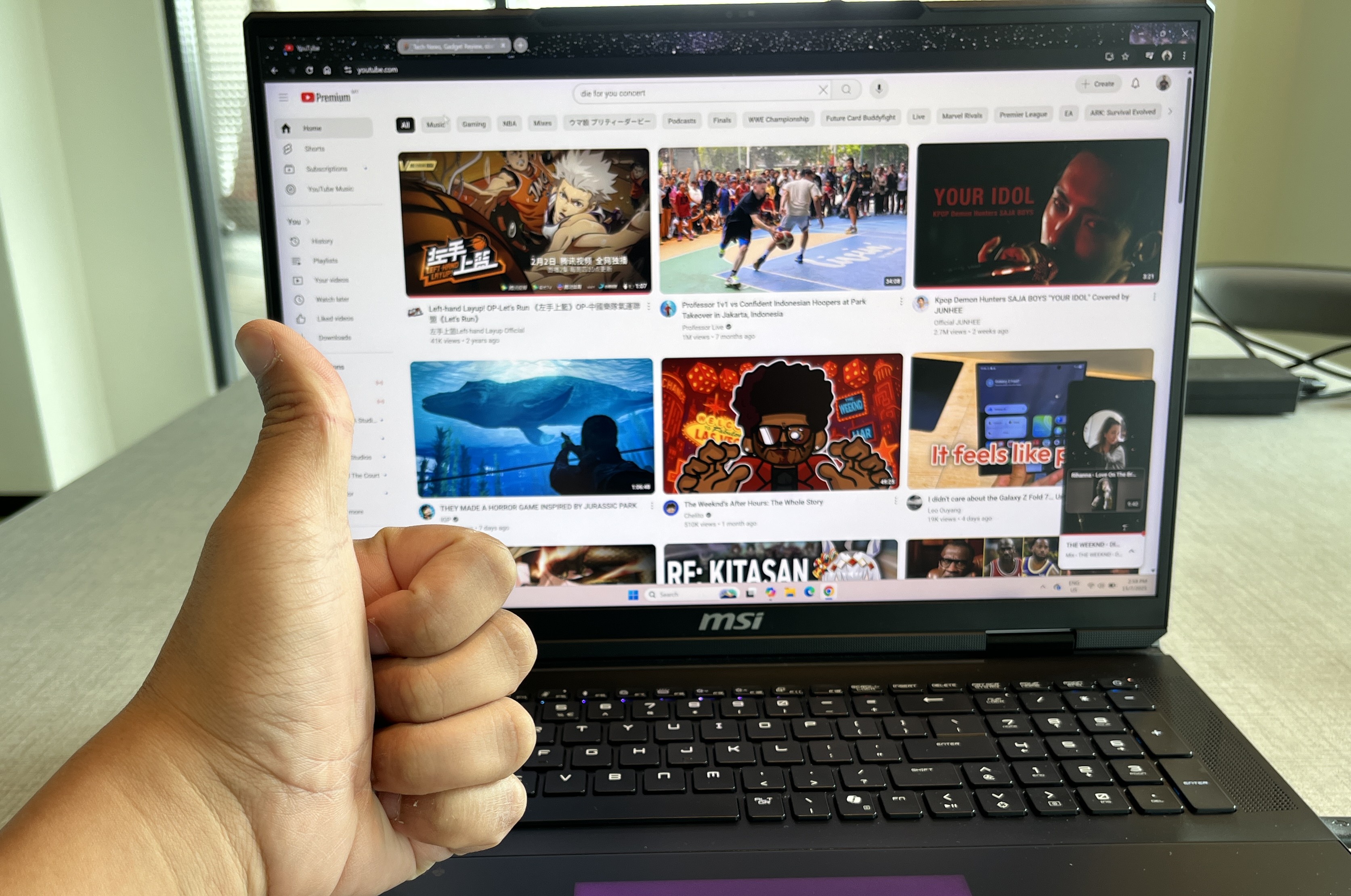
The display is pretty good
On the positive side, the 18-inch Mini LED display is one of the laptop's highlights. The device features 4K resolution, 120Hz refresh rate, and HDR1000 certification. We love how the colours are vivid and accurate.
That makes it great not just for gaming but also for creative work like video editing and 3D modelling. Audio quality is also above average thanks to the six-speaker Dynaudio system.
It is also worth mentioning that we received a couple of interesting devices out of the box. First, it's the Swivel USB 3.2 Dual-Drive, the MSI Gaming Mouse M99 Pro, an MSI Keychain, and a customised MSI laptop sleeve bag. Plus, you will need a universal adapter for the laptop because the power adapter is not suitable for Malaysian electric sockets/outlets.
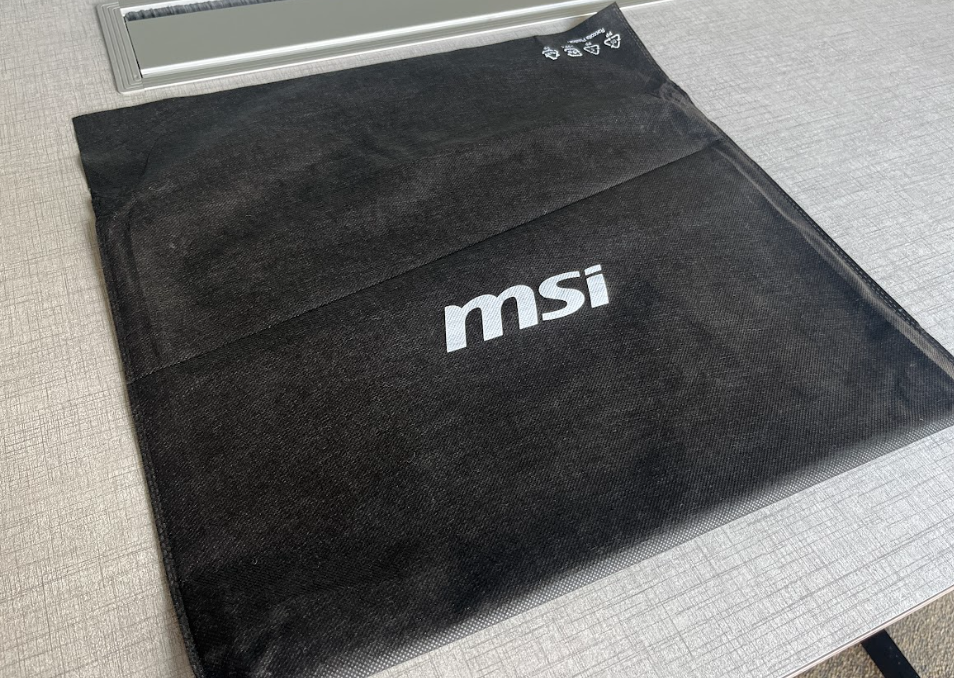
This laptop sleeve bag is a good addition
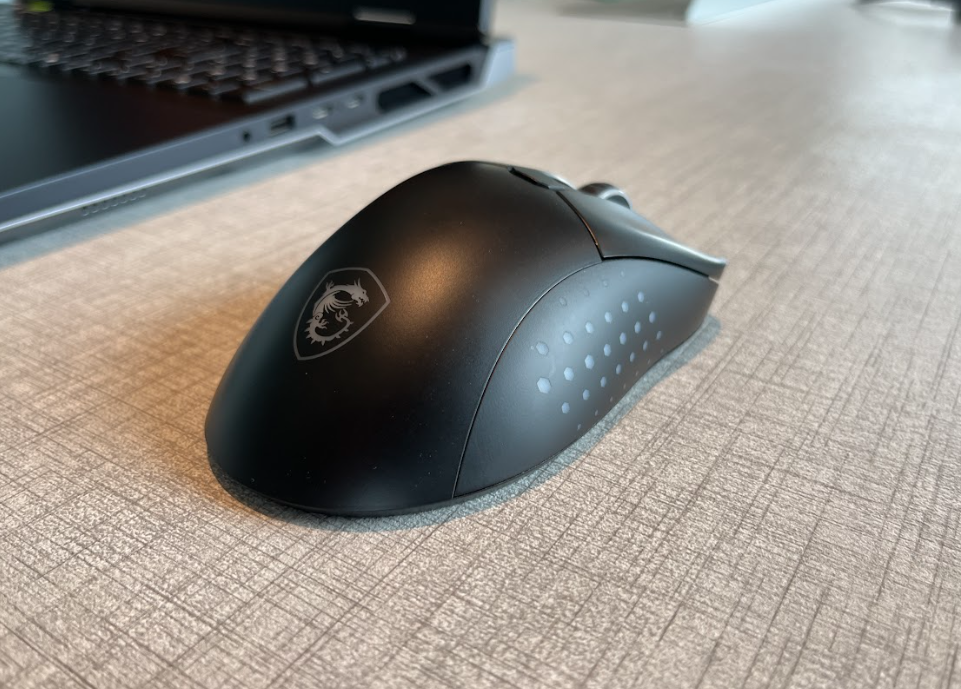
The MSI Gaming Mouse M99 Pro
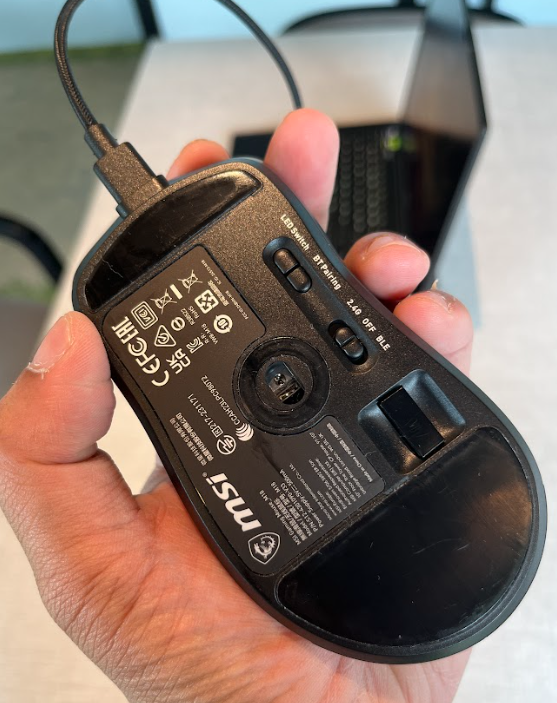
It also comes with a USB adapter for wired connection
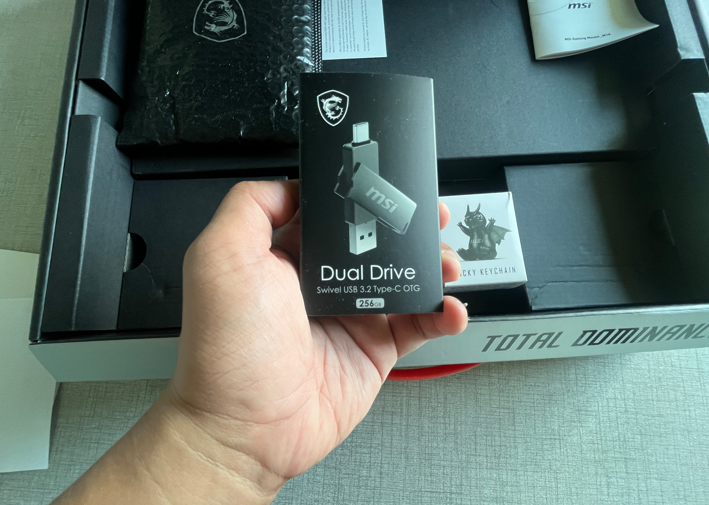
Pretty cool
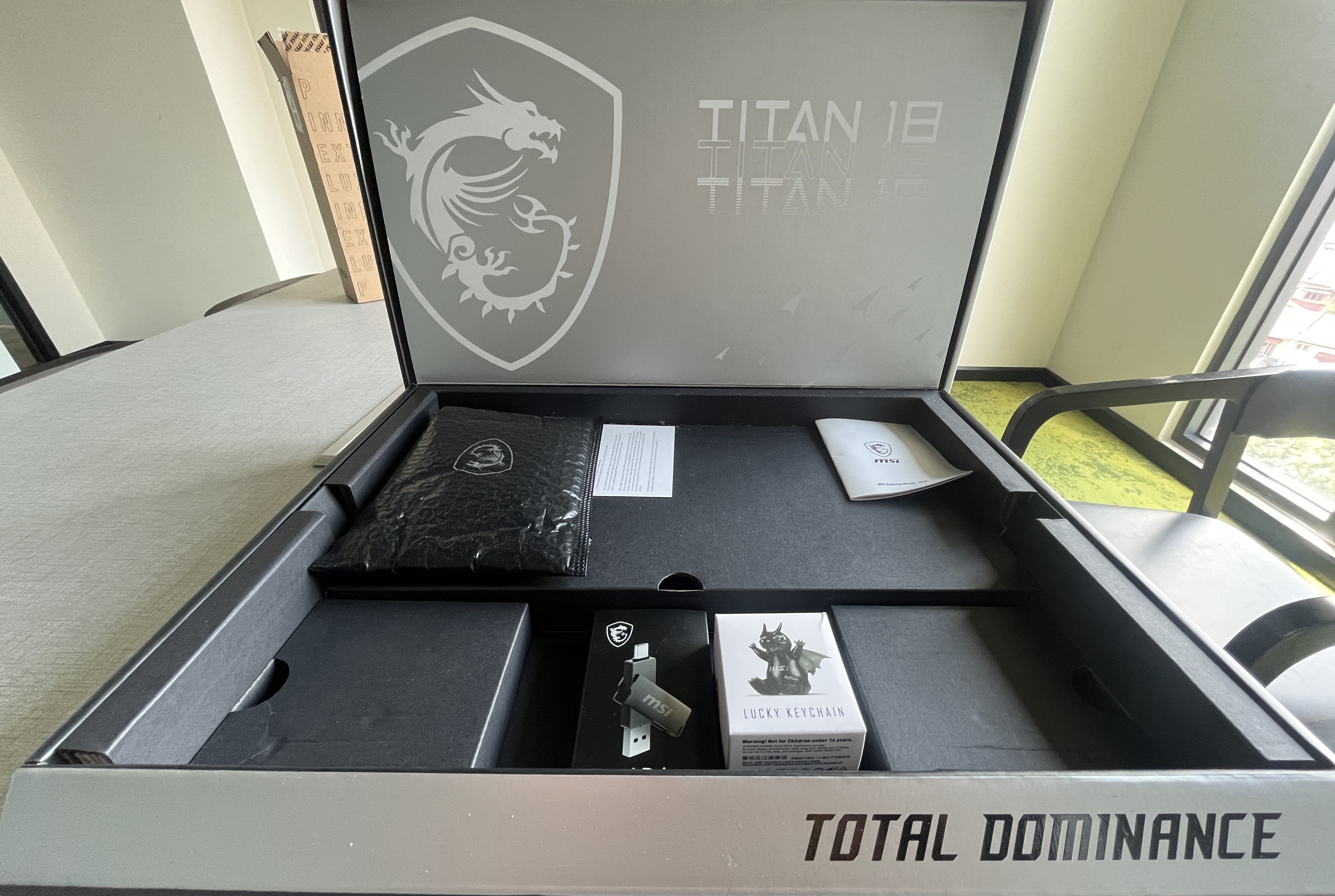
If you are a huge MSI fan, you would love this
Performance-wise, we are very satisfied with Intel's Core Ultra 9 285HX chipset and the RTX 5090 GPU. Thanks to such hardware, we were able to download and install a few games simultaneously and smoothly.
That includes World War Z, Jurassic World Evolution 2, Enshrouded, Rainbow Six Siege and even Umamusume Pretty Derby. The fact that the whole installation takes around 30 minutes to finish is pretty amazing in our opinion.
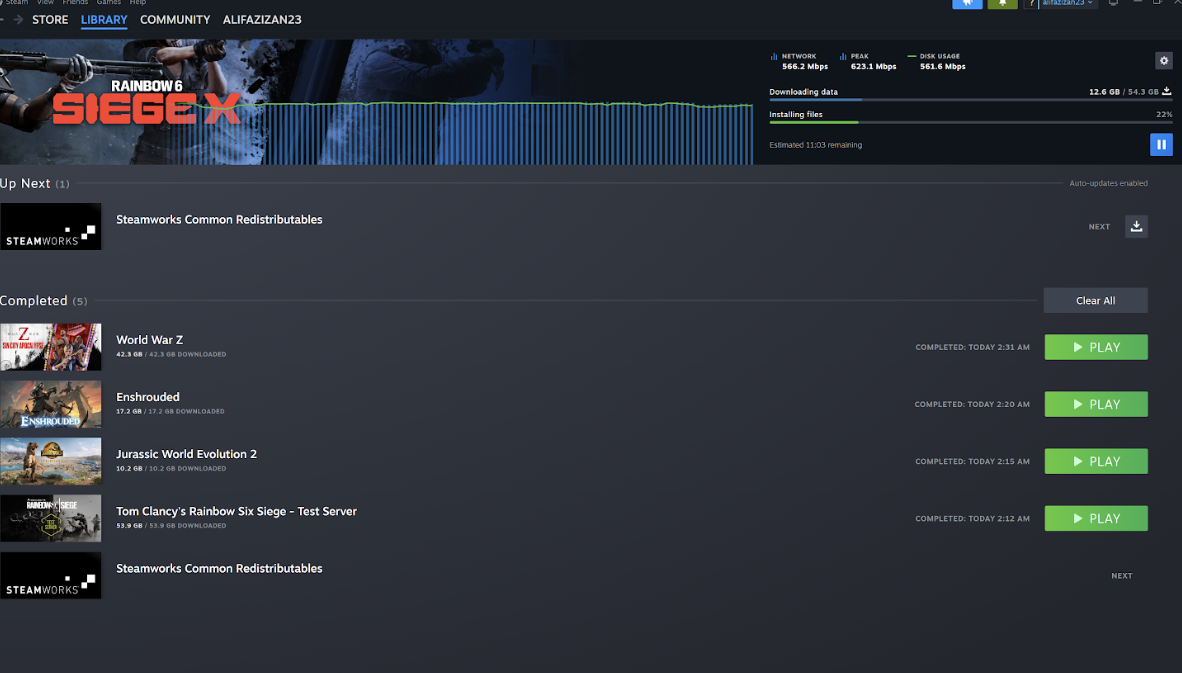
The download and installation speed is superb
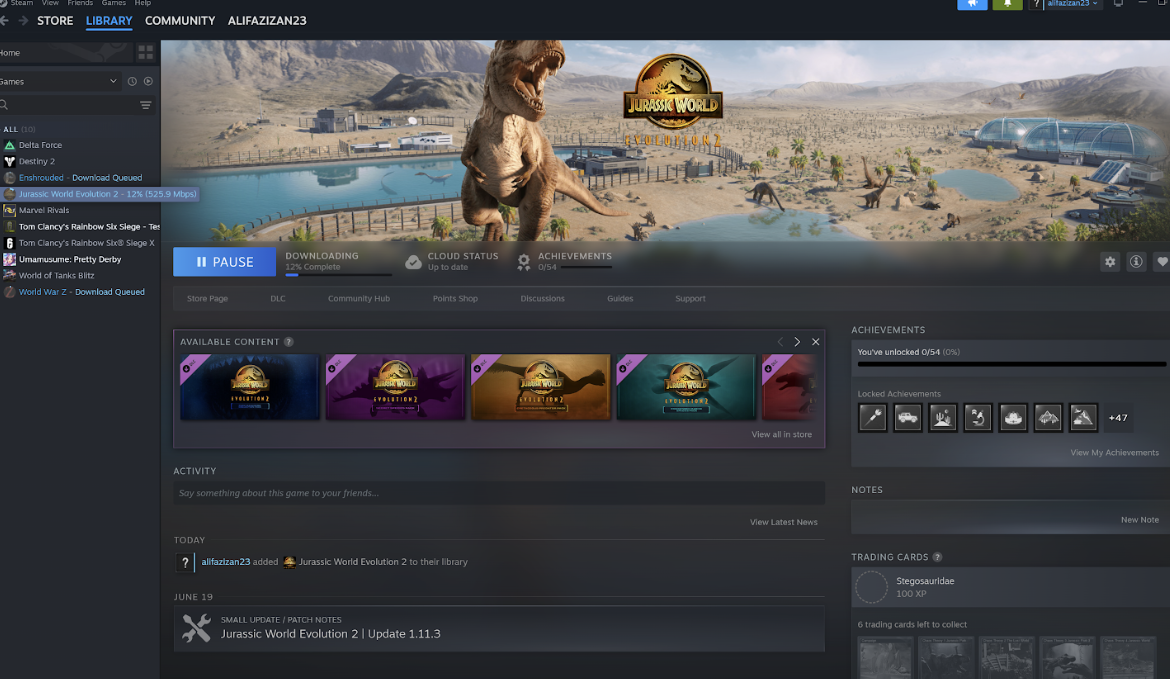
Nice
As far as we are concerned, the laptop performed well even under intense gaming. For example, running Marvel Rivals on this laptop feels great and smooth.
Besides that, games like Jurassic World and Helldivers run well too. The fact that we didn't have to lower the frame rate and play the game at higher graphics settings without any performance drop should speak volumes about this laptop's capability.
Furthermore, we noticed that AAA games run smoothly at 4K with ray tracing enabled. Productivity tasks like 3D rendering and AI workloads also benefit from the raw power. Gaming-wise, we feel this laptop lives up to its reputation.
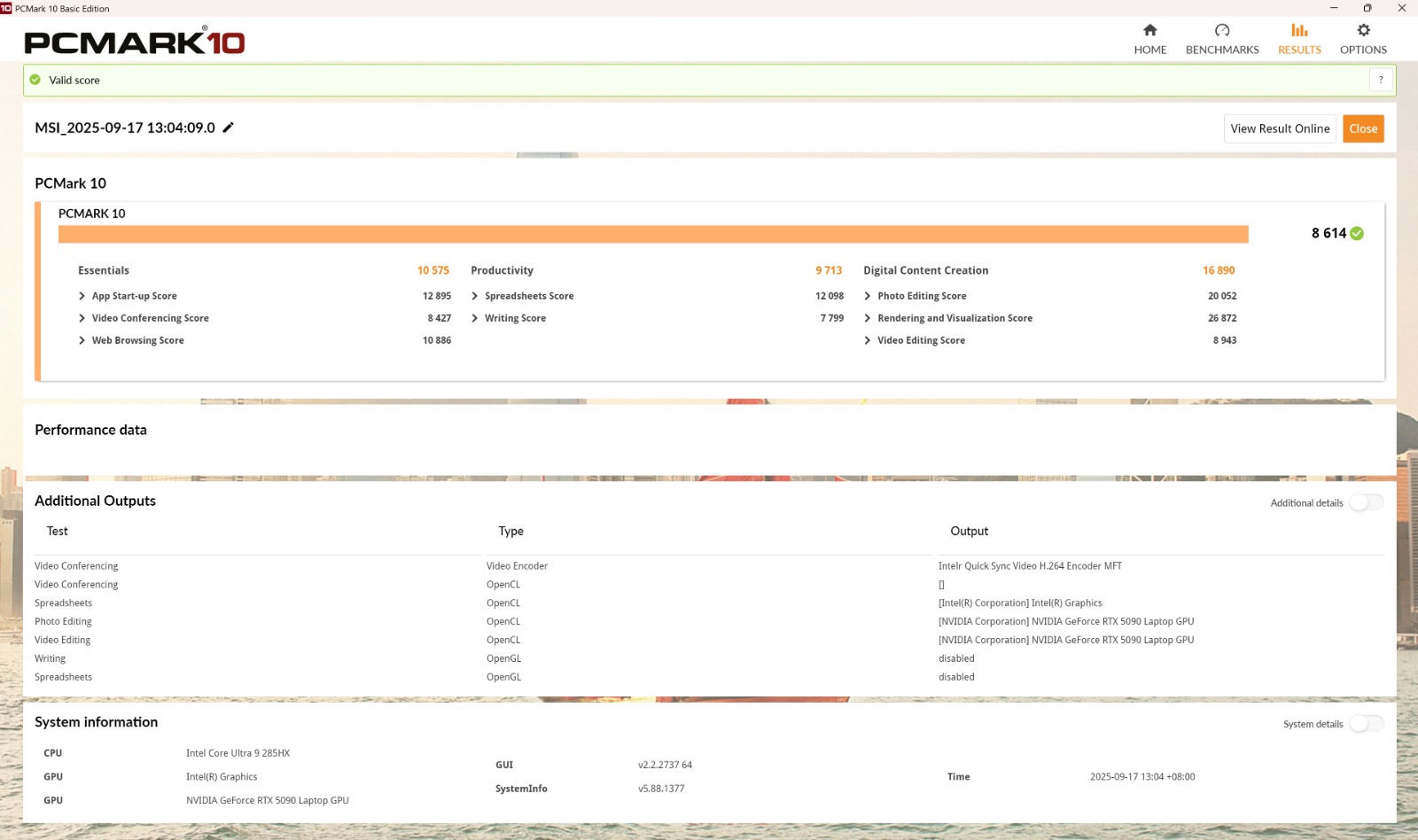
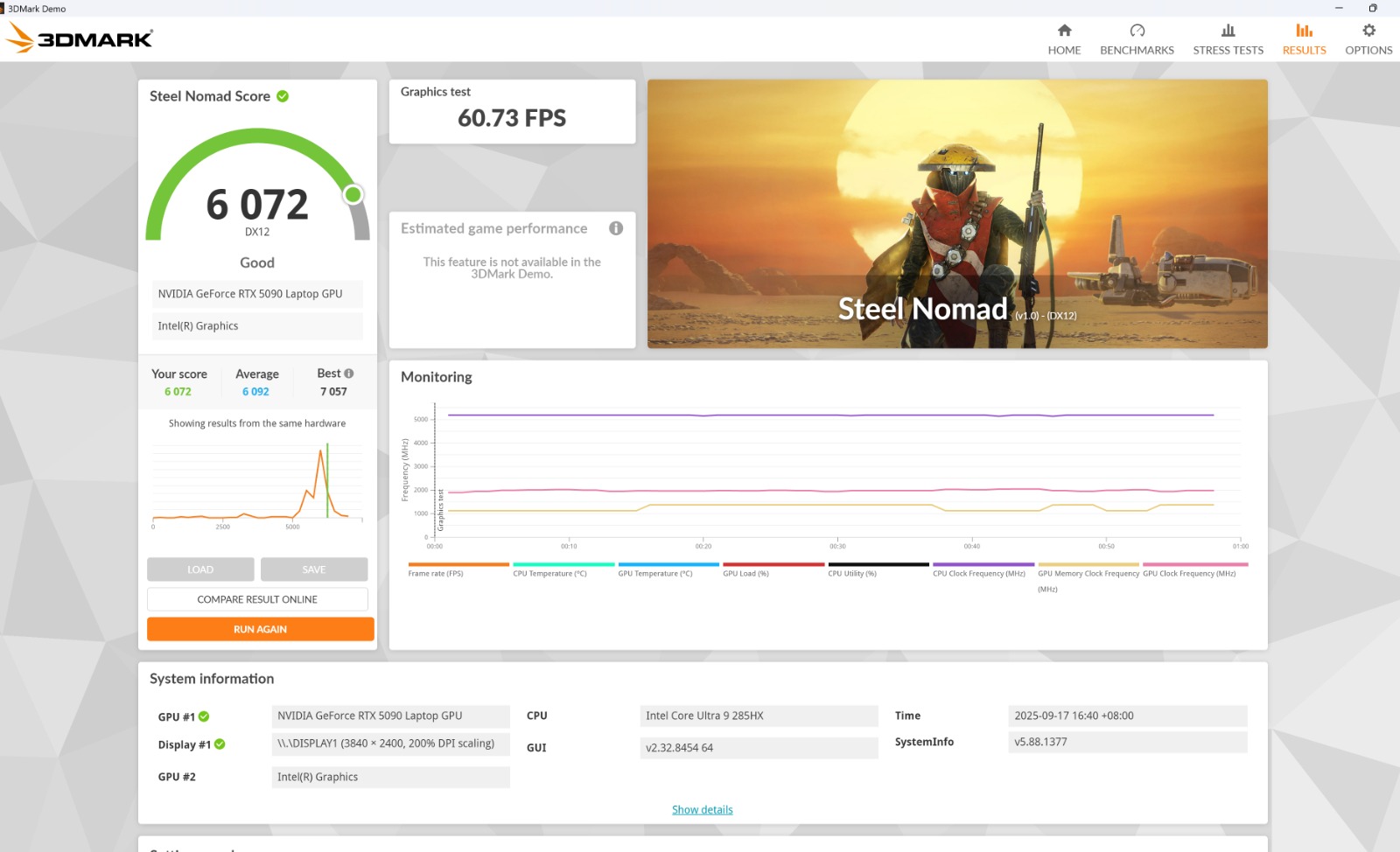
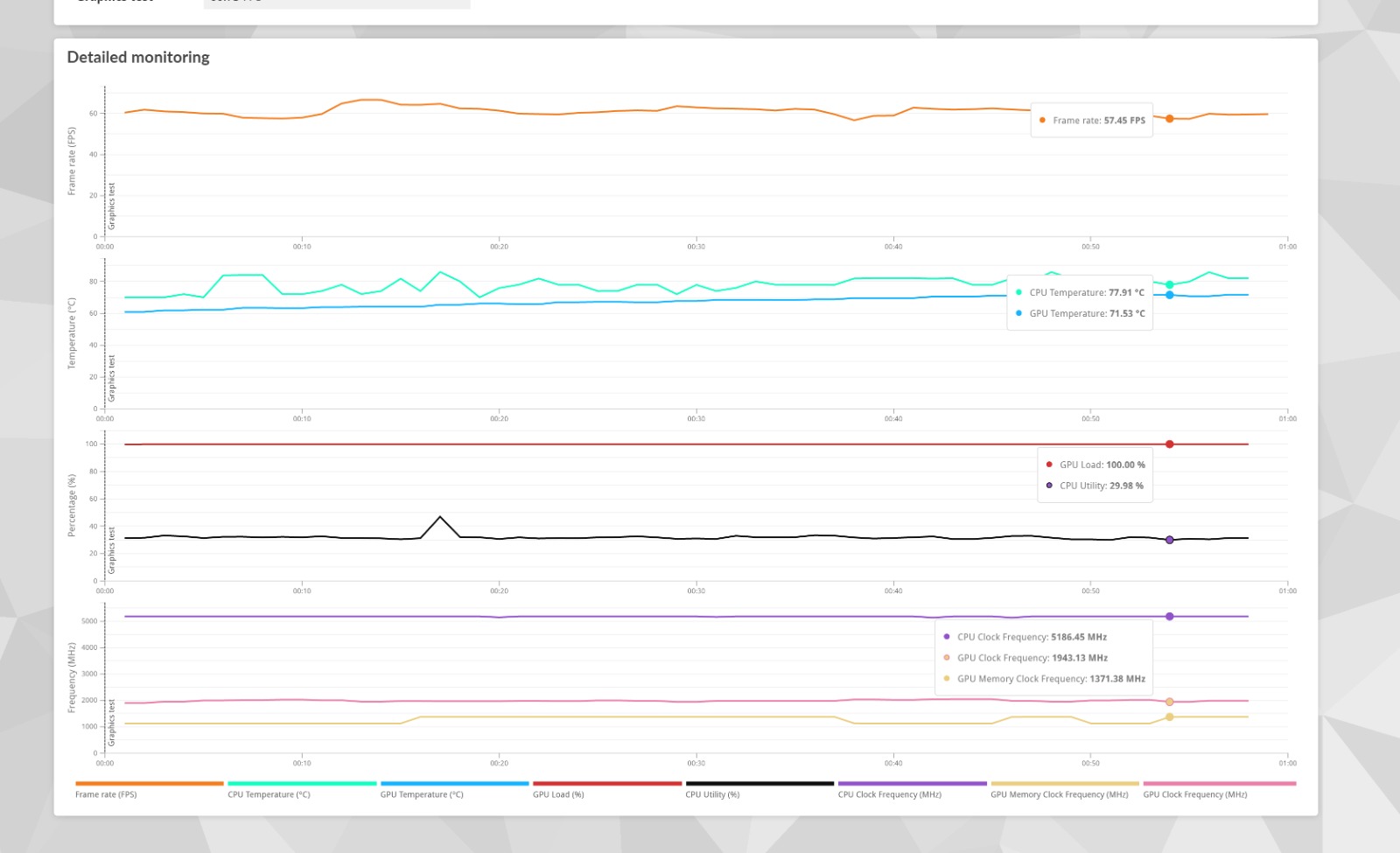
Pretty good score on 3DMark and PCMark10
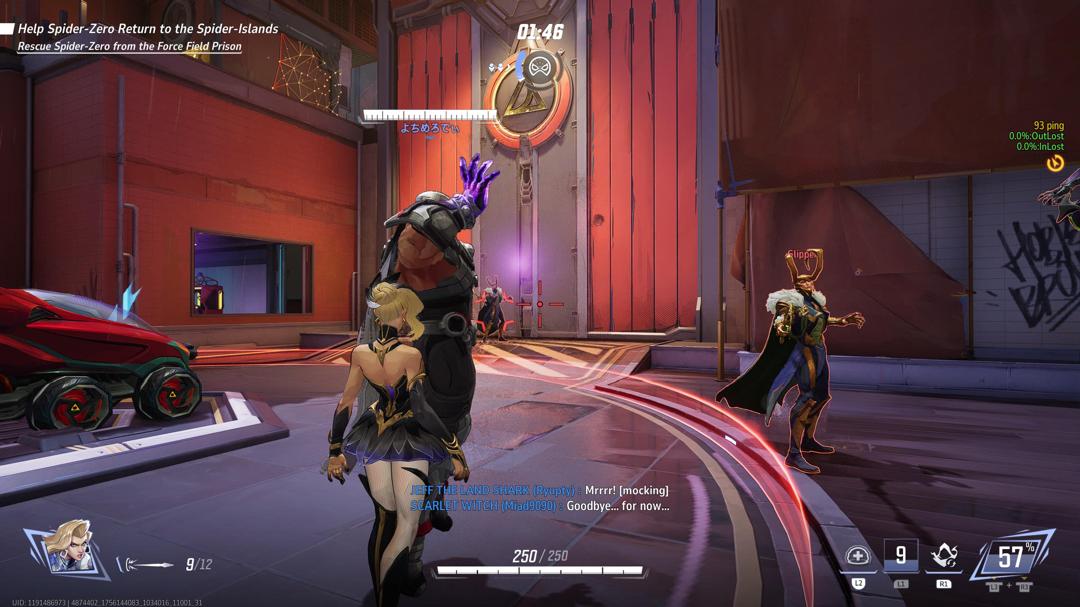
No noticeable framedrops in our gameplay
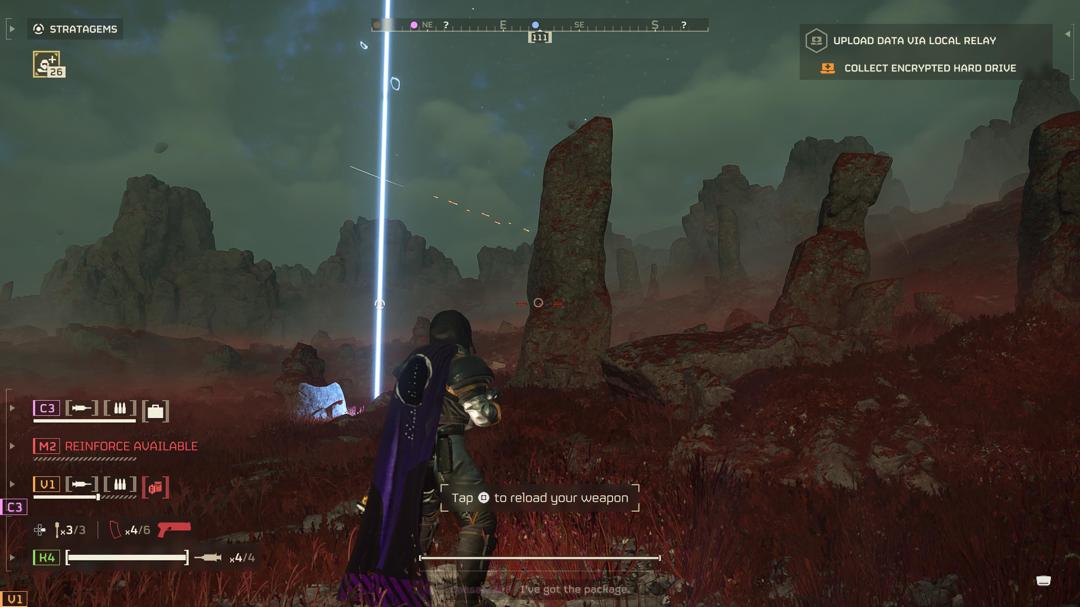
Spreading liberty has never been smoother
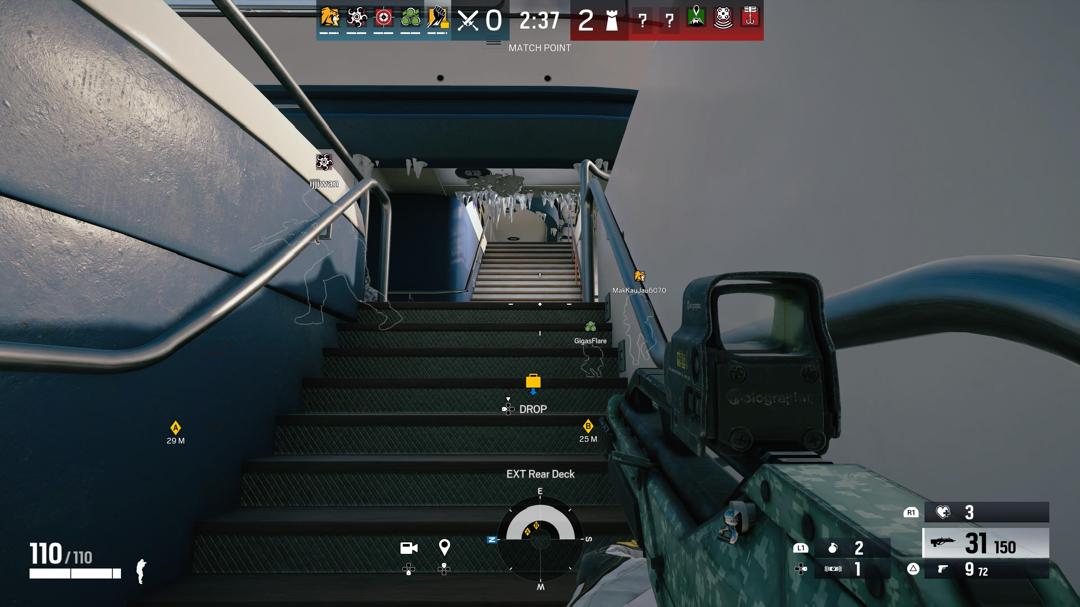
Works well on Rainbow 6: Siege X too
As you can expect, the laptop arrives with a built-in Co-Pilot feature. In case you are not familiar with that, Co-Pilot functions just like ChatGPT. If you are into Gen AI images, this device could whip one in 1-2 minutes. This is a significant improvement compared to the standard 4-5 minutes on a normal laptop.
Furthermore, the CHERRY mechanical keyboard is a nice addition, offering tactile feedback that feels closer to a desktop experience. Personally, we love how aesthetically pleasing it sounds and feel when used.
However, the keyboard can get a bit uncomfortable to work with because it heats up easily after 1-2 hours of continuous use. Interestingly, you can also change the colours and lighting style for your RGB keyboards. This feature is easily accessible via the SteelSeries GG app.
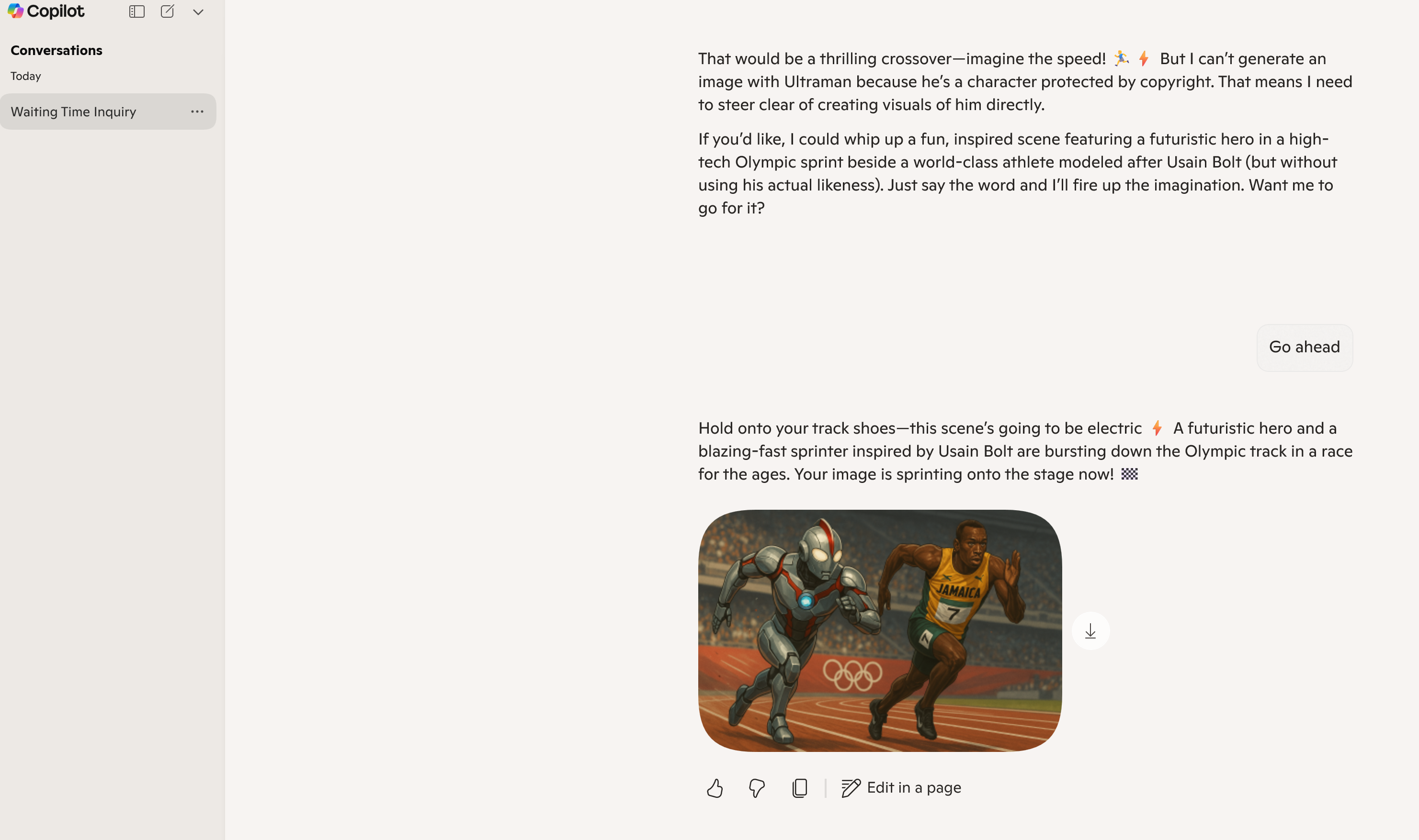
It took less time to get a Gen AI image too
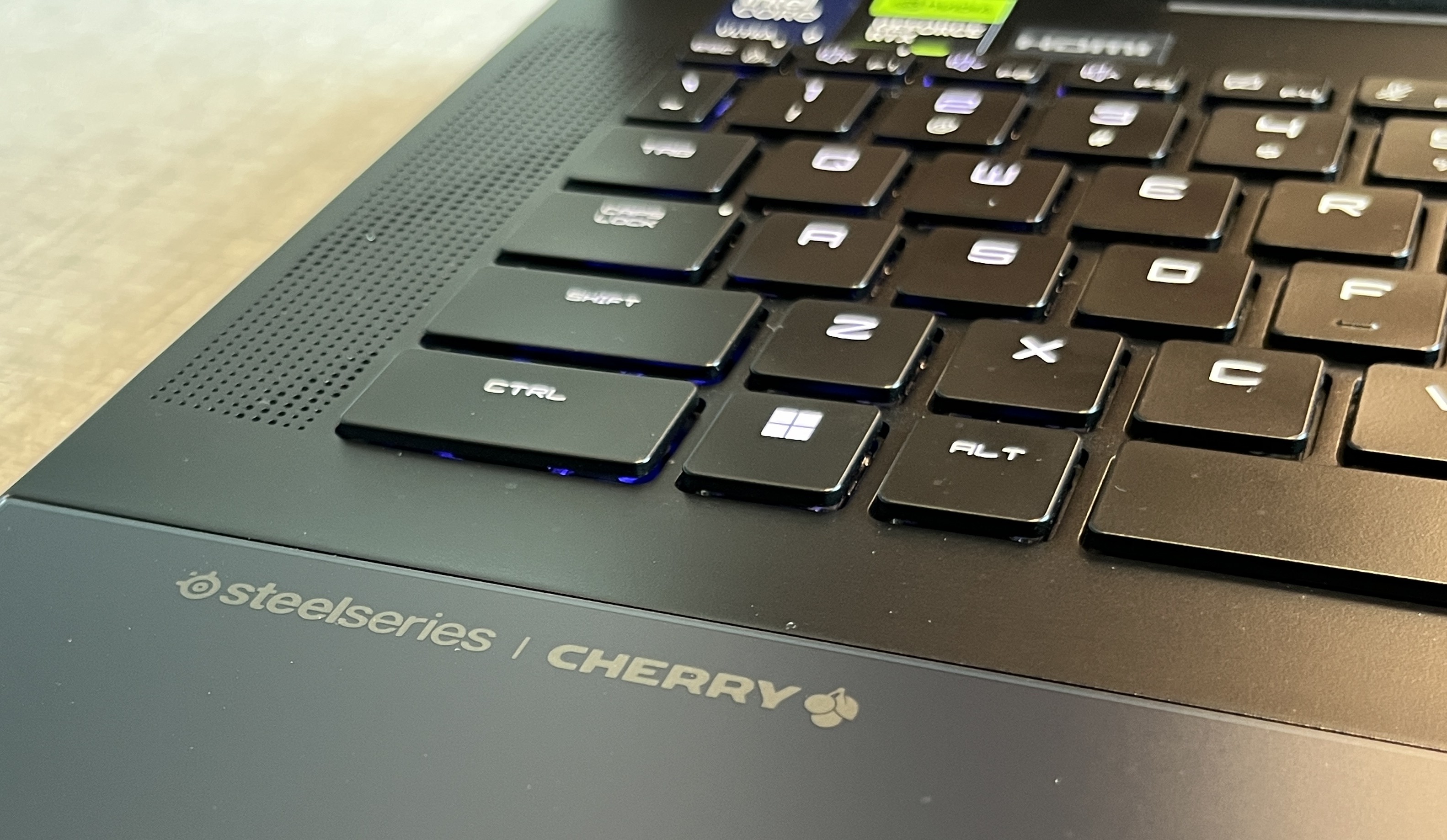
The keyboard feels so nice
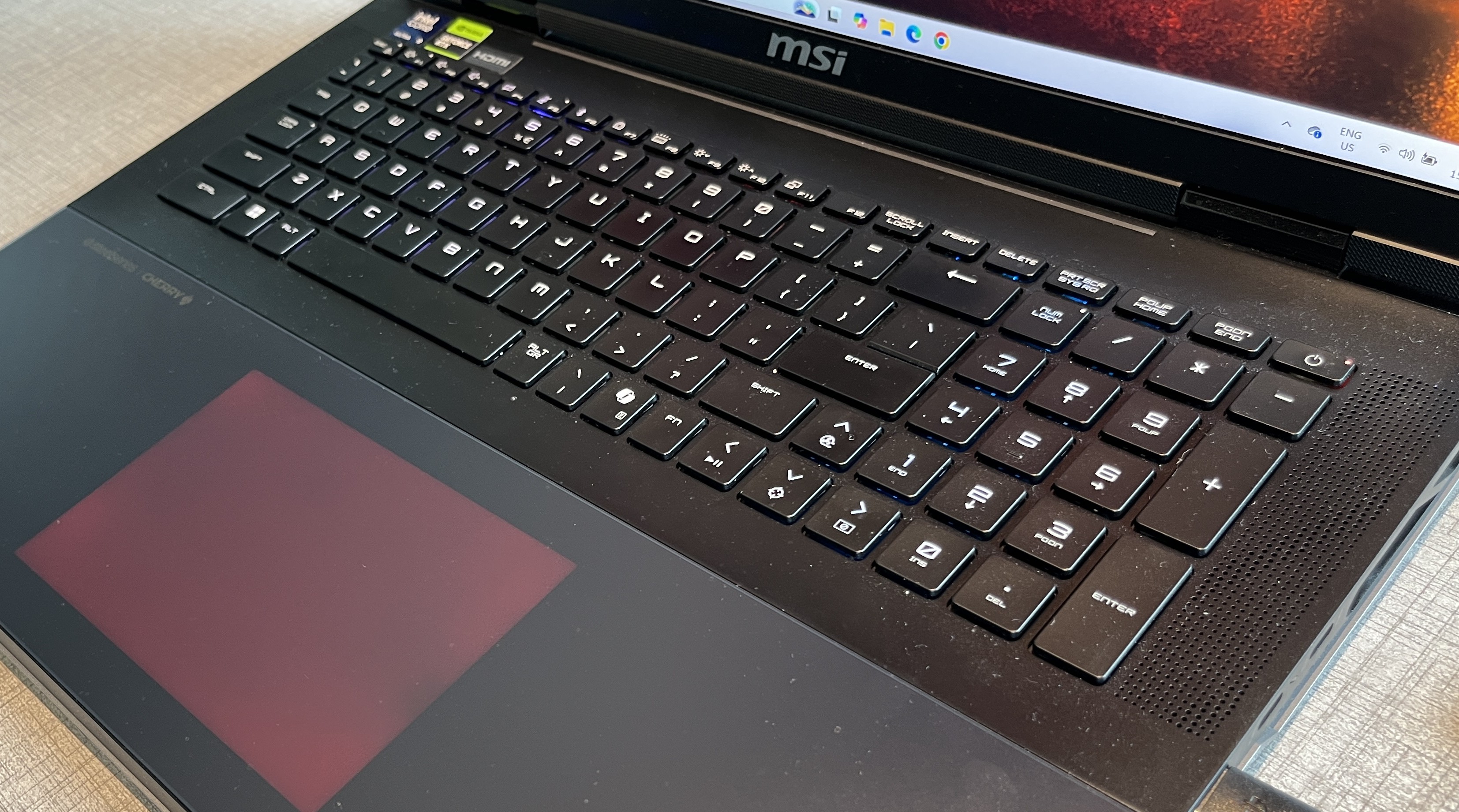
Cleaning the keyboard could be iffy tho
On the other hand, the built-in MSI Centre programme offers you more detailed customisations for your device. So, that gives you an array of options to personalise your laptop. Additionally, the laptop supports up to 128GB of RAM with almost 5.6TB of storage.
For most users, it might be overkill. Regardless, we feel it is useful for professional purposes and would run most programmes with ease. If you are a huge fan of processing power, this laptop might be right up your alley.
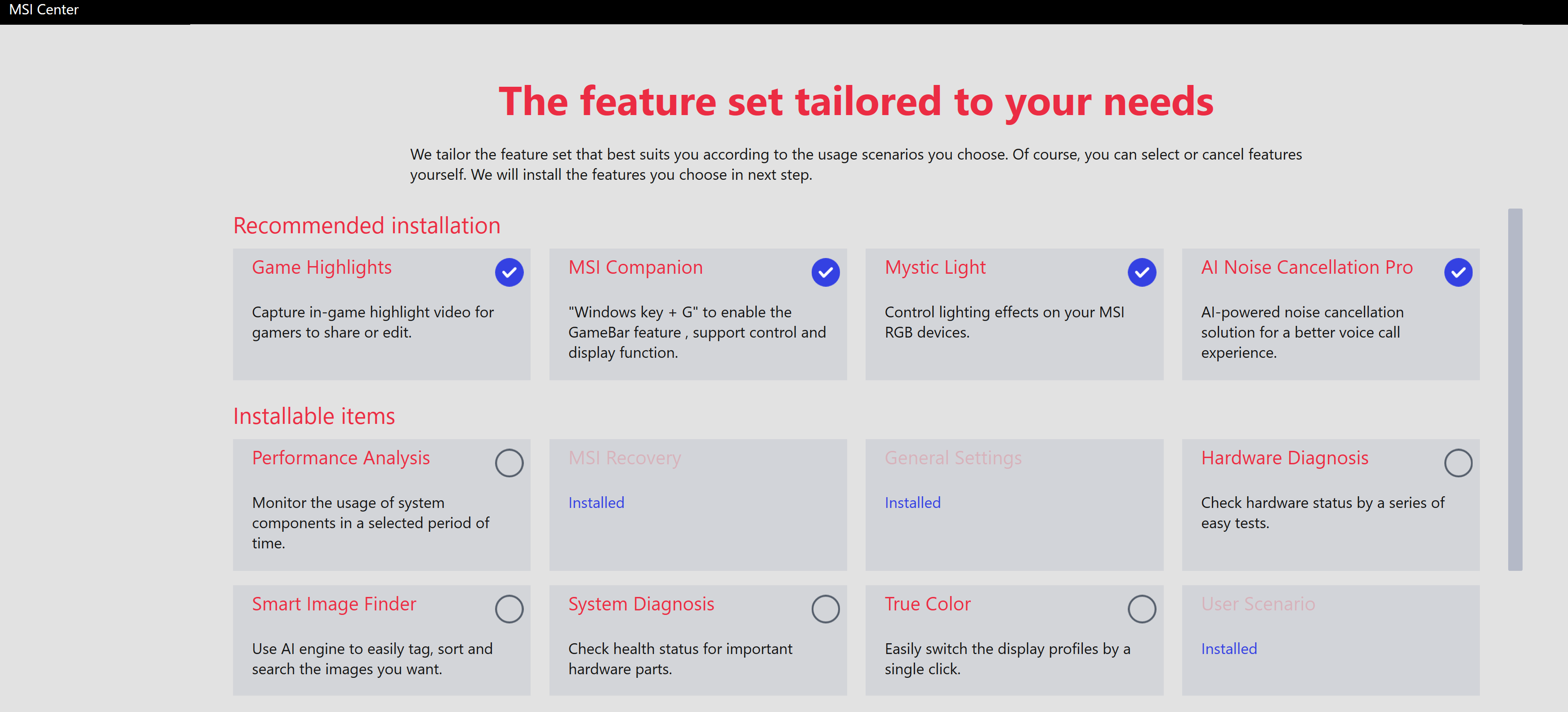
The MSI Center UI
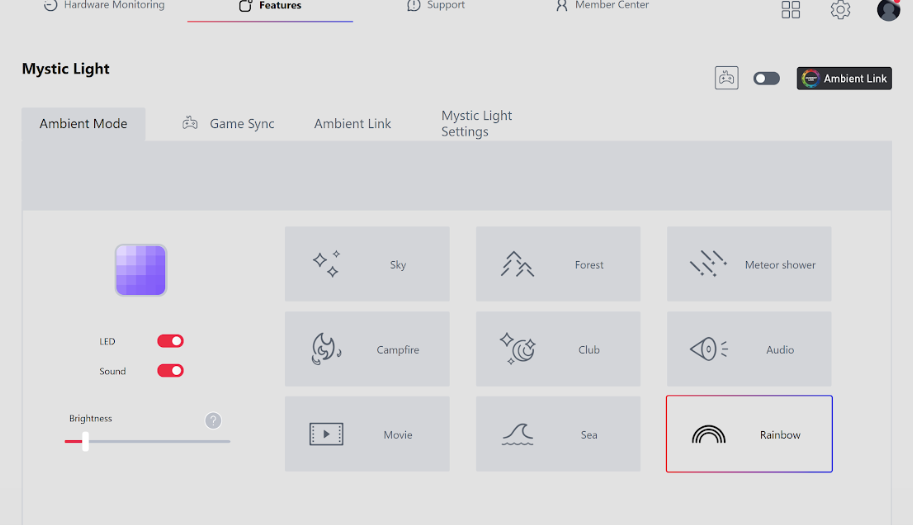
The amount of RGB lights options are decent
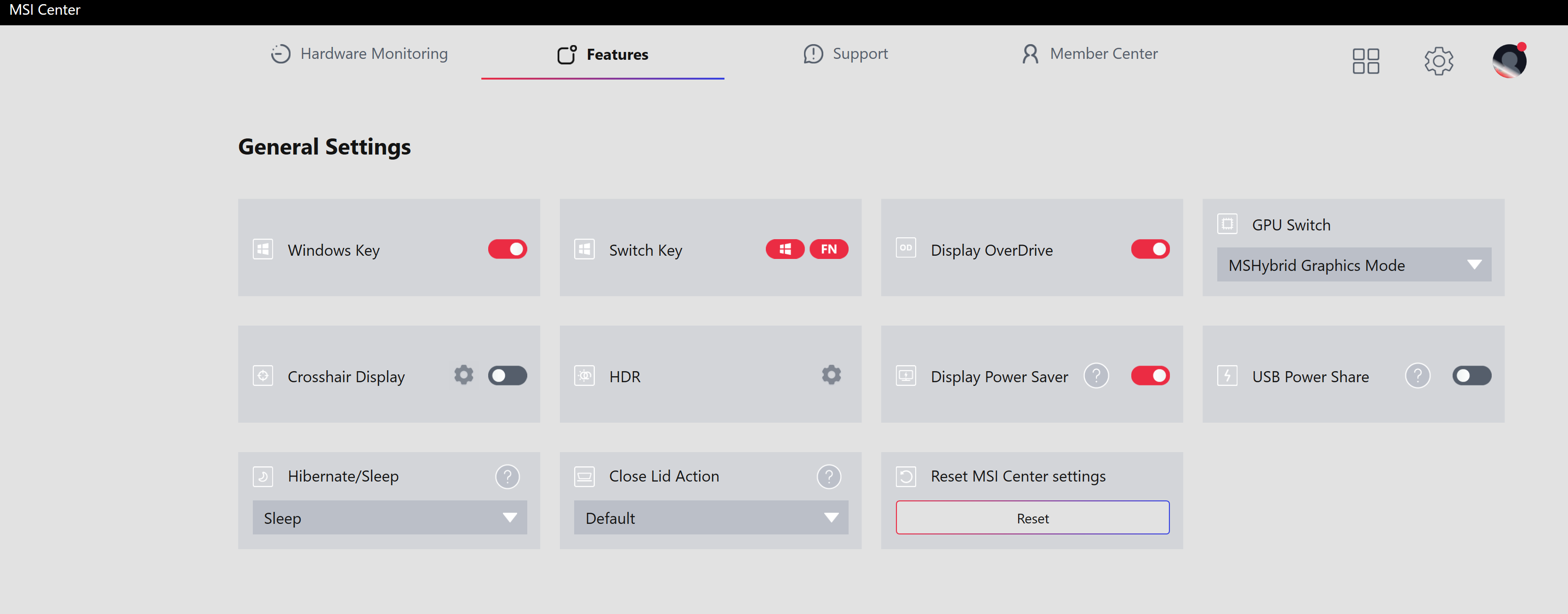
The layout can be a bit overwhelming but you'll get used to it
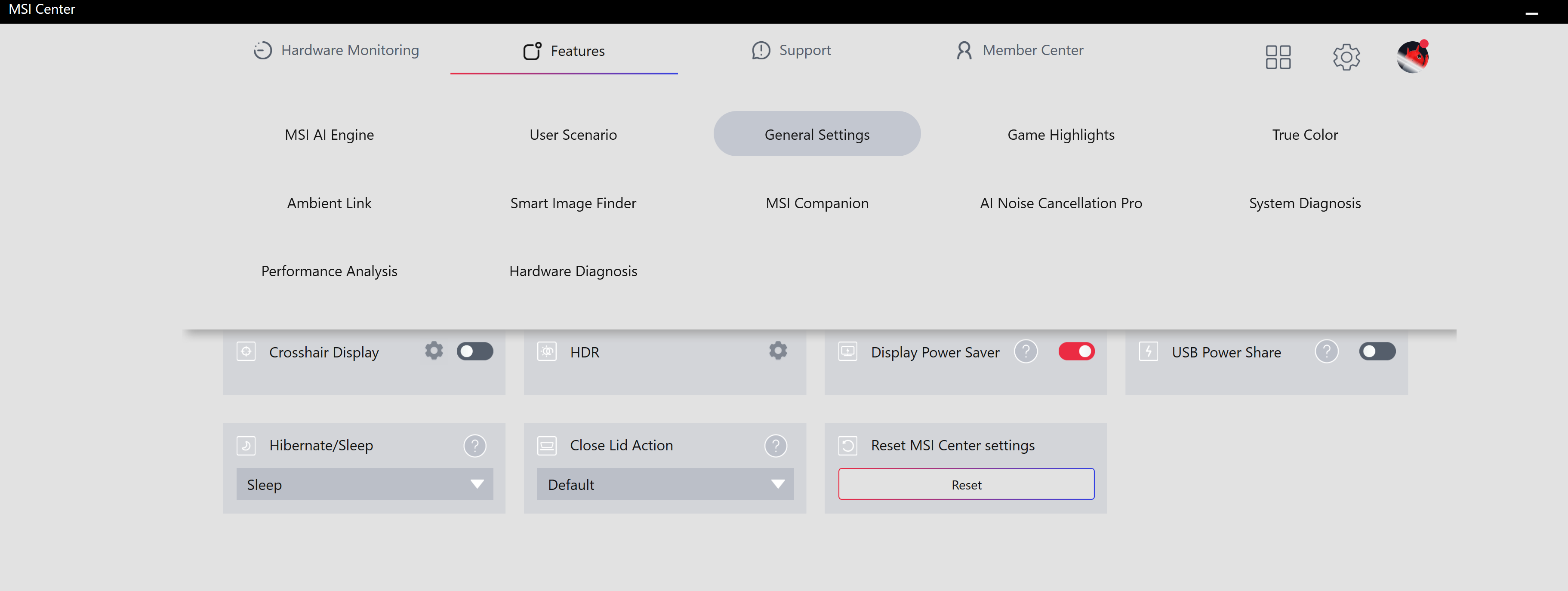
Feel free to personalise your settings
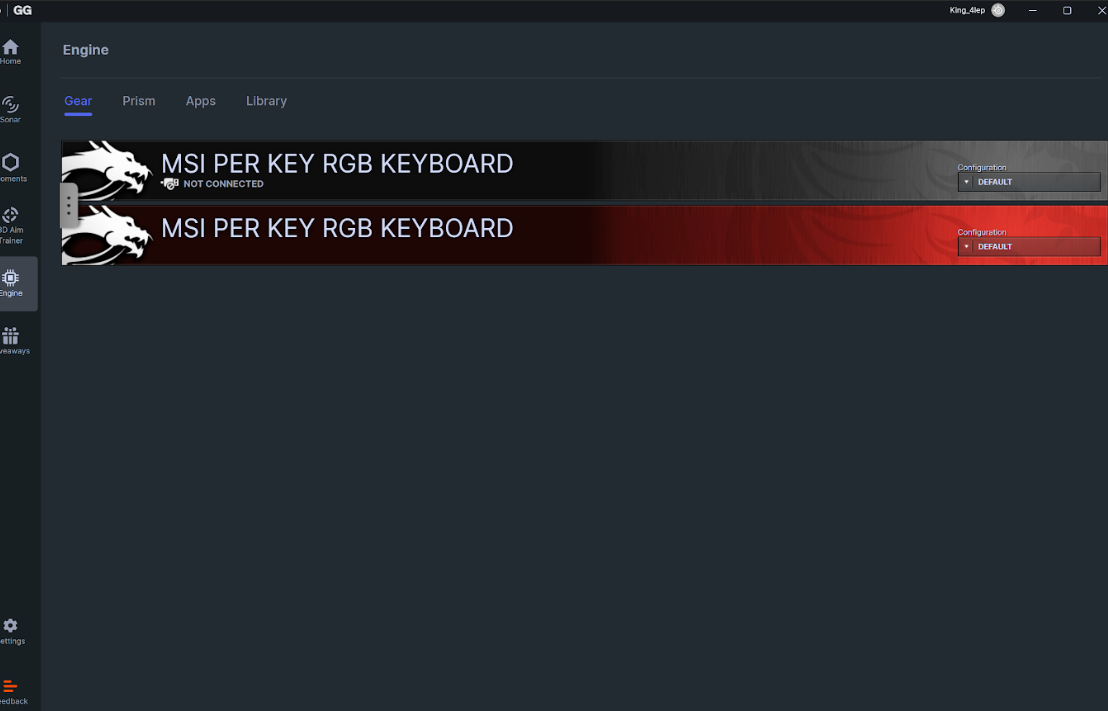
The controls for this model's RGB keyboard is on the SteelSeries GG app
Now, let's get to the downs. We were surprised when the driver was deemed "Outdated" when loading Enshrouded.
While the game did play out smoothly, we couldn't help but feel surprised at that point. However, this is a minor issue as you can manually update the driver via the NVIDIA app.
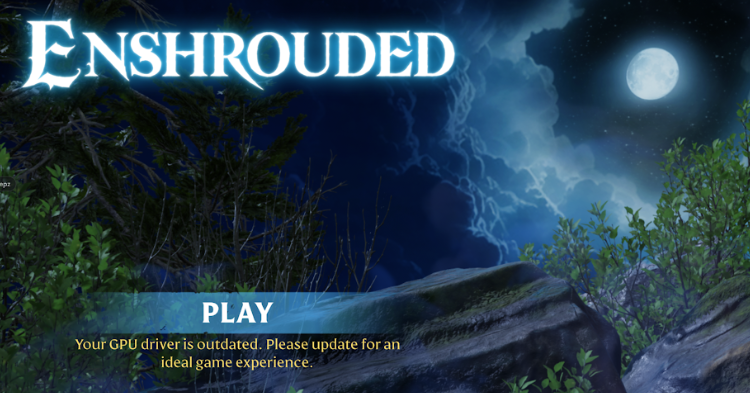
Awkward
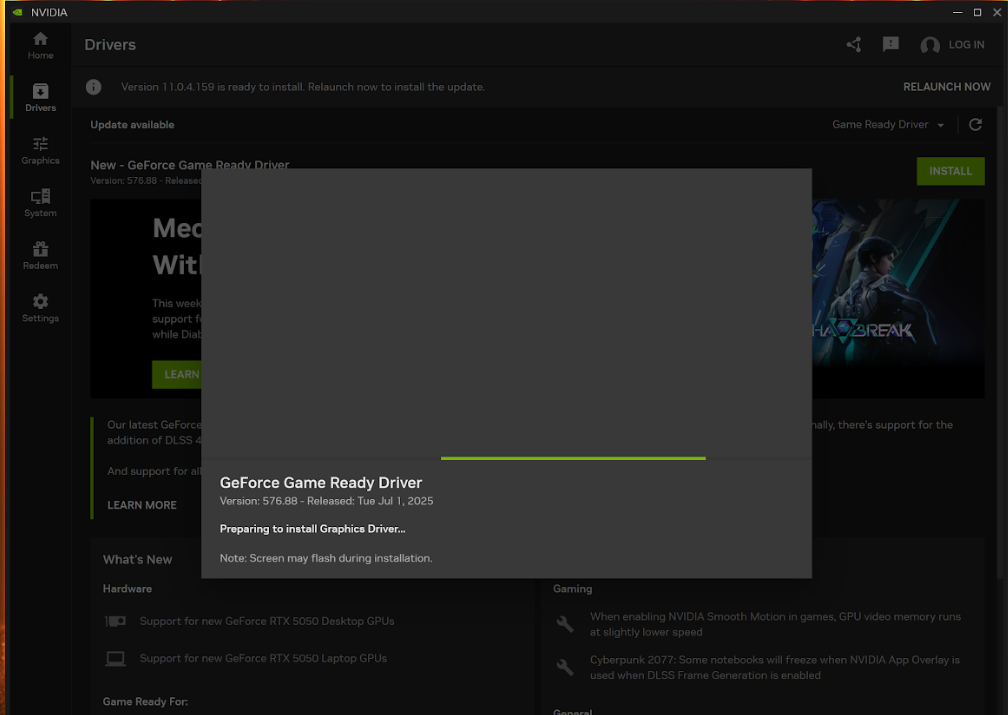
Thankfully, the NVIDIA app offers a quick fix for this
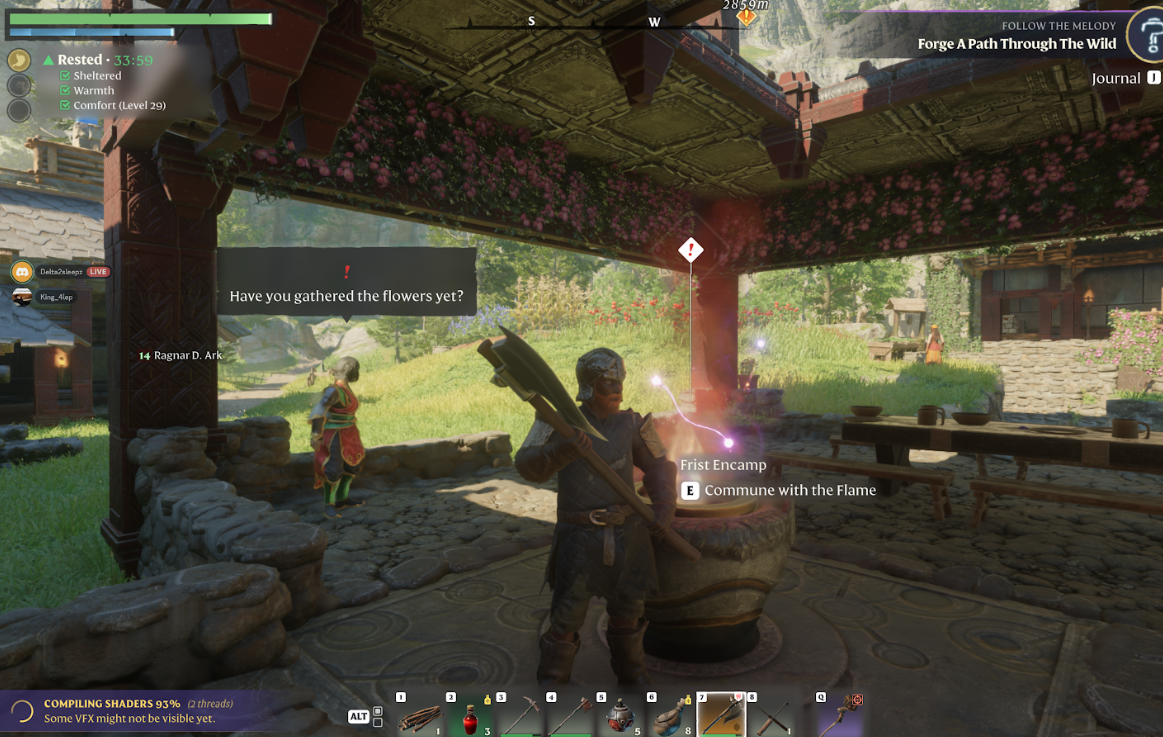
The driver might be outdated, but the gameplay and graphic remains solid
Moreover, we noticed the keyboard heats up quite easily, and that might present an issue for long-term usage. We are also not a fan of the virtual touchpad design. Sure, it looks fancy. However, we did notice the touchpad could be unresponsive at times.
Sometimes, it caused us to accidentally swipe on it while typing or working. This could be annoying during peak hours. Thankfully, you can "lock" this touchpad function out and work with the provided wireless mouse.
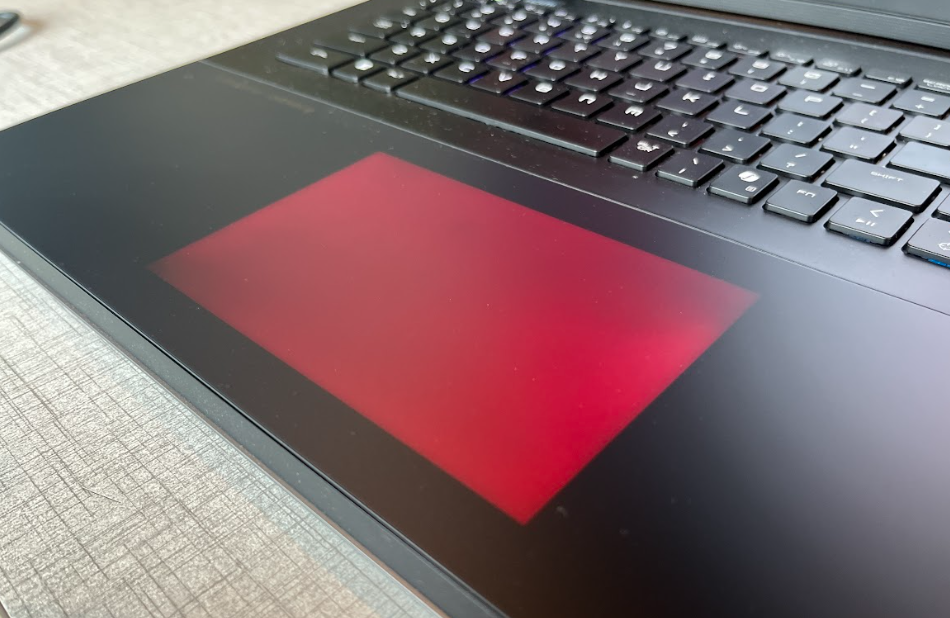
Not too thrilled about the virtual touchpad tho
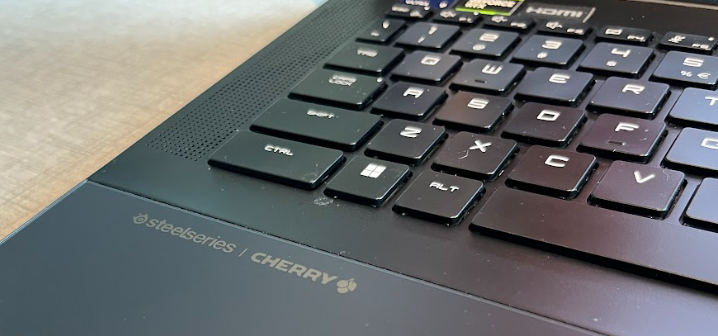
At times, the keyboard can be a bit too hot for our liking
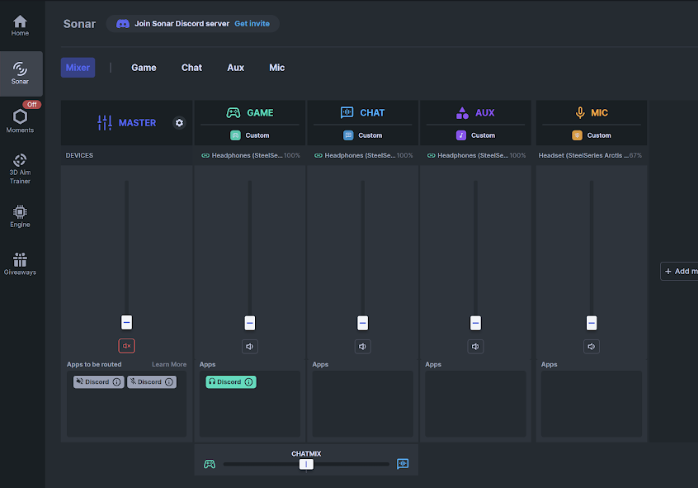
Setting up your SteelSeries headphones could be iffy
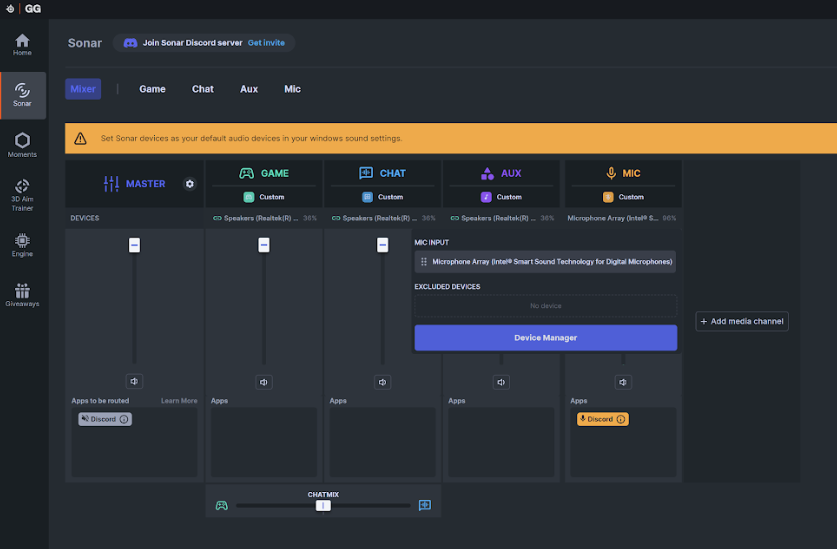
Sometimes, the Sonar feature is unable to detect our SteelSeries headphone
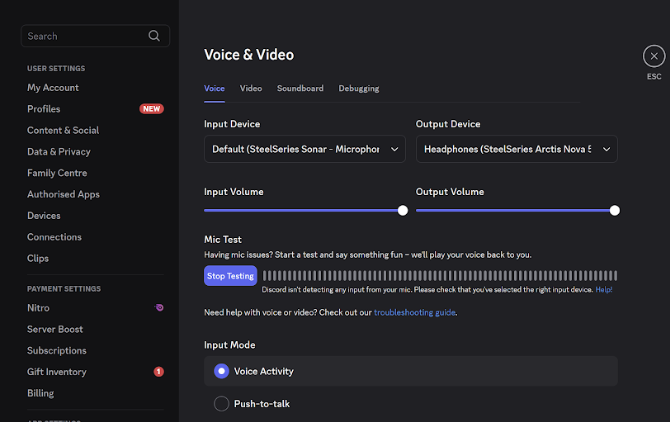
It took us some time to get a consistent connection on Discord
Besides that, it took us some time to set up the SteelSeries Arctis Nova 5 headphones on this laptop. Ideally, the SteelSeries app should provide a seamless connection between the headphones and the laptop. However, you might face this issue when using the SteelSeries headphones on Discord.
Sometimes, the connection could end abruptly while we are in a voice chat session. This could be annoying when not dealt with properly. It took us some tinkering on the SteelSeries GG app, and you might have to disable the Sonar feature for it to work properly. We hope this issue will be patched in the future.
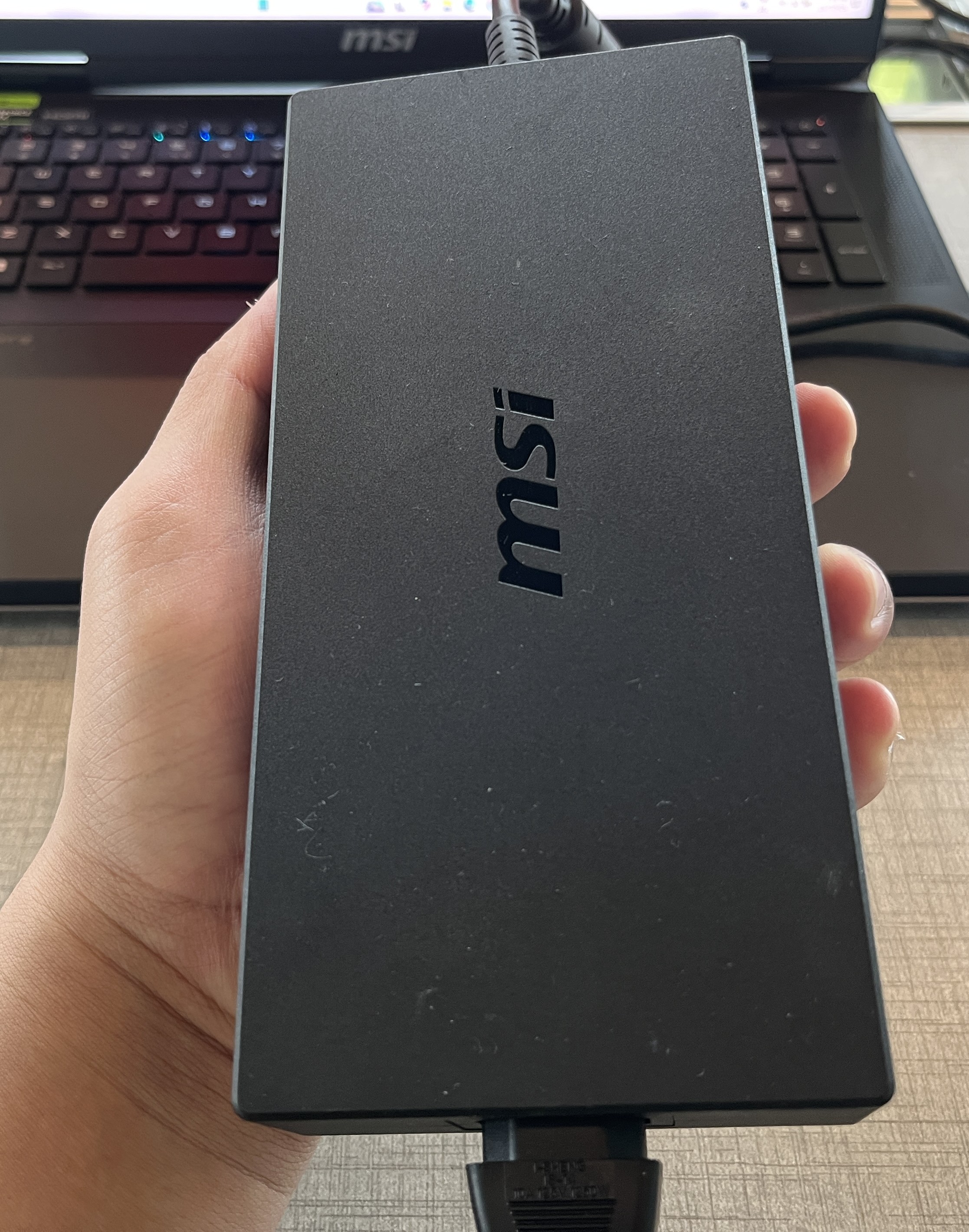
Almost the size of a brick
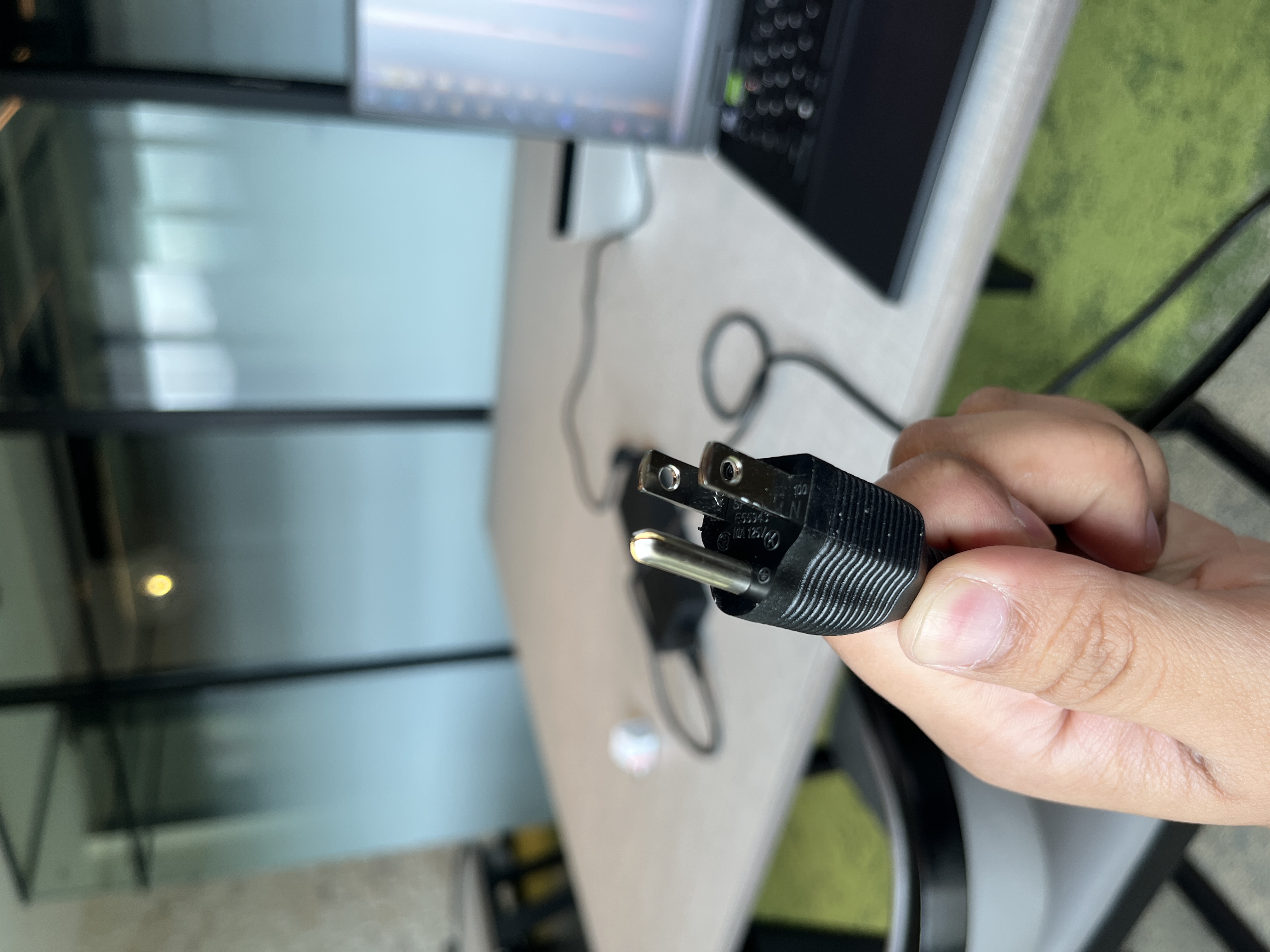
You need a universal adapter for this laptop
Moreover, the battery life is not a strong point. Even with a 99.9Wh battery (almost the size of a brick in our hands), the Titan 18 HX only lasts a few hours with light tasks and drains quickly under gaming or rendering. If you are not charging it while gaming, you might find the device lasts only 1 hour at best.
While this is expected for a machine with such demanding hardware. You might be left wanting more given its price tag. The MSI Titan 18 HX AI A2XW is not meant for everyone. It is heavy, loud, and expensive, but it delivers an excellent laptop performance in 2025.
MSI Titan 18 HX AI A2XW tech specs and features
- CPU: Intel Core Ultra 9 285HX (Max Turbo Frequency - 5.5GHz)
- GPU: NVIDIA GeForce RTX 5090 Laptop GPU
- RAM: 32GB*2 RAM DDR5-6400 (64GB installed RAM)
- Storage: 6TB SSD (2TB NVme PCle Gen5x4 SSD + 2TB NVMe PCle Gen4x4 SSd x2)
- Display: 18-inch UHD+ (3840 x 2400) Mini LED, 120Hz, HDR1000, 100% DCI-P3
- Keyboard: SteelSeries mechanical per-key RGB with Cherry MX Ultra Low Profile switches
- Audio: Dynaudio 6-speaker system, Hi-Res Audio, Nahimic support
- Connectivity: Wi-Fi 7, Bluetooth 5.4, Thunderbolt 4, HDMI 2.1, USB-C 3.2 Gen2, USB-A, SD Express card reader
- Battery: 99.9Wh with 330W adapter
- Weight: ~3.6kg
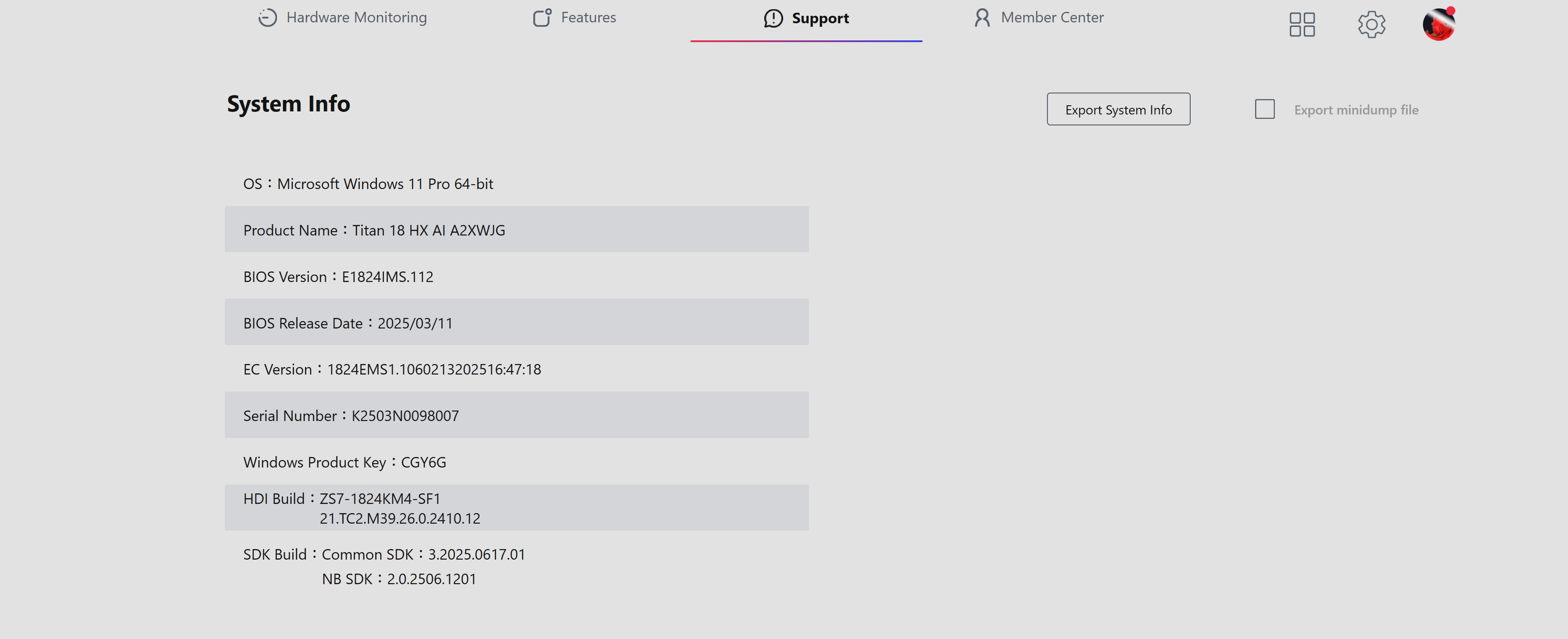 Brief info on the device
Pros - Great performance, very solid hardware for work purposes, great value with freebies out of the box
Cons - Expensive, some features can be difficult to set up, not travel-friendly, keyboard heats up easily.
Conclusion - One of the best laptops in the market, but for its price, a custom PC would be more ideal.



COMMENTS