
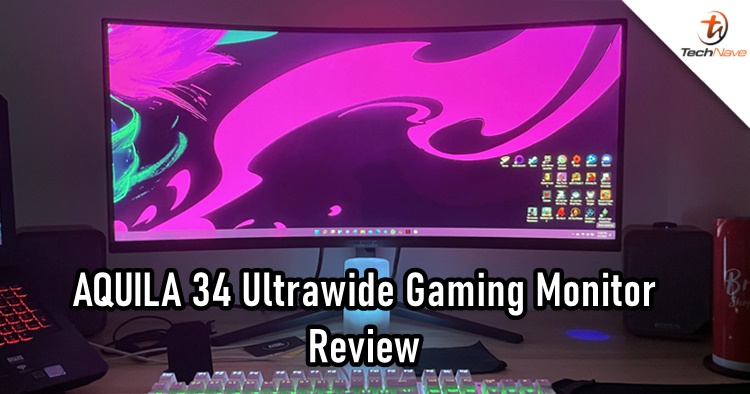
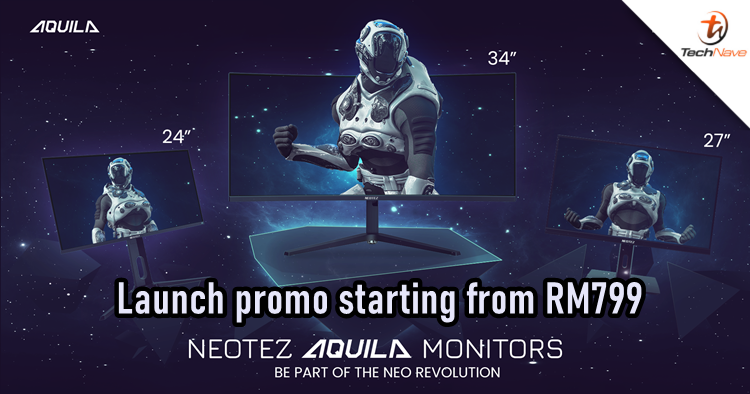
What is Neotez, and is it a brand from China? That could be one of your first thoughts hearing the brand's name, but it's not. Neotez was founded in Australia and made its debut in Malaysia on 17 March 2022, introducing the AQUILA 34, 27 and 24 gaming monitors.
In this review, we will be looking at the AQUILA 34 ultrawide gaming monitor. I also have a confession before starting this review - despite being a user of 1-2 monitors and an avid PC gamer, I have never used an ultrawide gaming monitor before and never understood the need for it. However, using the AQUILA 34 has certainly spoiled my preference, and I'll tell you why.
Upon unboxing, you will be greeted with the necessary accessories and the ultrawide monitor. Neotez was kind enough to provide an extra HDMI cable in the box. There were also handles and screws if you plan to wall-mount it. Of course, you have the standard leg stand that can be easily installed.
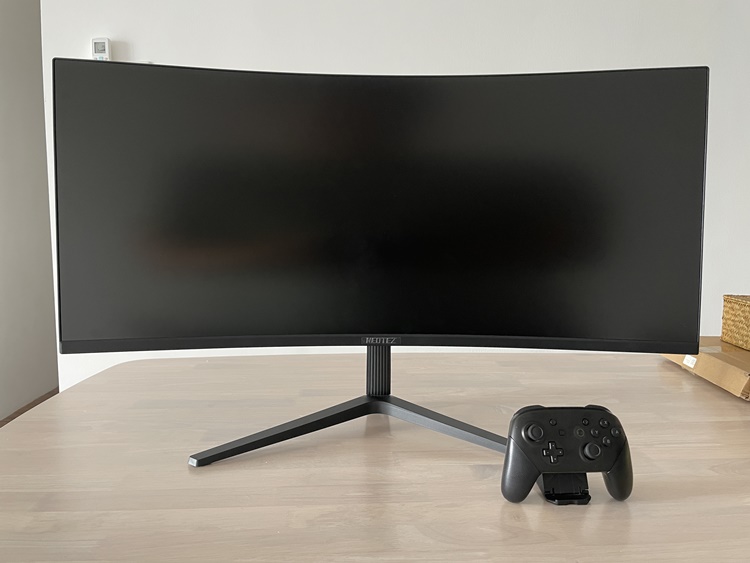
Here's a Nintendo Switch Pro Controller for scale
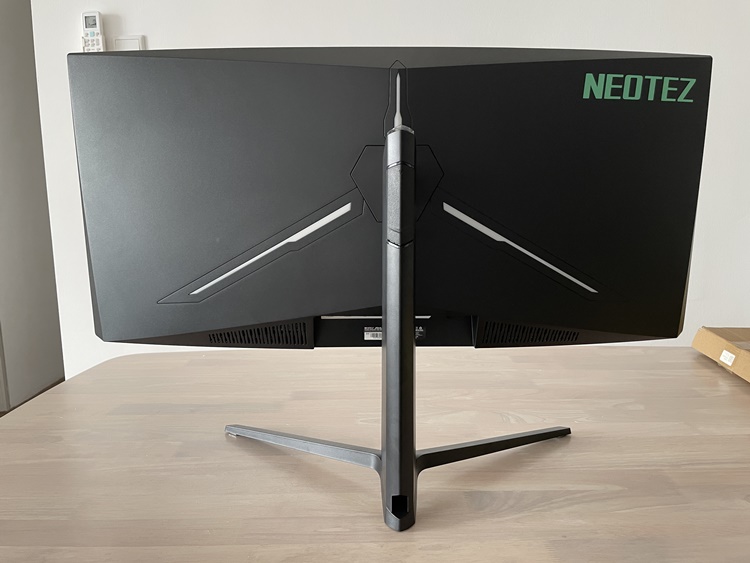
The three white accents have LED backlighting
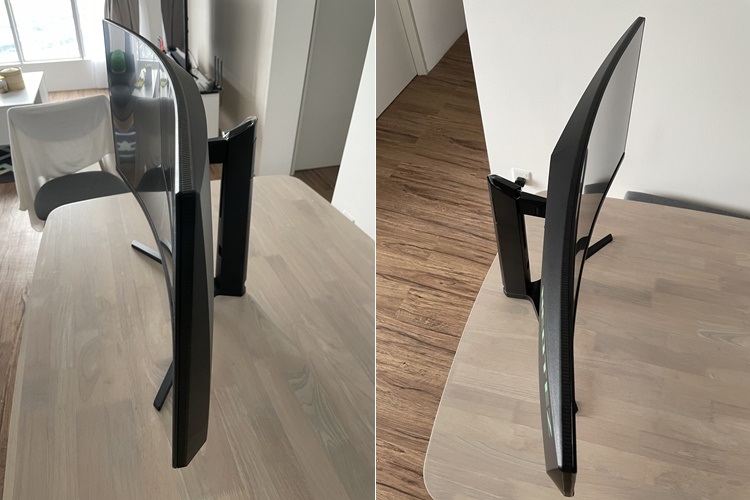
Really curvy, mhmm
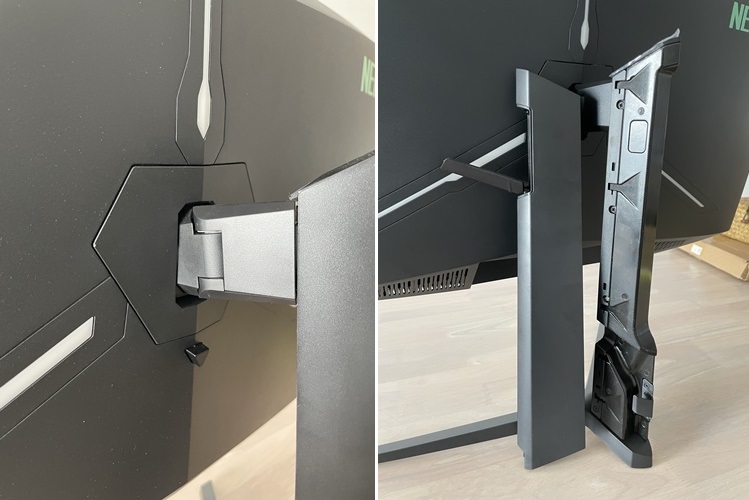
The monitor hinge is easily adjustable and rotatable. The leg stand is sturdy too
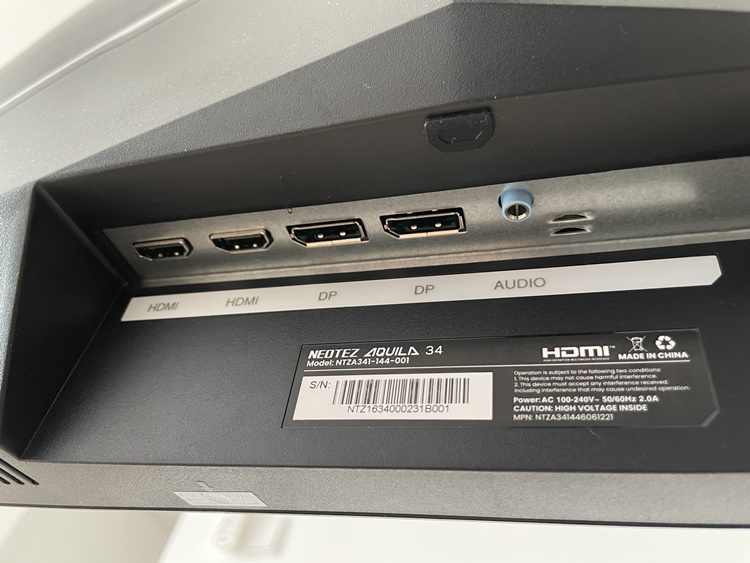
Inserting the cables can be challenging due to the bottom-facing angle
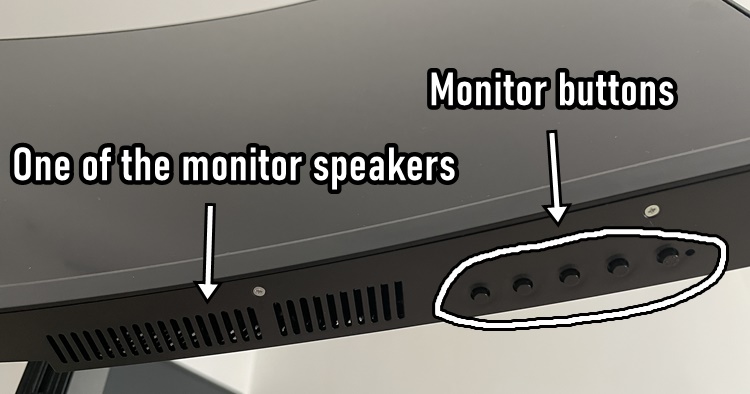
Meanwhile...below the monitor
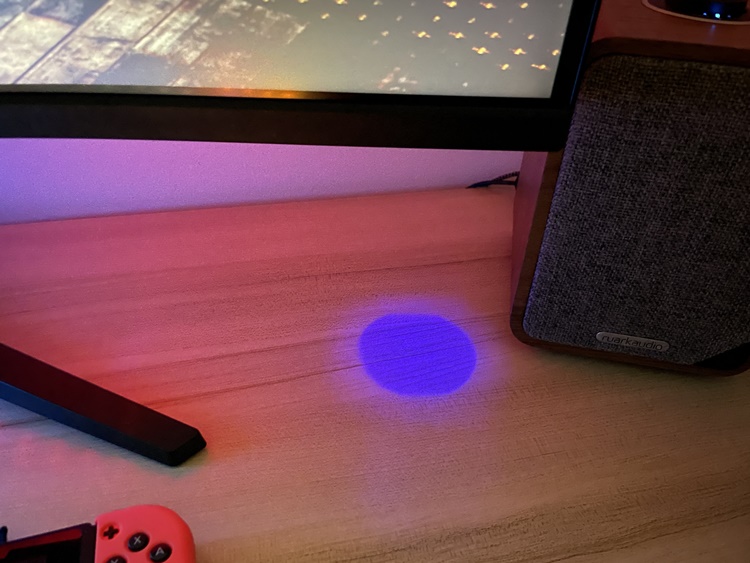
A light beam to indicate where are the buttons are
Like most 34-inches monitors, the AQUILA 34 is one big boy with a nice curvature of 1500R. The body is mostly plastic with some metal for the stand but you can be assured that it doesn't feel like those cheap plastics, and the overall built quality is quite solid. You can find two HDMI 2.0 ports, an audio jack, and two 2W built-in speakers. The speakers sound alright but aren't something that most gamers rely on, as most people would just pair their PCs with proper speakers.
Next, let's move on to the tech specs. The display has a max resolution of 3400 x 1440 pixels (2K UWQHD) and an aspect ratio of 21:9. It uses a VA panel that offers 1ms response time and 99% sRGB plus 93% DCI-P3 colour gamut. Of course, you can manually adjust settings like Low Blue Light, PIP/PBP (screens pilot), colour tone and many more. The navigation can take some time to get used to, though.
So how about the user experience? Well, here's my impression of the monitor after about two weeks. Since I'm still pretty much working from home, the AQUILA 34 has been a blessing to me in some ways, especially gaming. Unfortunately, I didn't have the cash to experience Elden Ring. Also, my potato laptop can't support Doom Eternal on this ultrawide gaming monitor. So I decided to boot up The Witcher 3, and wow, it was a sight to behold.
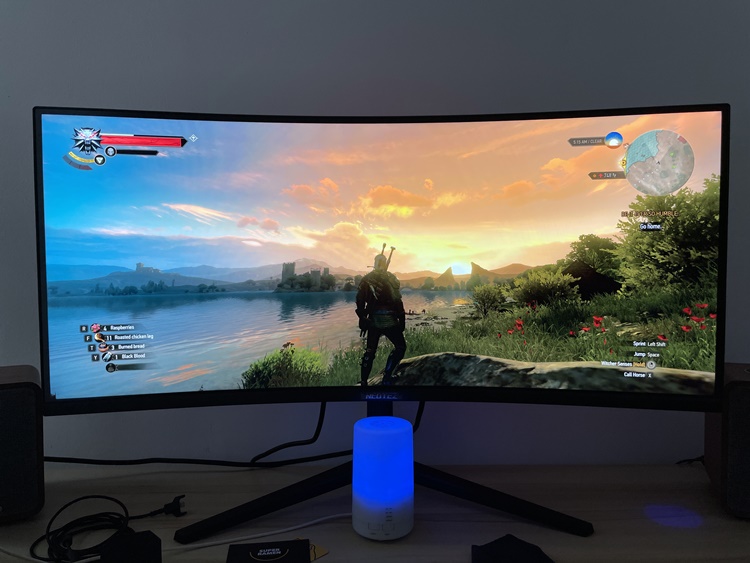
What a beautiful sunrise
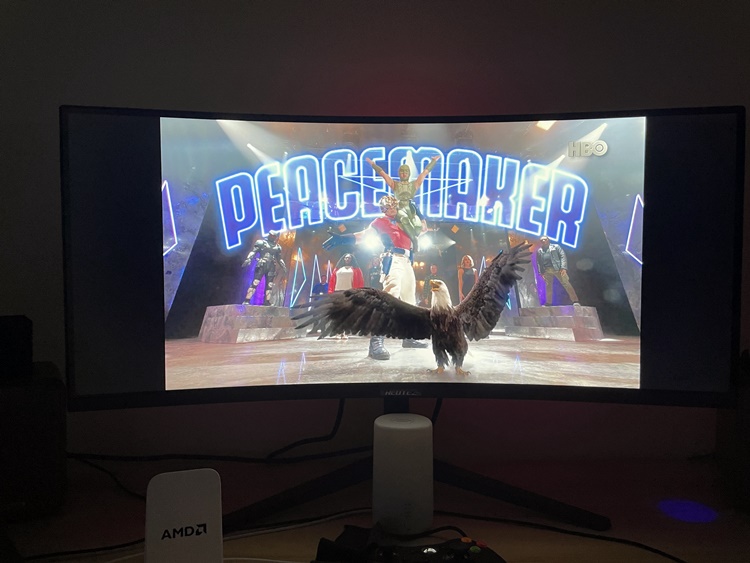
Not all shows support the 21:9 aspect ratio format
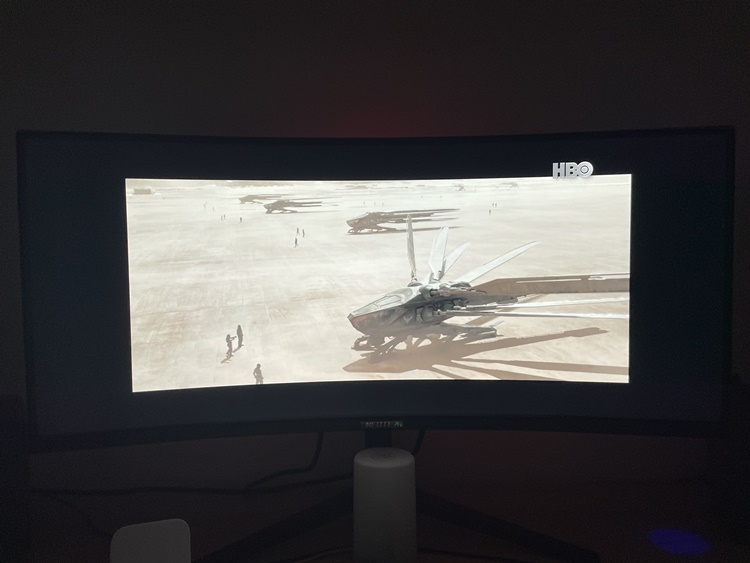
It also depends on the streaming service. Too bad Dune in HBO Go didn't fill up the screen
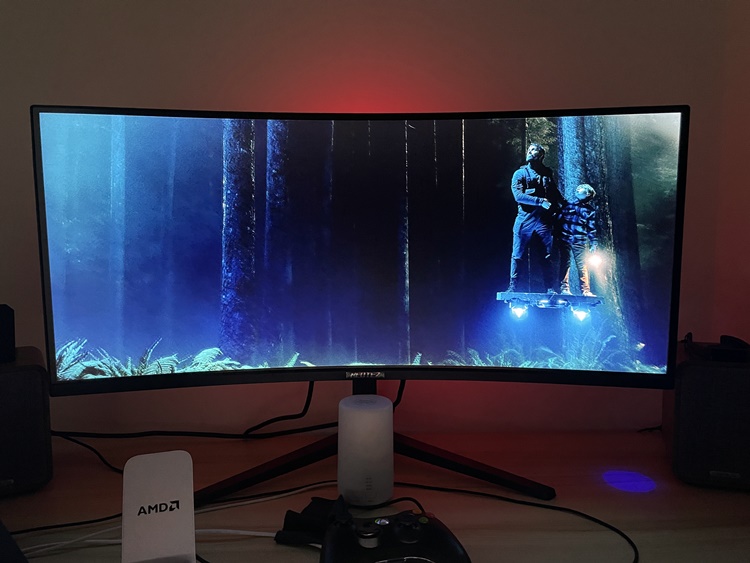
But when it does fill up the screen, it's perfect
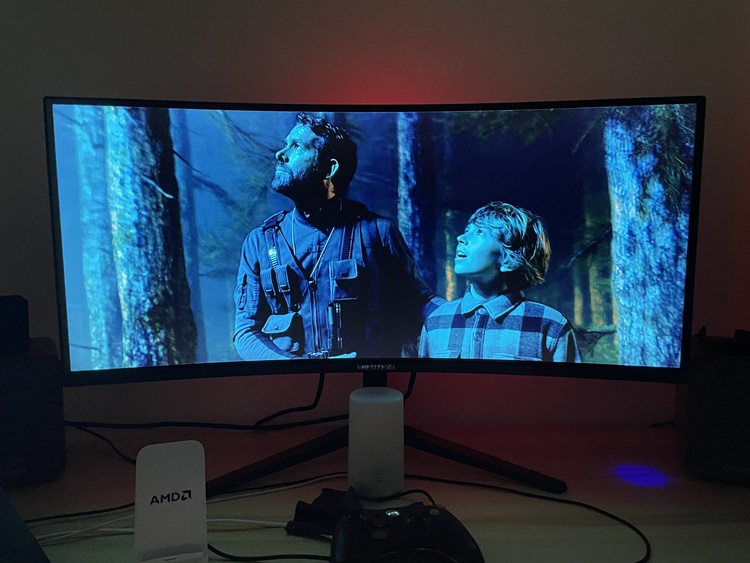
The colour contrast is sweet
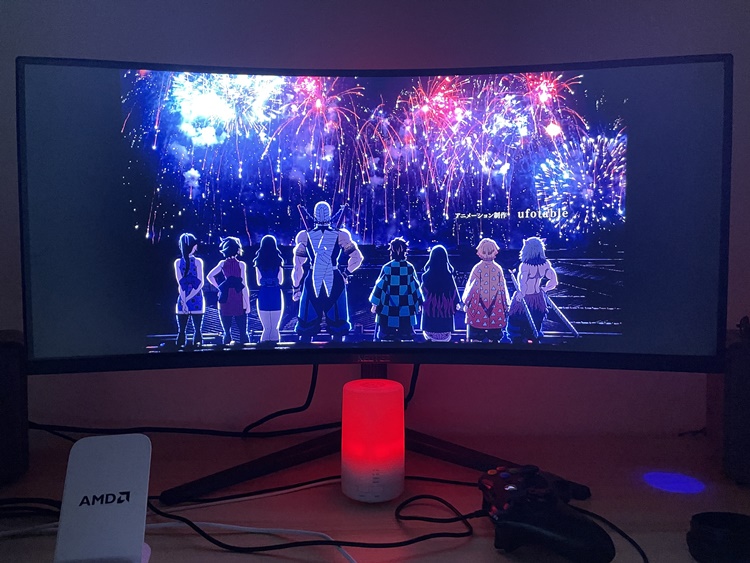
Anime such as Demon Slayer is also nice to watch
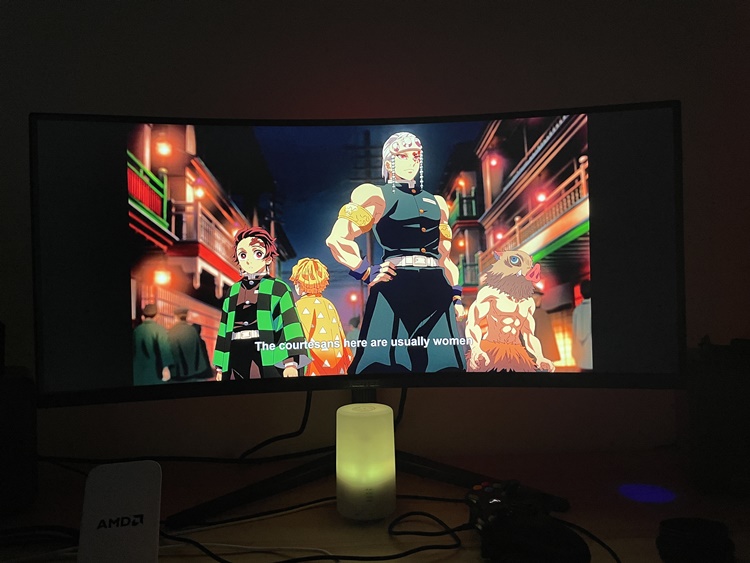
Satisfactory!
One of the common issues when syncing up a monitor to a PC or laptop is that most of the time, gamers would turn on the V-Sync for better performance. Thankfully, the AQUILA 34 features an Adaptive Sync function that eliminates frame stutters and choppy frame rates, so I was able to enjoy going around in Toussaint without feeling dizzy. Colour reproduction was satisfactory, and this applies to watching shows from platforms like Netflix.
Working on the AQUILA was probably one of the things that I look forward to every morning. With so much space at my disposal, I could easily 'split' the screen in half. Together with my laptop, this made multitasking between sourcing news, writing news and managing the TechNave Facebook page so much easier!
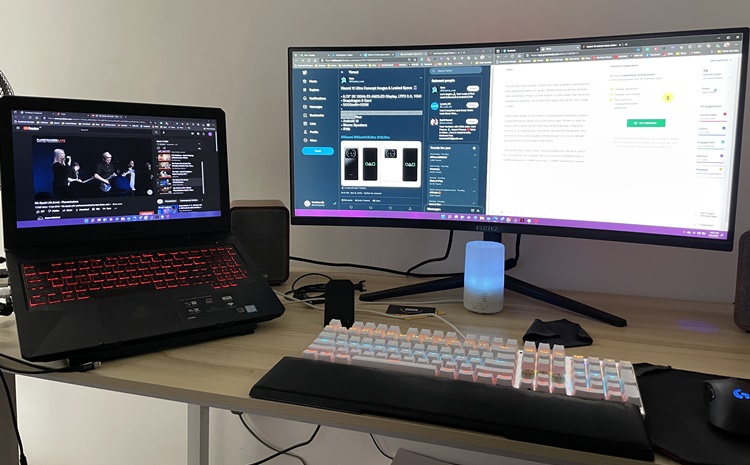
Multitasking like a boss
Before this, I never understood why people needed an ultrawide monitor for their setup. But now that I have experienced the AQUILA 34 first-hand, it has spoiled me, so now I want one because it's better for multitasking. And of course, gaming on it was a delight but do make sure that you have a powerful device to support video games in ultrawide settings.
If there's one thing that I have to complain about, it would be how tedious it was to insert the HDMI cable and power cable because of the ports' positions. It would also have been nice if the LED backlighting supported other colours instead of just red. Then finally, there's the price tag which may be a make or break for you.
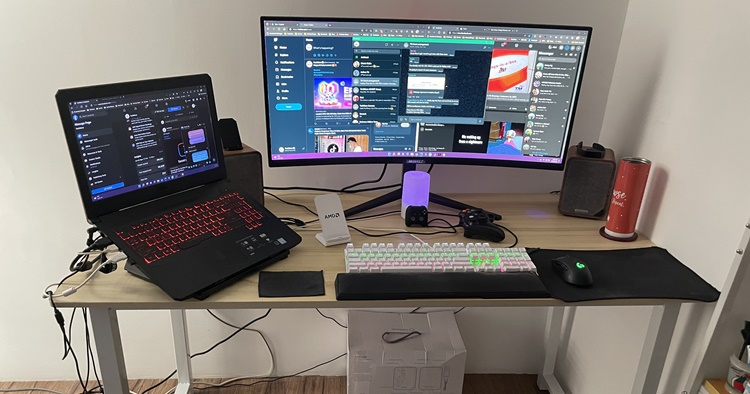
Make sure you have a big table to accommodate the ultrawide gaming monitor
At the price of RM2099, this is definitely more affordable than the Samsung Odyssey G5 Gaming Monitor 34" at (RM2888) and other higher-end MSI, ROG, and TUF gaming monitors (around the RM3k range). However, there are also plenty of ultrawide gaming monitors that are cheaper or with a similar price range. This includes brands like Gigabyte, Acer Nitro, AOC, and others that are already well-known in Malaysia.
As a newcomer to the gaming monitor industry, the AQUILA 34 seems reasonable but consumers who aren't familiar with the brand may think twice. Personally, I enjoyed using it, so I can confidently recommend it if you're looking for alternatives to the big brands. By the way, this gaming monitor currently has a launch promotion price of RM1899. That's quite a good deal if you ask me.
So that's the review of the AQUILA 34 ultrawide gaming monitor. What do you think? Let us know in the comments below, and stay tuned for more tech gadget reviews only at TechNave.com.




COMMENTS