
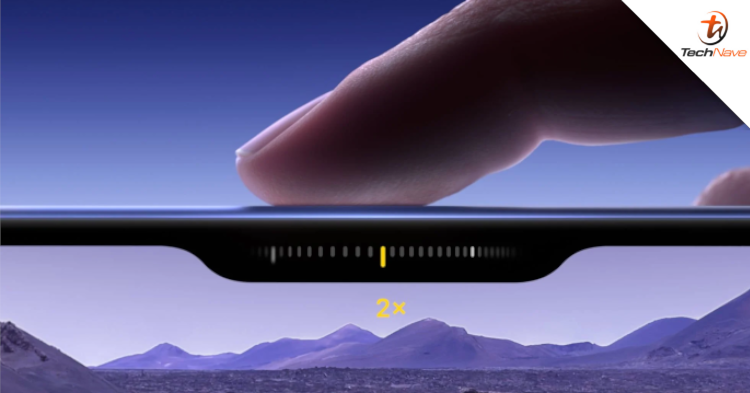
Apple has added a new "Camera Control" button to the entire iPhone 16 series. You can tap, press, and slide to control different camera functions, including taking photos, recording videos, and adjusting exposure, depth of field, zoom, and filters. However, if you feel that you rarely use this feature, you can turn it off. This is how you can do it.
With the official release of iPhone 16, many users have already got their new phones. I wonder if everyone has gotten used to using this button? If you prefer to operate directly on the camera interface, you could change it to a more commonly used function to improve your user experience.

On all iPhone 16 models, you can change how hard you need to tap the camera controls or how quickly you need to double-tap the camera controls. You can also disable tap gestures or disable camera controls entirely.
- Go to Settings > Accessibility > Camera Controls.
- Disable camera controls completely: Turn off Camera Controls.
- Disable tap gestures: Turn off Display Accommodations.
- Adjust the force required to tap a camera control: Choose a force option below Tap. You can practice the gesture to experiment with the force you want.
- Adjust the speed required to double-tap the camera controls: Under Double-tap Speed, choose the speed you need to press for the iPhone to register as a double-tap.
There you go, that is how you can switch off the Camera Control button feature. We have yet to confirm other details on the news. Hopefully, these tips will help you.
What are your thoughts about this news? Stay tuned for more news and updates like this at TechNave!





COMMENTS