
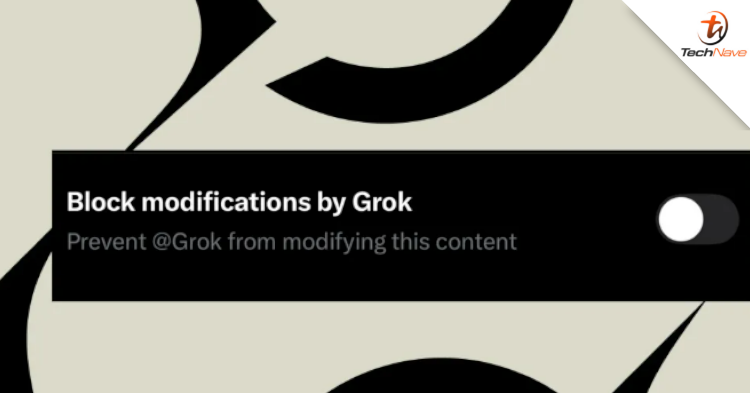
According to The Verge, X is now introducing a new feature that allows you to prevent Grok from modifying uploaded images.
Unfortunately, you can only block Grok to a certain extent
For iOS users, the X app provides a new toggle in the image upload settings called "Block modifications by Grok ". When enabled, this feature prevents Grok from modifying images through one specific method, namely when the @Grok account is tagged in a reply tweet with instructions to edit the image.
Additionally, the method has previously been abused to generate obscene and harmful content. Following a global backlash and pressure from lawmakers, the function has been blocked for free accounts. With this new feature, in addition to free accounts no longer being able to use @Grok to edit images, it also prevents Premium customers from doing so using the same method.
However, this feature does not completely solve all the problems. It is understood that users can still long-press on an image in the X app on iOS to open the "Edit image with Grok" option, or save and re-upload the protected image.
So far, this feature is only available in the iOS version of the X app. It's not yet available for the web version and cannot be used on previously uploaded images. X hasn't officially announced the feature yet, so its availability and development status are still unclear.
Stay tuned to TechNave.com for more updates like this.






COMMENTS