

Maybank has announced that Maybank2u password resets can now only be done via the MAE application. So, what should you know about it?
A handy change
For your information, this change only affects Individual and Sole Proprietor users. Meanwhile, M2UBiz and M2E users can still use the existing method as usual.
If you want to change the existing password, you can log in to the MAE app and make an update through the security settings.
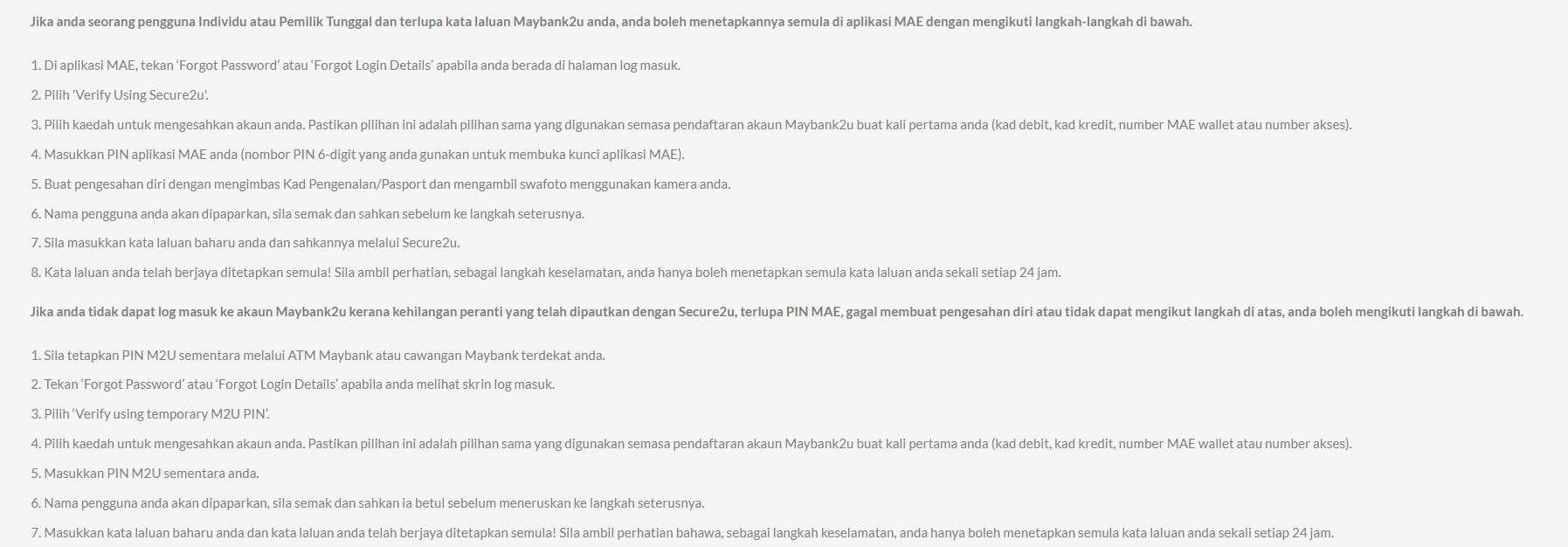
Moreover, if you forget your password, you can completely reset it in the MAE app by following the steps provided.
To reset, you need to select 'Forgot Password' on the app login page. Then, verify your identity via Secure2u using the same authentication method as during registration. Either using a debit card, a credit card or an access number.
Did this news catch your attention? Stay tuned for more news like this at TechNave!






COMMENTS