
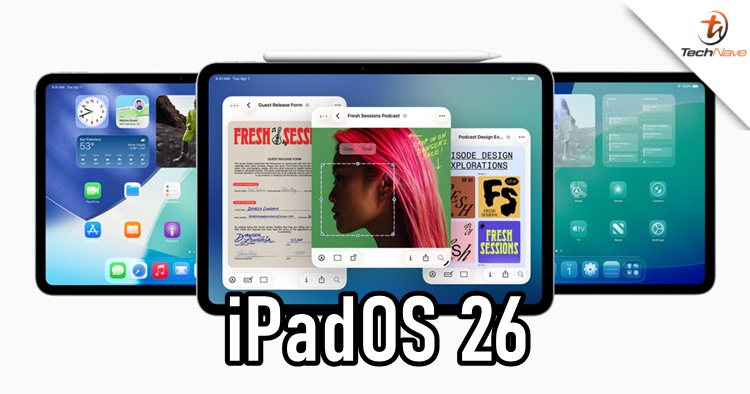
Just like iOS 26, iPadOS also got a name change with iPadOS 26. According to Apple, iPadOS 26 is the "most significant update to date", as it brings a new visual refresh and productivity-focused features to enhance the iPad further.
"Liquid?Glass" for iPadOS 26
iPadOS?26 debuts the Liquid?Glass design language, it is a translucent, reflective interface that adapts dynamically to light and context. Icons, Control Center, and system elements now feature richer depth and fluid visuals without altering the familiar iPad layout.
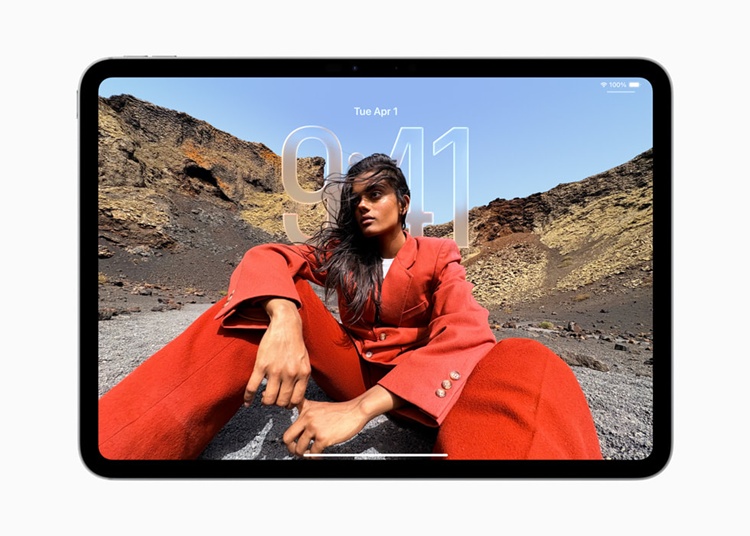
Just like iOS 26, iPadOS 26 gives users new ways to personalise their Home Screen with updated app icons that come to life in light or dark appearances, colourful new light and dark tints, as well as an elegant new clear look. Updated controls and navigation are extended to apps, such as Mail, Safari, Apple TV, Apple Music and more.
New Windowing System and AI
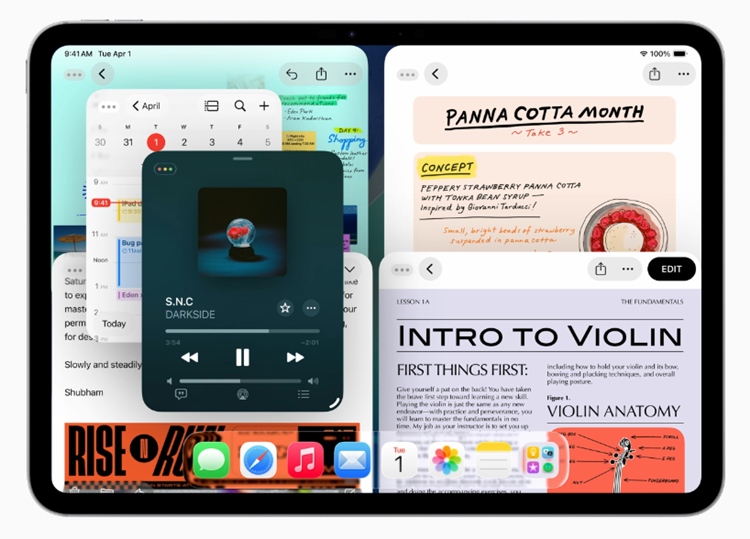
For iPad users, they will probably find this new window management system handy, as it enables them to resize, tile and position multiple app windows freely. With features like Exposé and persistent window layouts, iPadOS?26 further aligns iPad multitasking with macOS capabilities.
Moreover, Apple is integrating new AI-driven tools such as Live Translation in Phone, FaceTime and Messages. The long-awaited enhanced Genmoji and Image Playground are also on iPadOS 26, alongside Intelligent Shortcuts for automating writing and image editing.
Apart from that, iPadOS 26 also bring a couple of smarter features for apps and systems. Below is the list of summaries for each respective point:
- Files app now offers a customisable list view with resizable columns, folder colouring, icons, and quick-access items in the Dock.
- Preview app on iPad enables PDF/image annotation using Apple Pencil and AutoFill.
- Audio enhancements include flexible input selection, voice isolation, echo cancellation, and local capture for high-quality recordings during video calls.
- Journal app offers a new space for daily entries with photos, video, and mood tracking.
- Apple Games hub centralises Arcade, Game Center, and installed titles for easy access.
- 3D graph support arrives in Calculator and Notes.
- Accessibility tools gain enhancements such as a Braille reader mode, screen reading features, and sharing settings across devices.
Availability and Compatibility
The Developer beta is now live, with public beta expected in the coming weeks and the final release in Fall 2025. Compatible devices include recent iPad Pro, iPad Air, iPad, and iPad mini models, basically, those with Apple Neural Engine.




COMMENTS