
News & Reviews: how to
-
Feb 07, 2025

"How to add your own ringtone to an iPhone ah?" That was what my uncle asked me the other day during Chinese New Year. Ah, yes. Although Apple has been allowing more customisation features on the latest iOS, that has not been the case for making our own ringtones.
[ Read More ] -
Dec 03, 2024
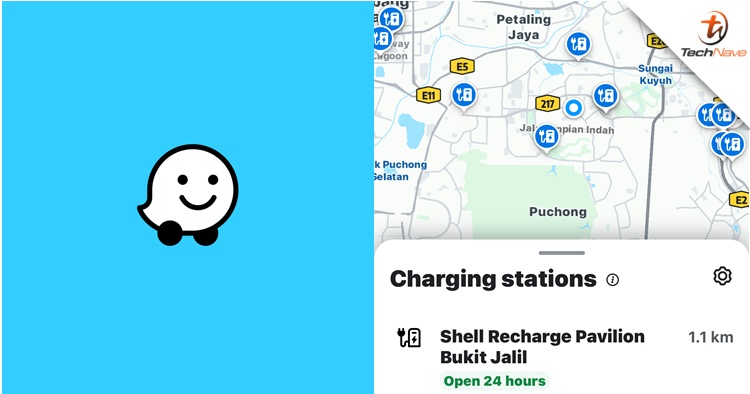
In case you didn't know, you can now find nearby EV charging stations on your Waze app. To turn it on, you just need to visit 'Vehicles details' on the Settings page and then tap on 'Electric Vehicles'. From there, you can choose whichever EV charging station type that you prefer.
[ Read More ] -
Mar 22, 2024

As every gadget lover knows, most gadgets don’t last forever. They get old, slow down with every update or some just break down completely. As gadget lovers, we also know that just throwing them away into the normal trash is dangerous for the environment, but you either don’t know how to dispose of it properly or just don’t have the time to find out.
We understand completely, and so we’ve made a fast and simple guide with handy tips on how to sell, trade-in and dispose of your old gadgets properly. In some cases, you can even get PAID for them, so do read on to find out more.
[ Read More ] -
Sep 19, 2023
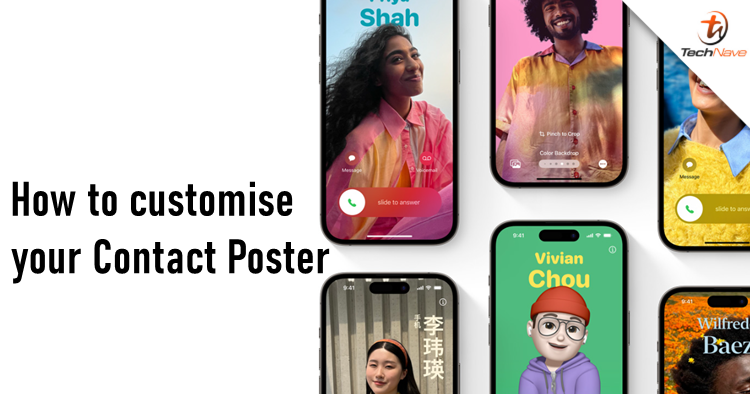
So you've updated to iOS 17 but have no idea how to customise your Contact Poster. You've come to the right place. Finding your own Contact Poster is not as straightforward as your wallpaper but once you find it, it's pretty easy.
[ Read More ] -
Aug 01, 2023
If you are like the majority, many users really dislike the X logo replacing the classic Twitter bluebird. The app itself also got a name and logo change just over the weekend, but luckily, someone found a way to change both back on the iPhone. Here's how to do it.
[ Read More ] -
May 22, 2020
We have talked about Messenger Rooms here and there, it's already available on the Facebook Messenger app as well as the desktop version and now, it has officially made its debut on Instagram! Since it's the same exact feature, that means you can also call up to 50 people seamlessly. Here's how to activate Messenger Rooms on Instagram.
[ Read More ]