
News & Reviews: Microsoft Windows 10 Malaysia
-
Jul 26, 2016
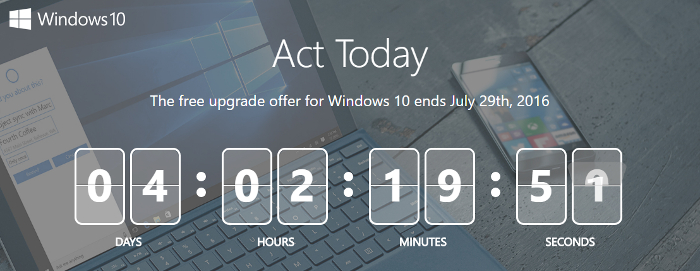
Microsoft Malaysia recently highlighted that their offer for a free upgrade to Windows 10 will end on 29 July 2016. According to their statistics, 1 in 2 eligible devices (using Windows 7 or Windows 8.1) here in Malaysia have yet to make the move, leaving only 4 days left to make the move for free.
[ Read More ] -
Oct 01, 2014
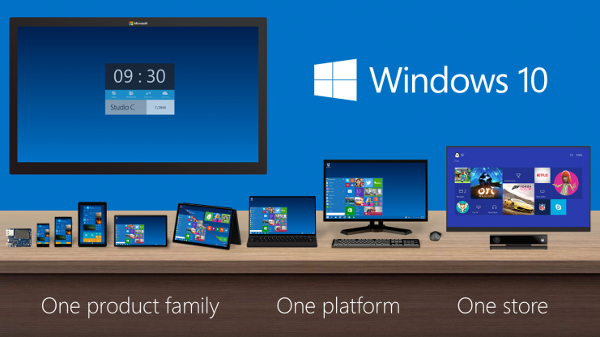
Microsoft has officially announced Windows 10 with a release date expected in April 2015. While we have no idea where Windows 9 went (perhaps it was Windows 8.1 ~ 8 + 1) the big news is that this new Windows 10 will run on every Windows device. This means that when it comes out, it should replace Windows 8 on your PC and Windows Phone on your tablet or smartphone. No news yet on whether this would be called Windows Phone 10 or just Windows 10 throughout, but we're thinking that since Microsoft is aiming for total unification, everything will be called just Windows 10 regardless of device. Key features mentioned for Windows 10 includes:
- An integrated Start Menu ~ The Start button and menu returns, this time incorporating the Metro Live Tiles into the start menu, so you get the best of both worlds without having to constantly switch between the two. You can easily customize this menu by pinning apps as tiles and so forth.
- Universal touch apps on the desktop ~ Instead of having touch apps running on their own Metro UI, everything runs from the desktop, including these touch-based apps. They will be called Universal apps (perhaps because they can be used on a PC and tablet) while Classic apps are your normal PC apps. So far, it looks like it will open up a window on the desktop for the Universal App to run while keeping the desktop intact. Apps will be purchaseable on the Store for any device, but we assume that apps that aren't designed for a touch device like a tablet simply won't appear in the Store.
- Multiple Desktops ~ Looking much like the Recent Apps menu from Android, the new Task View lets you switch between multipled desktops with each desktop running a different app. You can then switch between these desktops and apps at will, without losing data in any of them.
- Customizable desktops with Snap Assist ~ Like to have multiple windows or apps open at one time? Well, now you can easily snap at least four apps at a time without having to precisely resize each window.
- Adaptable design ~ just like responsive design for a website, the Continuum feature in Windows 10 will automatically adapt your OS according to the device. A tablet can switch to just tablet mode or when attached with a keyboard go to PC mode. No news yet how it might look like on a smartphone, but it should look like the current touch-based UI.
[ Read More ]
