
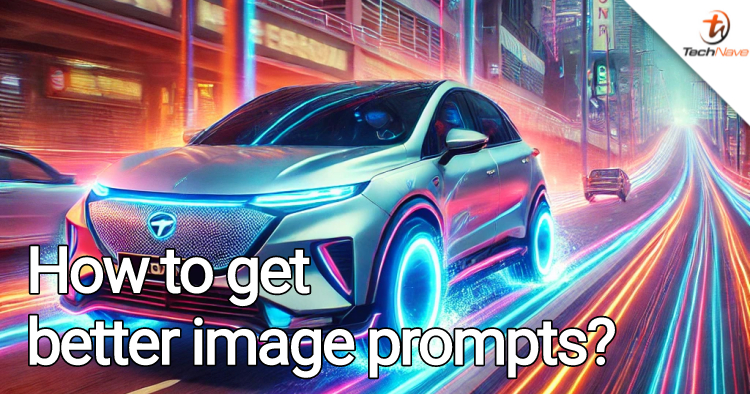
Generative AI is such a game-changer for many fields as it enables people to generate articles, images and code from just a few lines of text. For people who can't draw but have ideas, this lets them express what they were previously unable to. Even then, making a prompt for image generation can still be challenging.
As such, we've created a guide on how to make a better prompt for Generative AI image generation using ChatGPT-4o. This doesn't differ that much from our previous guide on making better prompts. But this time around, we'll show you tips on how to make better prompts for images. So, without further ado, let's get to it.
The basic prompt
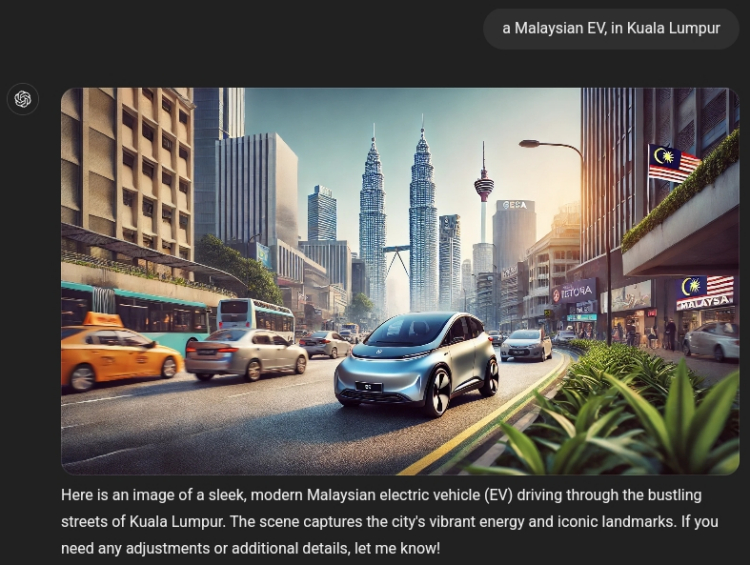
Prompt: [What you want] [How you want it]
Example: A Malaysian EV, in Kuala Lumpur
A better prompt for AI image generation
Now, let's expand this prompt to one more suited for image generation:
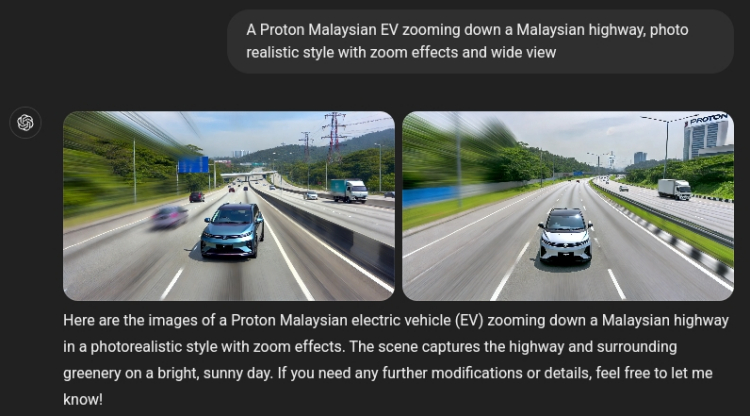
Prompt: [What image do you want] [Where is the image located] [How do you want the image and location to look like]
Example: A Proton Malaysian EV zooming down a Malaysian highway, photo-realistic style with zoom effects and wide view
Some Important Tips for Generative AI image prompts:
Tip #1: For best results, be as clear and descriptive as possible
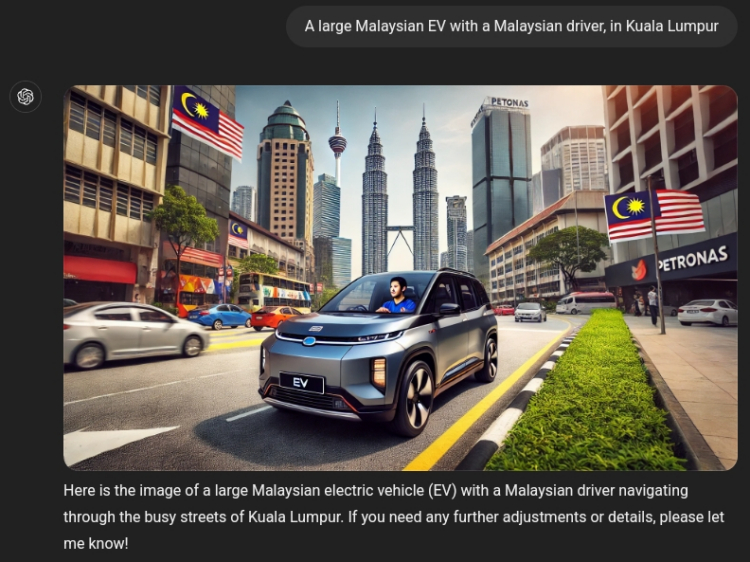
For example, in both the prompts above you can see that the AI has neglected to include a driver. So let's include a driver in the prompt.
Example: A large Malaysian EV with a Malaysian driver, in Kuala Lumpur
Tip #2: Try, try and try again
AI image generation tends to hallucinate a lot more than text, so be prepared to use "try again" with other modifier keywords or change the keywords in your original prompt to get exactly what you want
Example: try again but with a larger EV
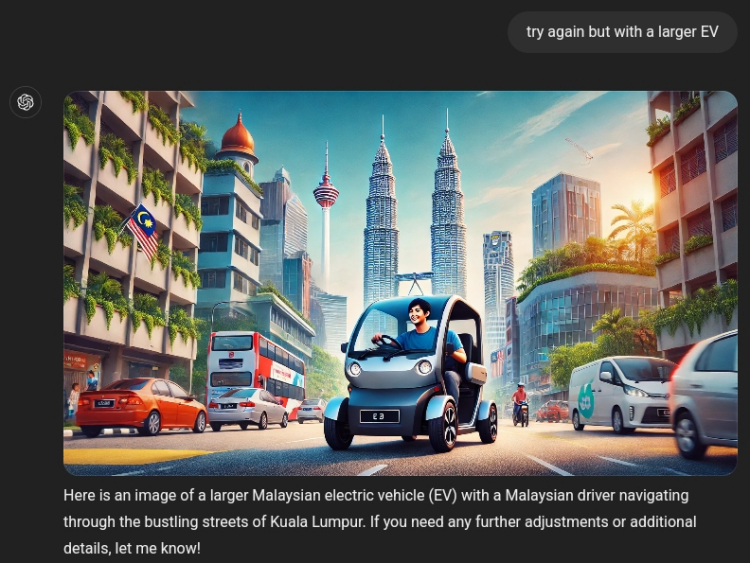
Is something else becoming larger?!
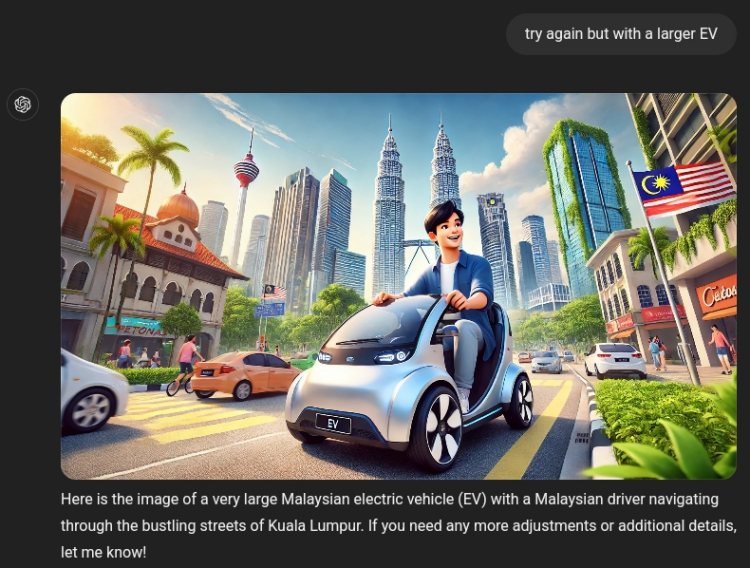
Sigh
Tip #3: Sometimes, it's better to just start over
Regardless of how precise you word your text, the AI may still ignore you or add on details you didn't request, so be patient. However, if you've tried too many times it's sometimes better to just make a new prompt or if it really gets impossible to fix, start a new chat.
Example: a Proton Malaysian EV with a Malaysian driver zooming down a Malaysian highway, photo-realistic style, zoom effects, intricate details, cinematic lighting, rule of thirds composition
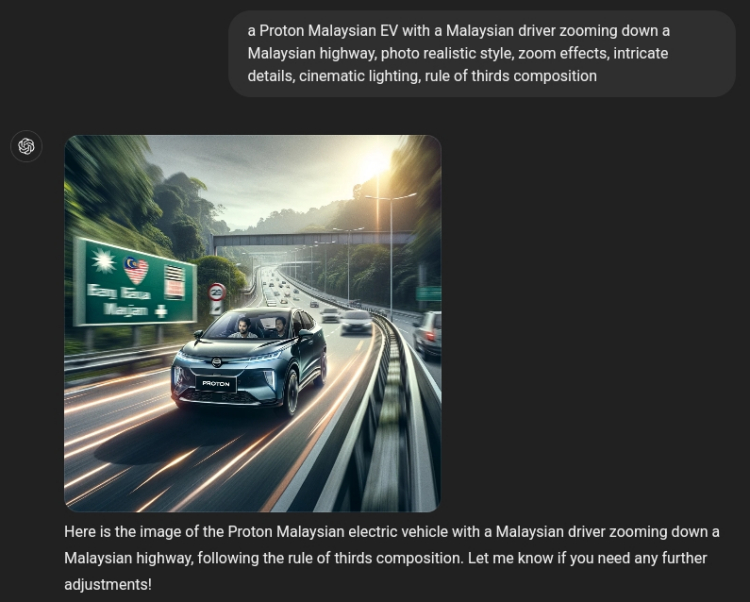
Tip #4: Find the keywords that work best for you!
Certain keywords that affect the style or view can completely change the results of your image. In the prompt above you can see keywords like zoom effects, intricate details, cinematic lighting and rule of thirds composition. Experiment and find out for yourself.
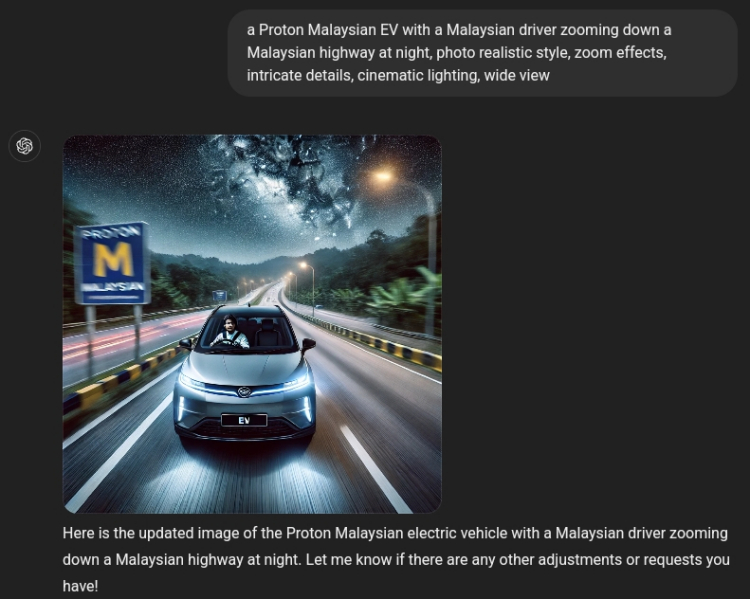
How about one at night?
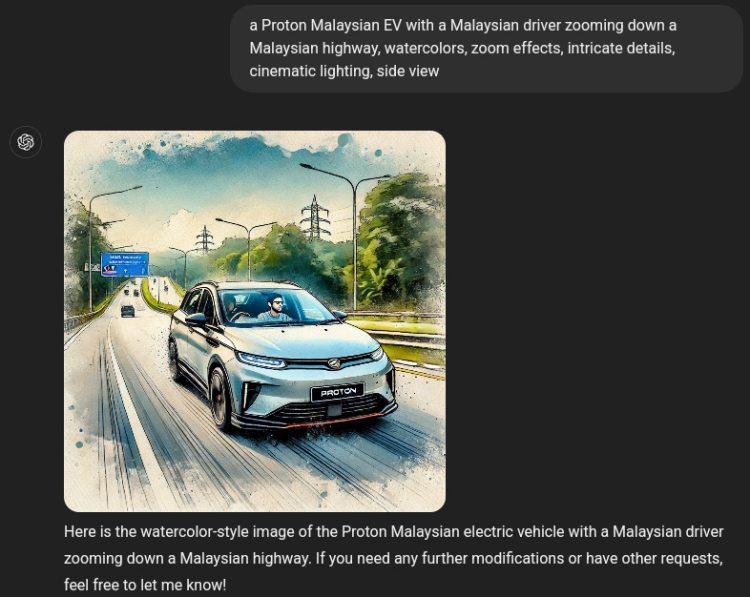
Fancy watercolour instead?
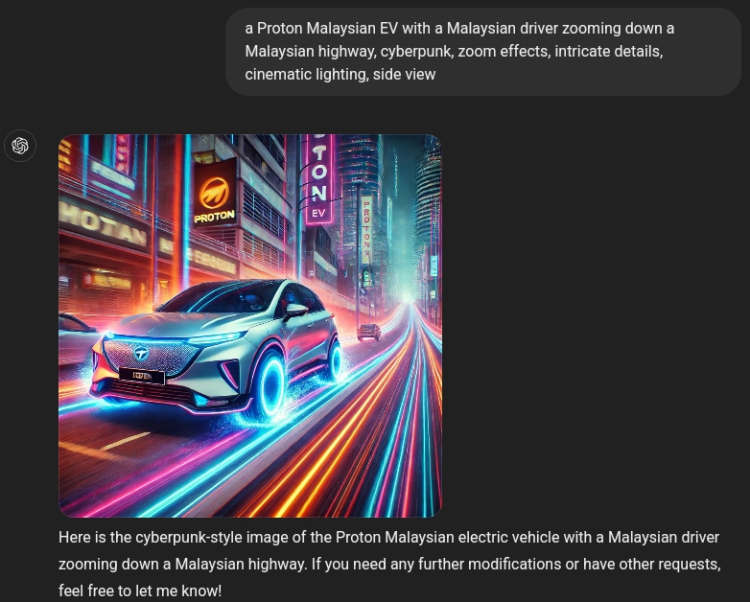
You can also go cyberpunk
That's all for now, but we plan to come out with more Generative AI guides in the future, so do let us know what you'd like us to explore in the comments below. Perhaps we should do how to make an image for an advertisement? Want some more keywords or need some ideas getting started? Feel free to ask and as always, stay tuned to TechNave.com.



COMMENTS