
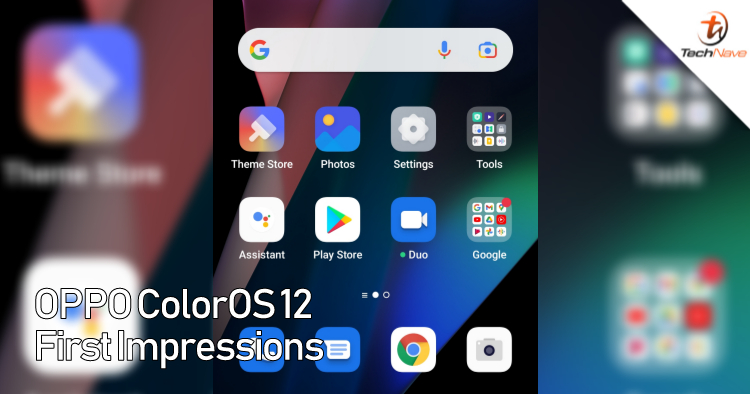
As phone brands around the world start their Android 12 rollouts, we managed to get some hands-on time with OPPO’s ColorOS 12. Amidst rumours of OnePlus also maybe using OPPO’s ColorOS, OPPO have come out with a number of new features for their ColorOS 12 update. These are our first impressions of the OPPO ColorOS 12.
Rolling out for the OPPO Find X3 Pro and other OPPO phones released in 2019, our first impressions of the new OPPO ColorOS 12 is that the overall look and feel of the user interface is more streamlined to fit with a specific yet personalized theme. Icons have smoother rounded corners and are more pastel coloured.
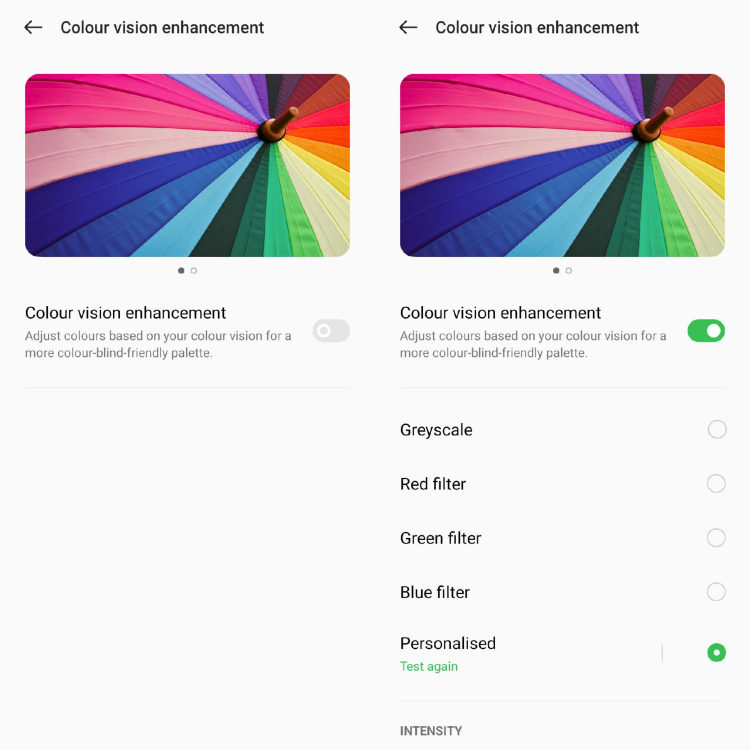
Are you Colour Blind? You can take an accurate Color Blindness Test to customize your own personalized ColorOS 12
This is particularly highlighted with the Accessibility 2.0 > color vision enhancement feature which runs a color blindness test and then configures the overall UI and menu icons to match. Trying this out with someone who actually has colour blindness reveals that this is more than just a fad as colours of the icons were actually tuned according to the test, making icons more easily viewed.
Other features like Omoji and the like weren’t readily available as they are set for release in December at the earliest (so it means it could come in 2022 as well). However, the features that we could test like Always-on Display 2.0 and others did bring another level of customization to the OPPO Find X3 Pro that was being tested than before.
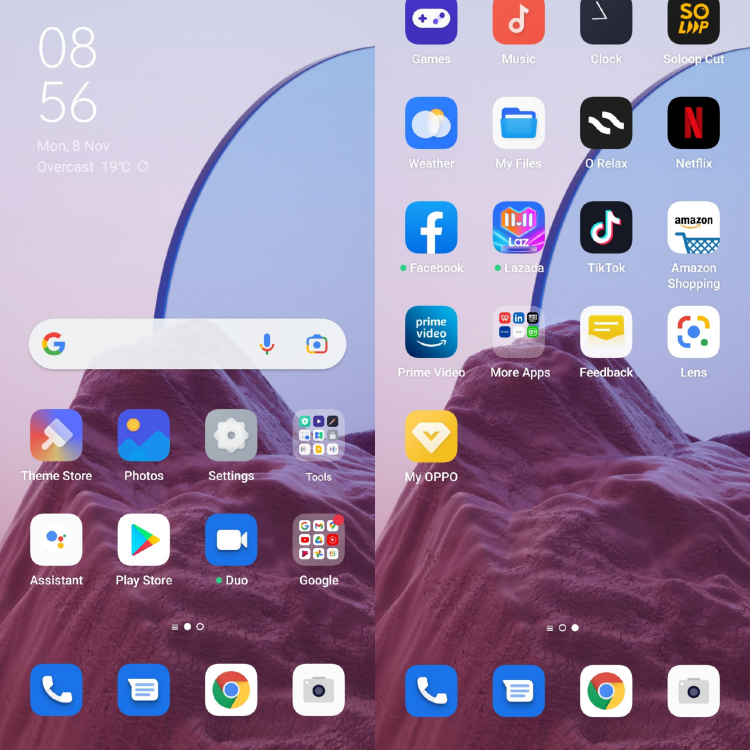
The new ColorOS 12 interface looks cleaner with more pastel colours
All these seem to indicate that OPPO users are in for a treat when ColorOS 12 does reach them as the features have been thought out fully and are designed to not only help users but also make the overall experience better. While the PC connect feature does seem to offer easier file transfer and cross-device interaction, I would have liked it better if OPPO also implemented a Windows-like desktop platform as well.
We didn’t manage to test out the Anti-peeping Notifications and AI System Booster due to time constraints but these could not only help secure your privacy but also increase your phone’s overall performance. Have you managed to try out OPPO’s ColorOS 12 update yet? Let us know what you think about it in our Facebook page and stay tuned to TechNave.com
Here's all the ColorOS 12 stand out features




COMMENTS