
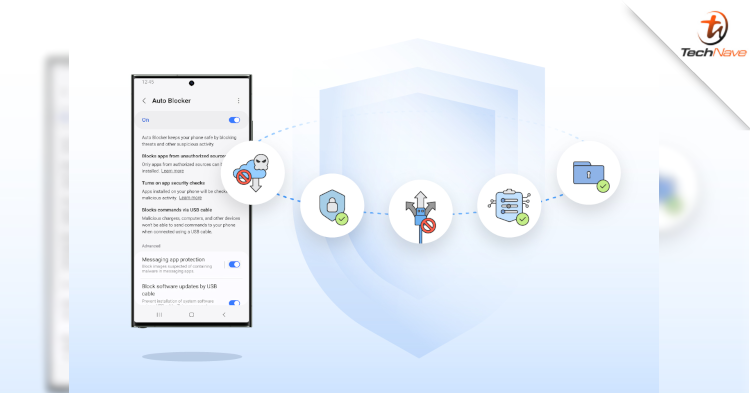
Previously, we mentioned the possibility of older flagships getting the One UI 6 update. Today, Samsung is rolling out a new security feature for the One UI 6. That said, what should you know about Auto Blocker?
For your information, the Auto Blocker keeps your devices protected in the way that best fits your lifestyle. Plus, it is an opt-in package of additional security measures. Hence, you can choose to activate it whenever you need it. That gives you more choices on the customisations enabled by Samsung Galaxy’s open ecosystem.
Moreover, the feature prevents your phone from installing apps from unauthorised sources. Notably, keeping this feature on will provide you additional security from social engineering attacks like voice phishing. That would be pretty handy in countering scams and malicious intent.
In addition, keeping the Auto Blocker on can help detect potential malware and prevent harmful commands and software installations by USB cable. That is handy if strangers have physical access to your phone. For example: charging a phone at an airport.
But it does not end there, the Auto Blocker features a new update for Message Guard. This new update mitigates Zero Click attacks, or direct image messages hiding malicious code. Therefore, it can protect you when using popular third-party apps. This way, you will have a better choice over the apps you can safely use.
What are your thoughts on this news? Stay tuned for more information and updates like this at TechNave!




COMMENTS